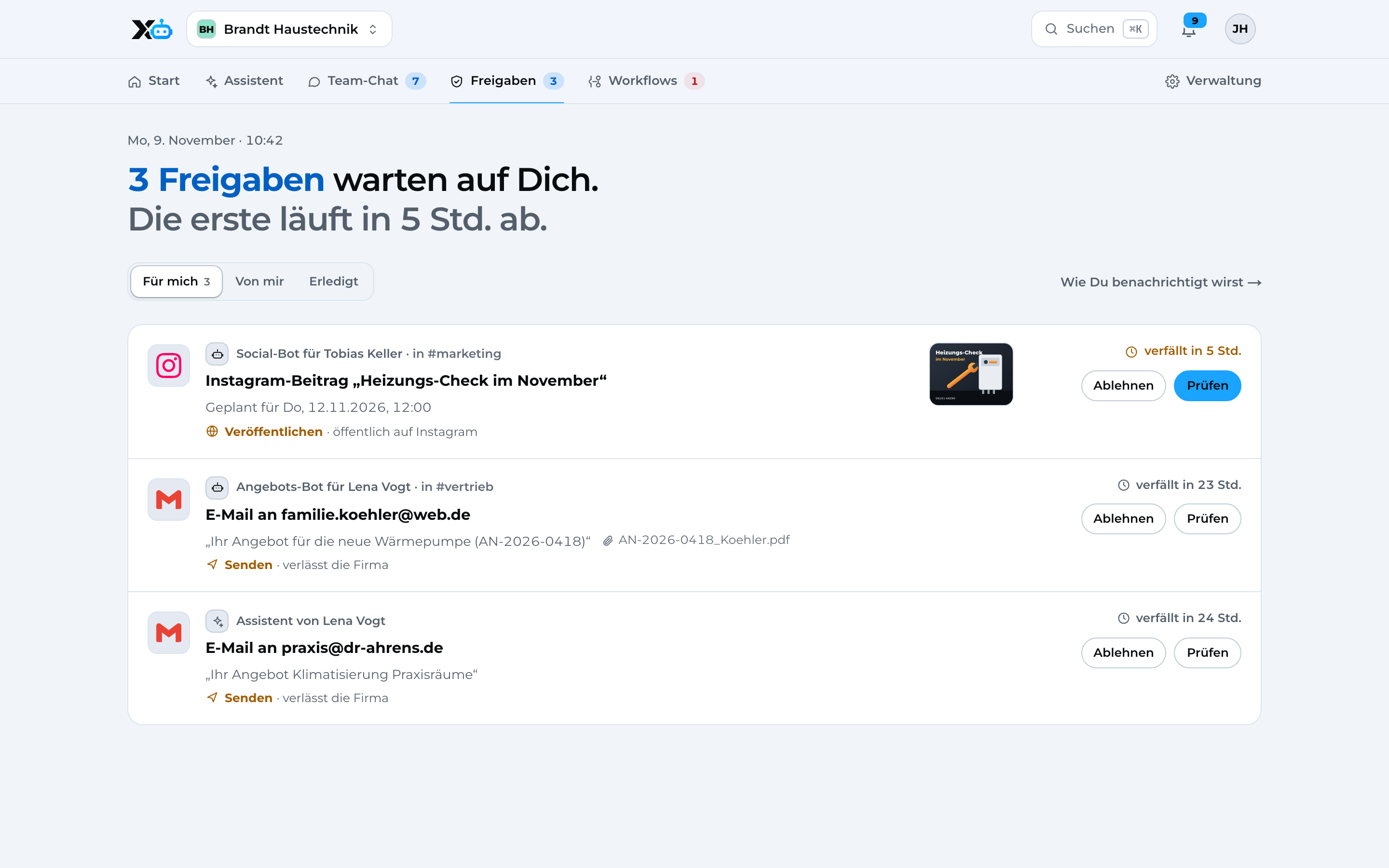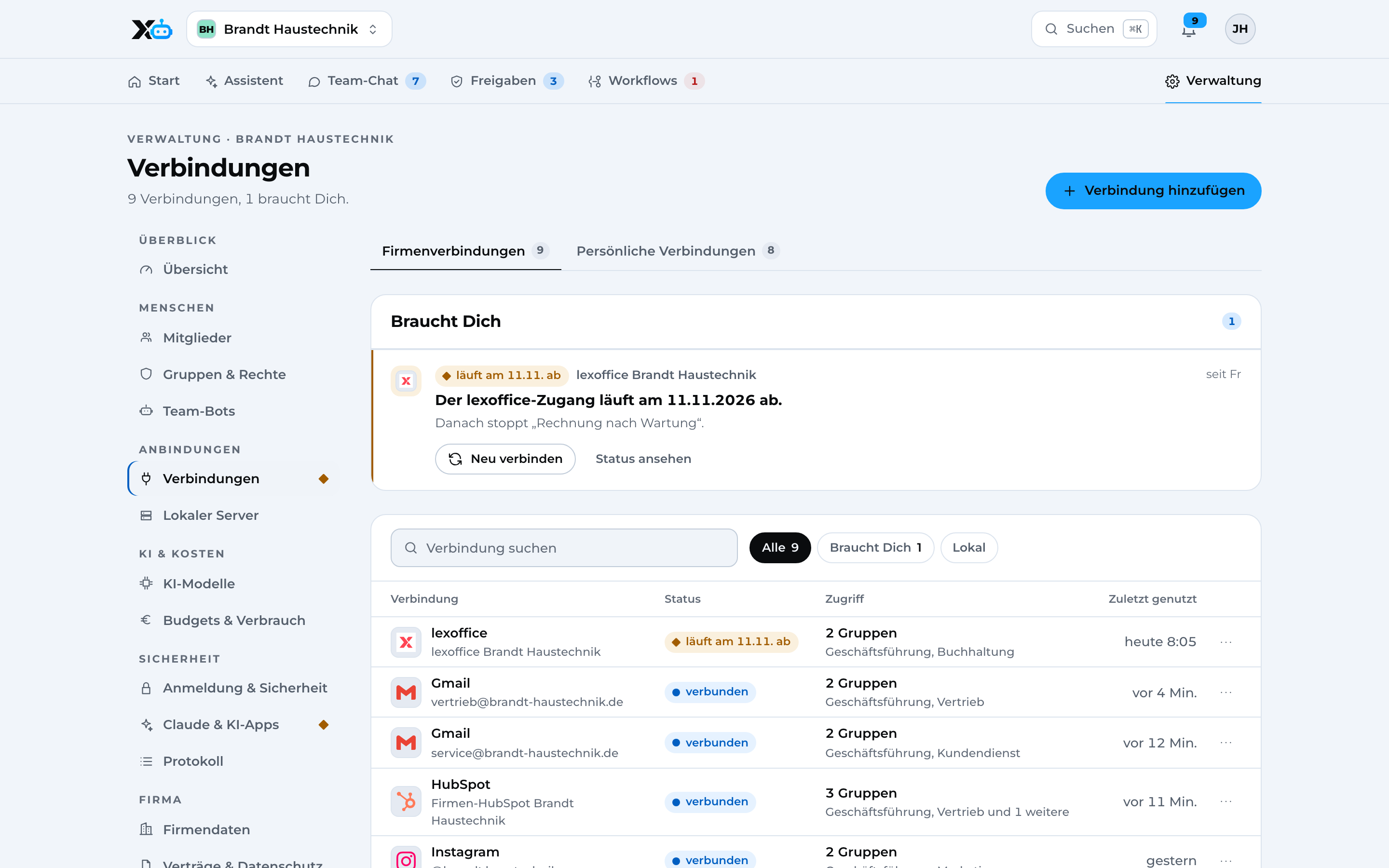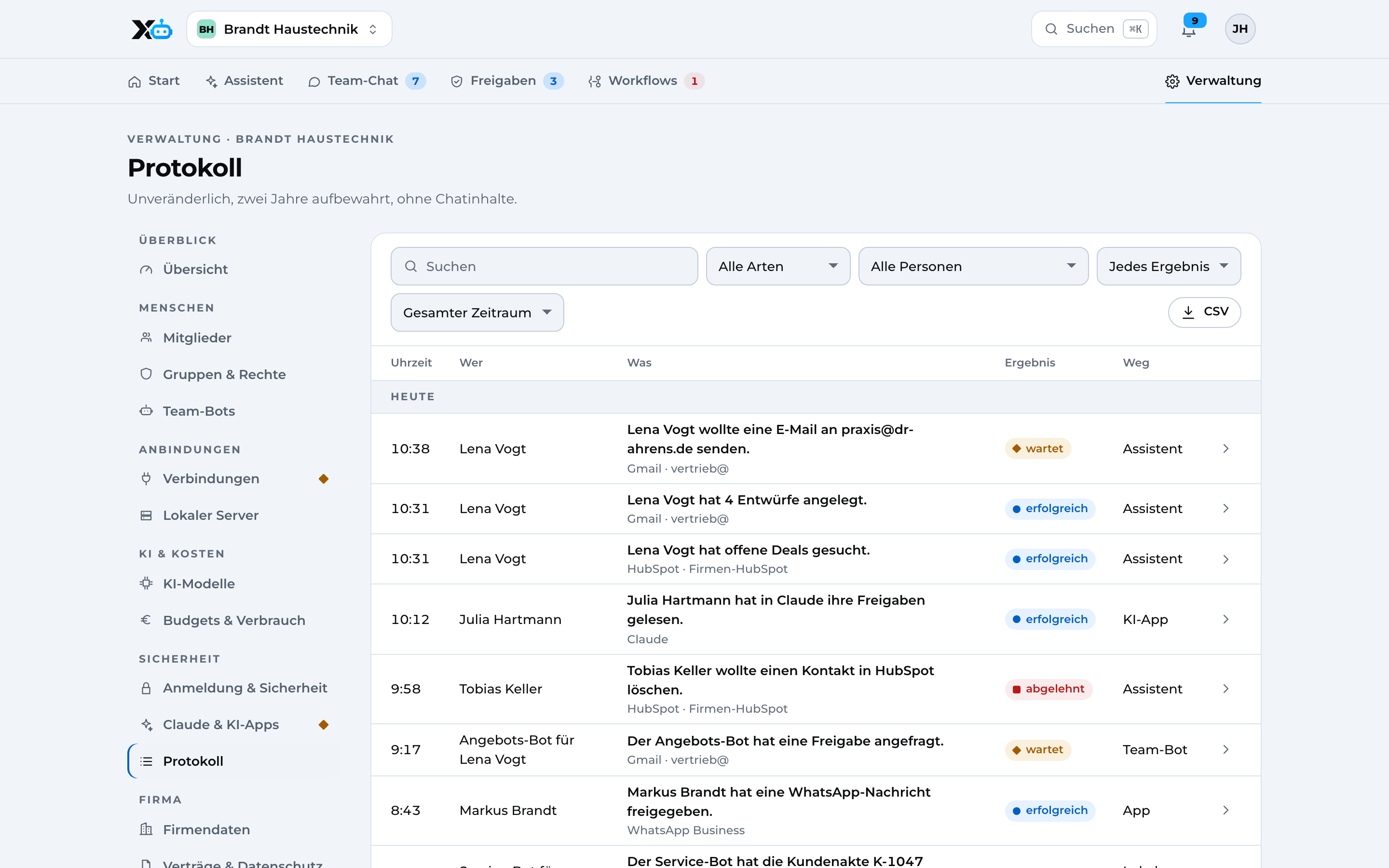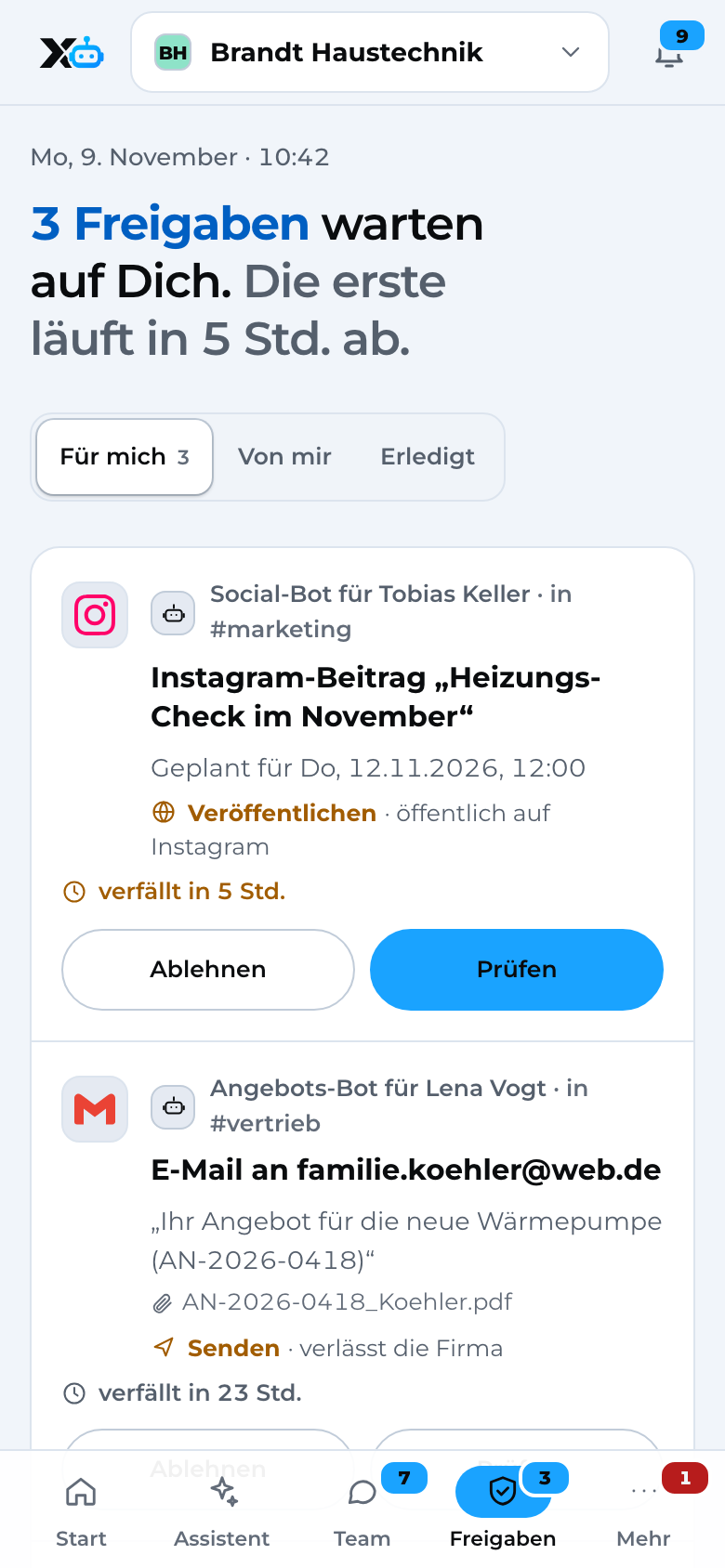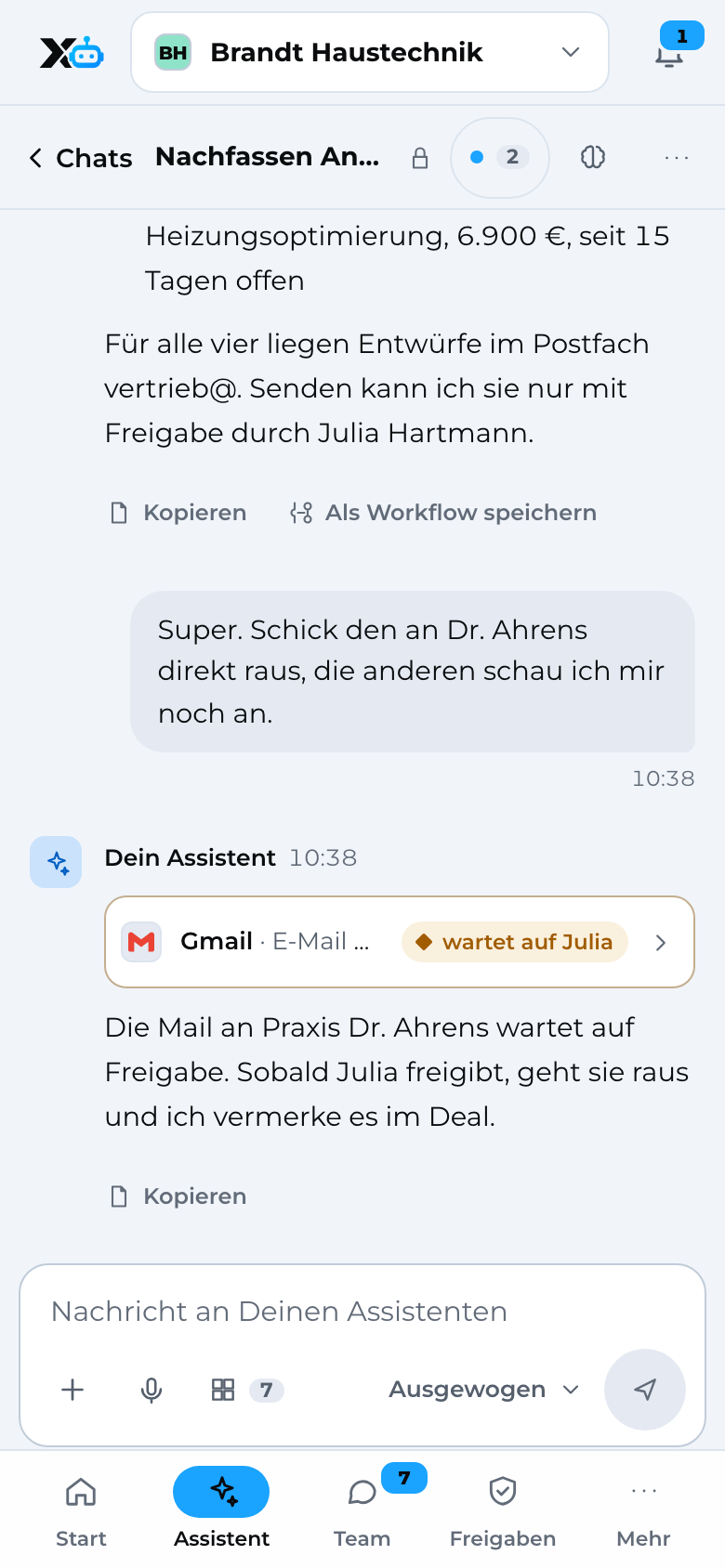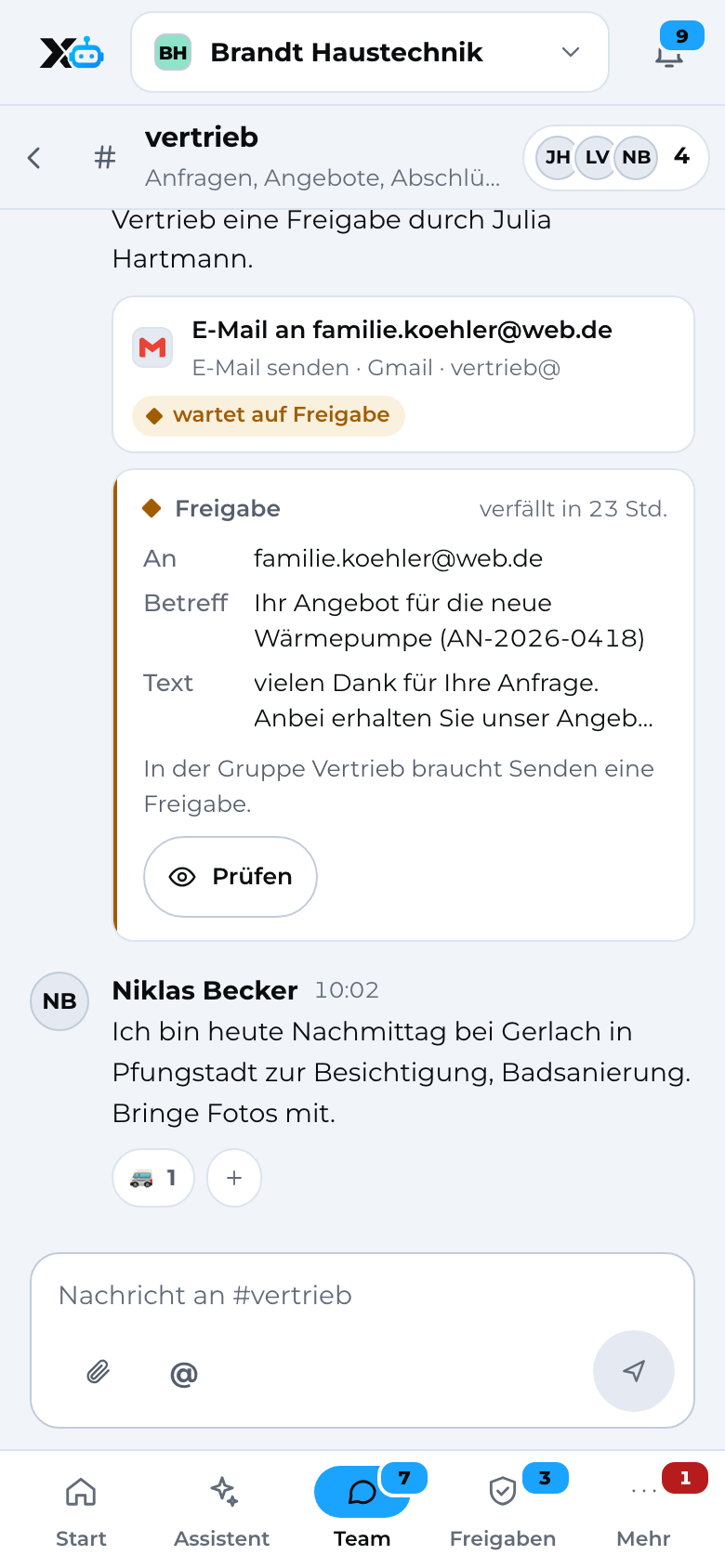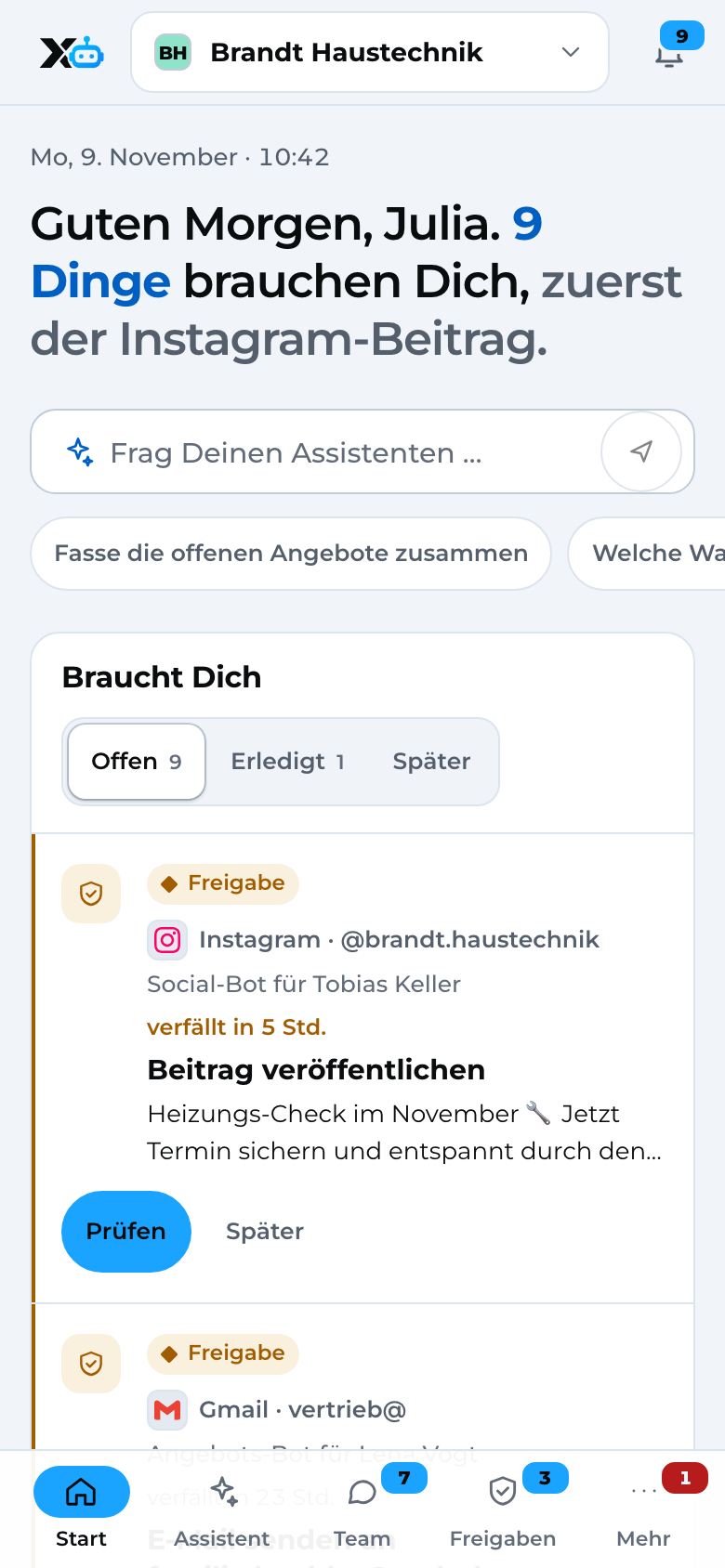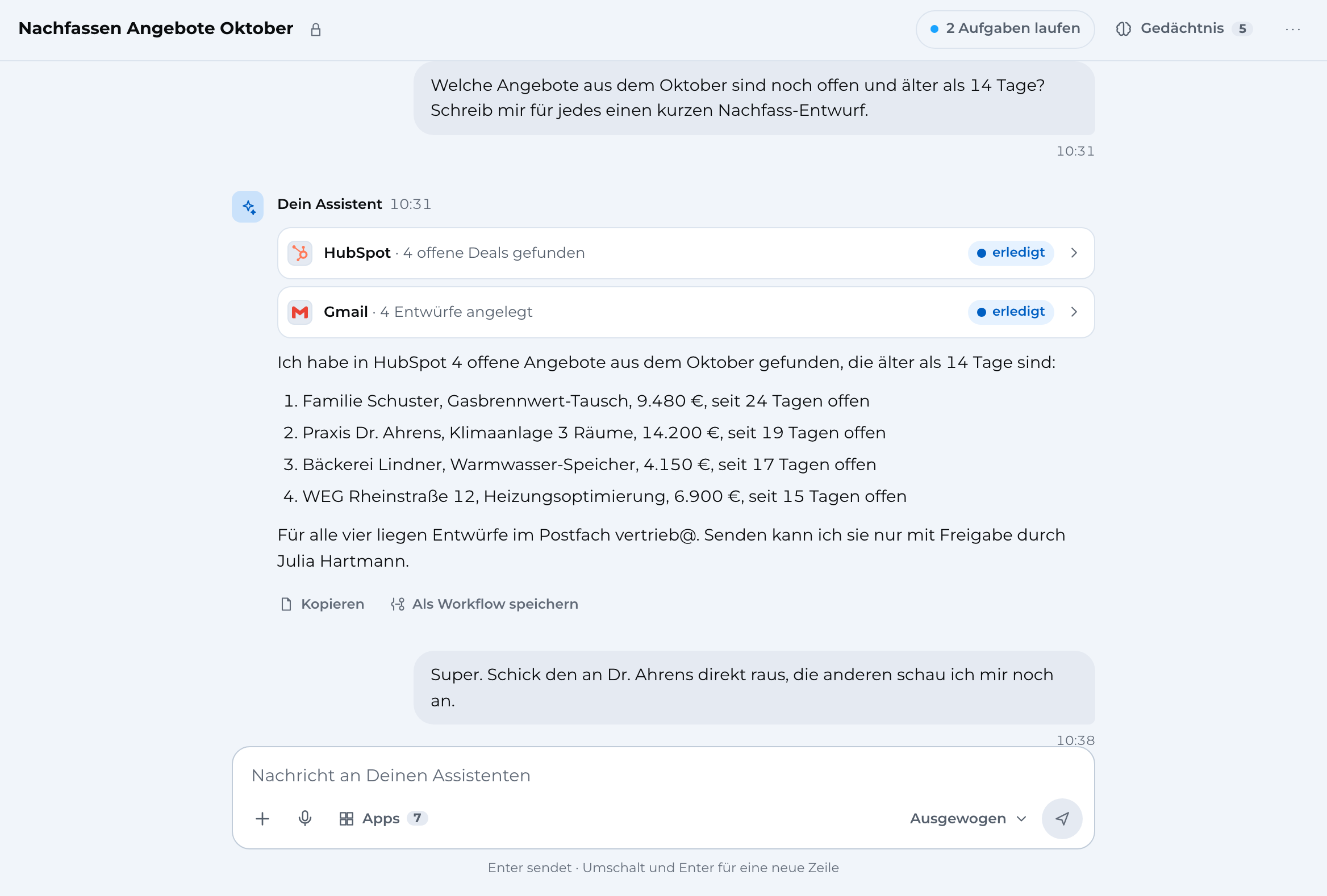
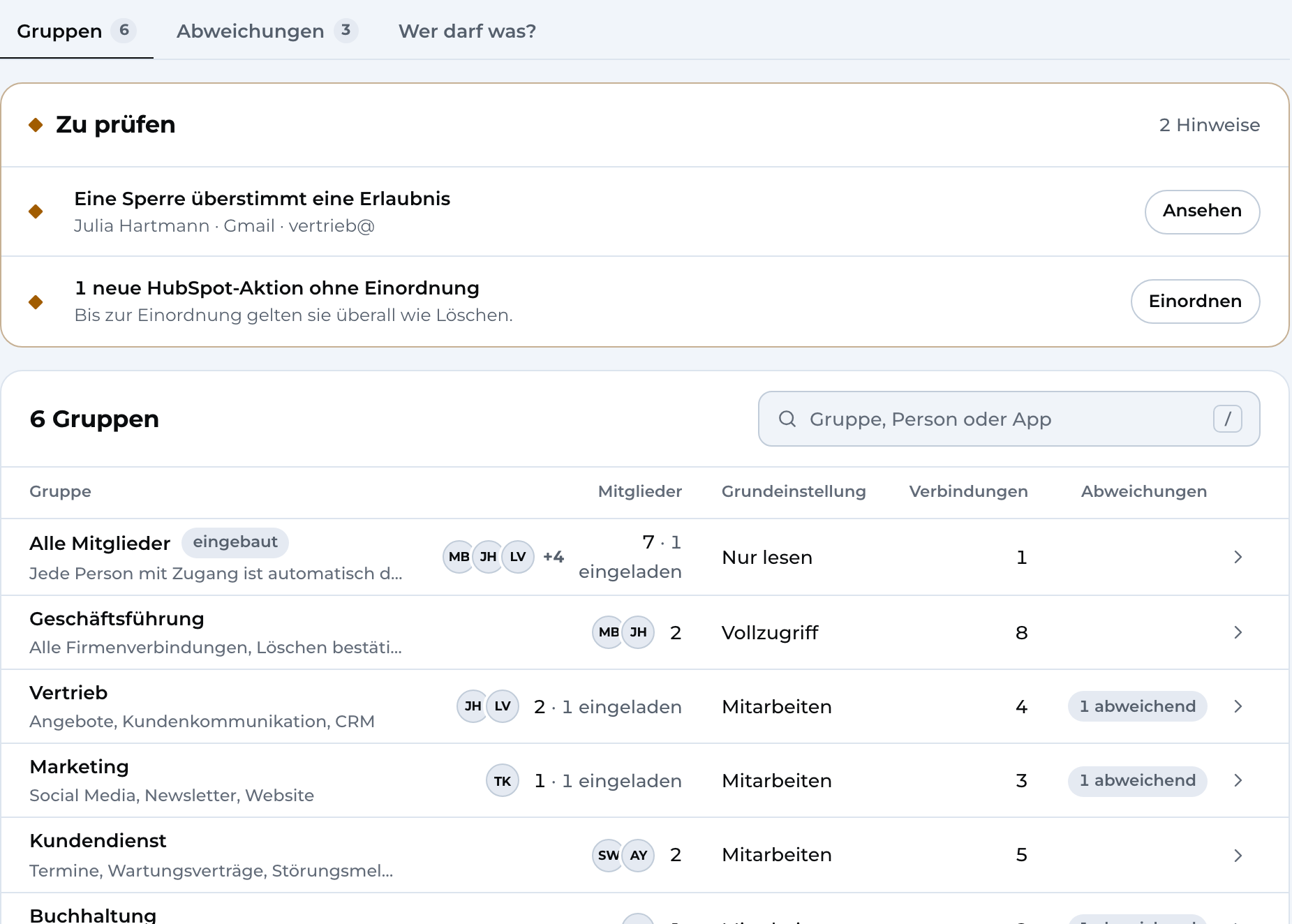






Assistant: answer with completed actions in HubSpot and Gmail, four follow-up drafts waiting for approval
Assistant on the phone

Image 1 of 3: Assistant

Sample data

X3 Automation · for processes

We automate manual processes in no time.Tedious work gets automated, so everyone can focus on what really matters.

No technical know-how or coding required. If you like, we set everything up turnkey in your business. Fully privacy-compliant and in line with all applicable security standards.

  • Permissions down to each action
  • Approval before anything is sent
  • Stored in Germany

Works with the apps you already use

01The problem

Processes are handled manually by staff. AI is used sparingly or not at all. Things get forgotten or take too long. That's where we come in.

Enquiries sit with one person, quotes wait for the boss. And anyone already using AI copies customer data into private chats.

  1. Only one person knows

    The enquiry sits in Lena's inbox. If she's off sick, the customer waits.

  2. Everything waits for the boss

    Quote, invoice, callback: nothing goes out without you, not even the simple stuff.

  3. AI without rules

    Customer lists end up in private AI chats. Nobody knows who has seen what.

The product

X3 Automation

Describe it once, it repeats automatically, easy to adjust: no technical skills needed, just as if you were explaining it to a colleague who gets it right away and does it again and again.

An assistant for every person, a team chat with bots, and workflows for everything that always runs the same way. With the apps your company already uses, and one set of rules for everything.
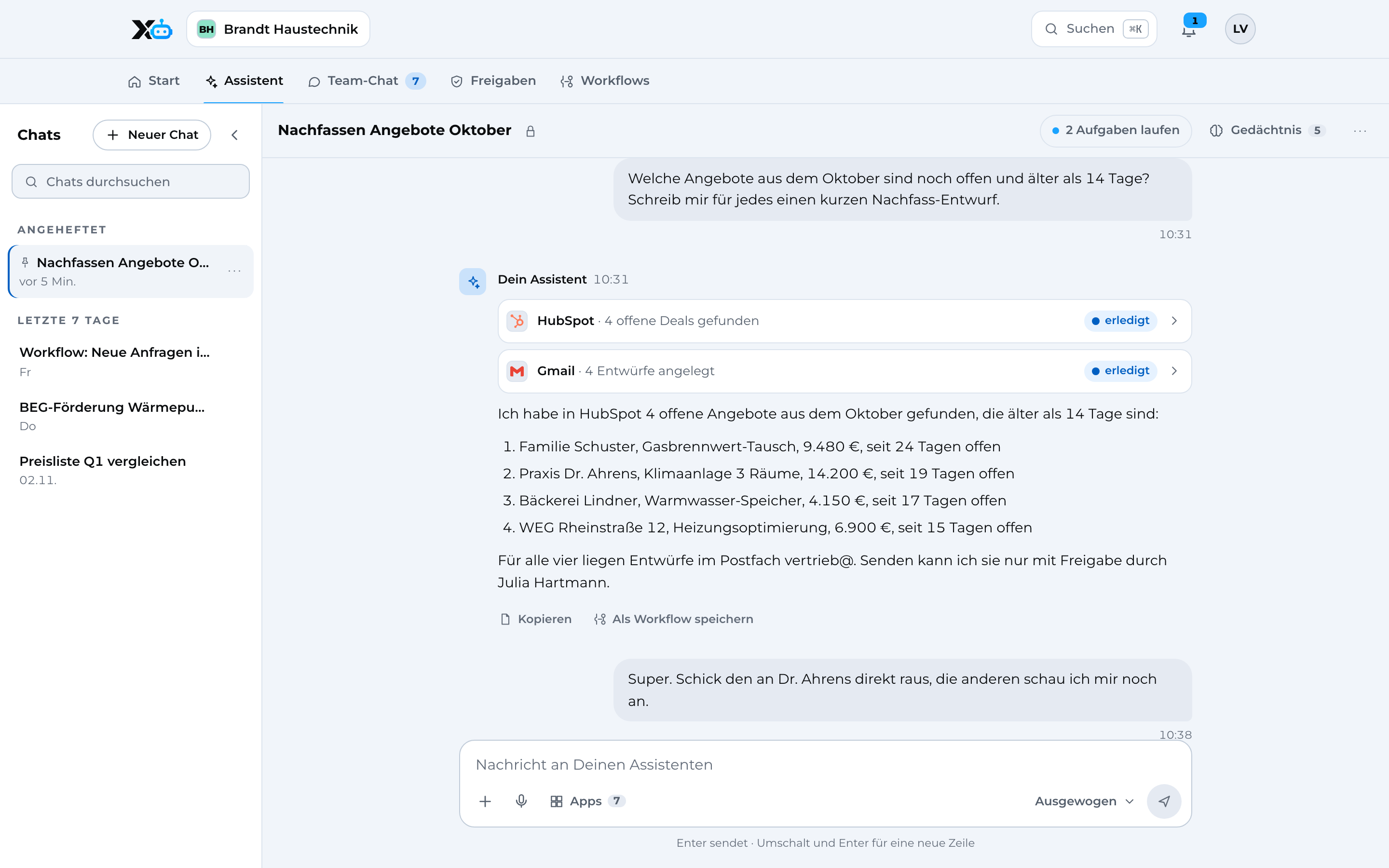
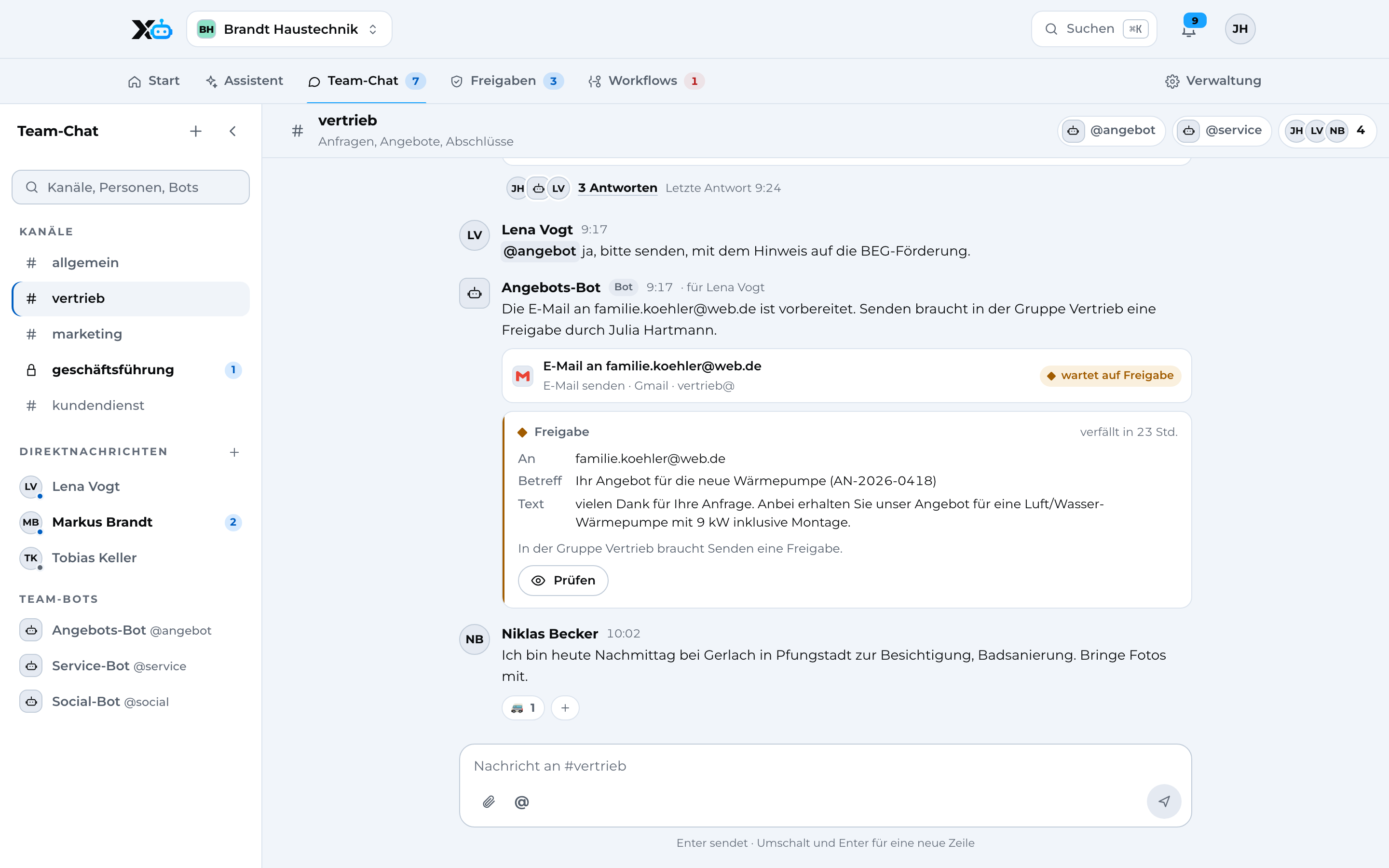
Assistant: chat with actions in HubSpot and Gmail, one email waiting for approval
Assistant on the phone
Sample data
  • Looks things up in your apps and writes drafts. Nobody else sees your chats.

  • Channels for the team, bots like @quote. A bot can only do what the person asking is allowed to do.

  • You see everything before it leaves the company. Review, approve, done.

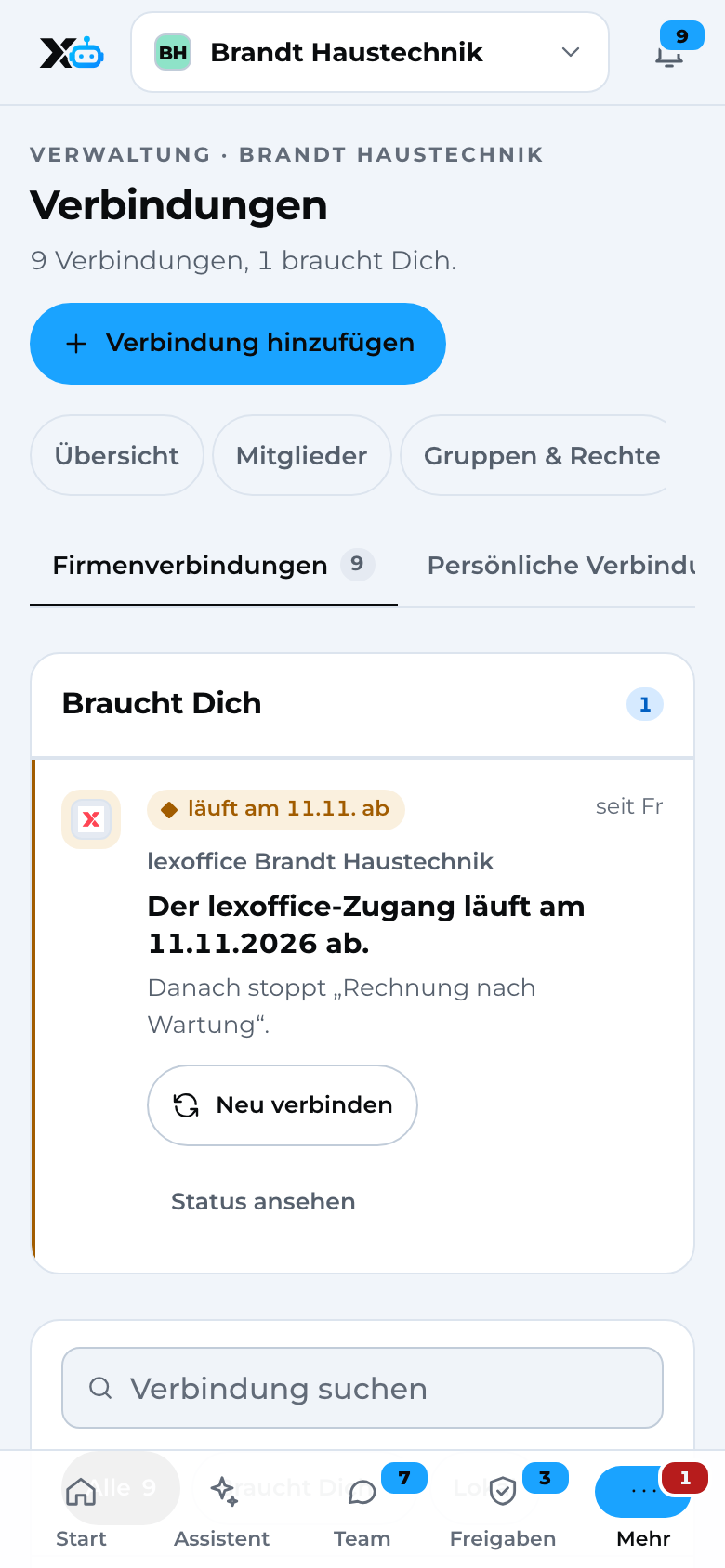
  • Sign in directly with the provider. We never see your password.

    +1,500 more apps
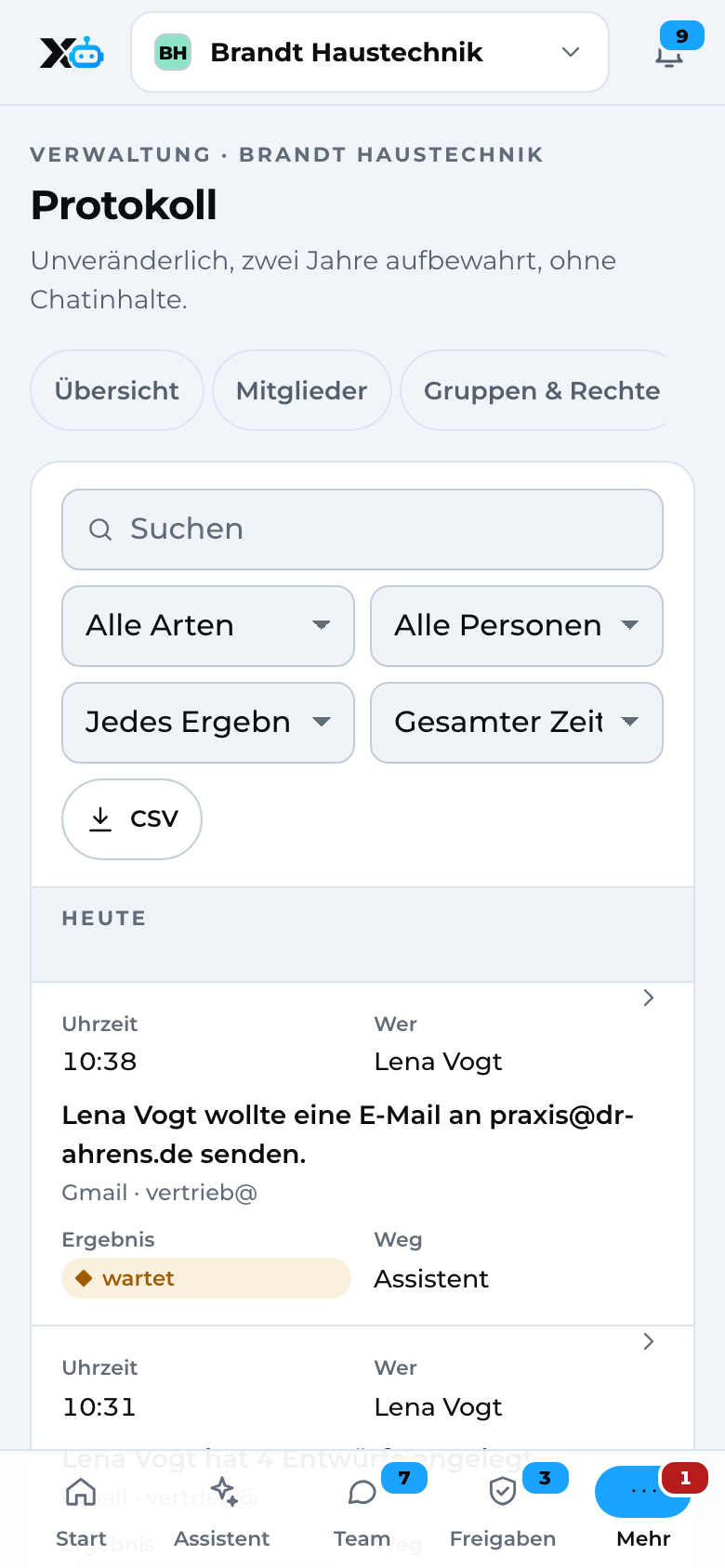
  • Who triggered and approved what, and when. Every action is in there.

  • Approve from the job site after a quick look at the text.
02Workflows for sales

New enquiry? Already in the CRM.

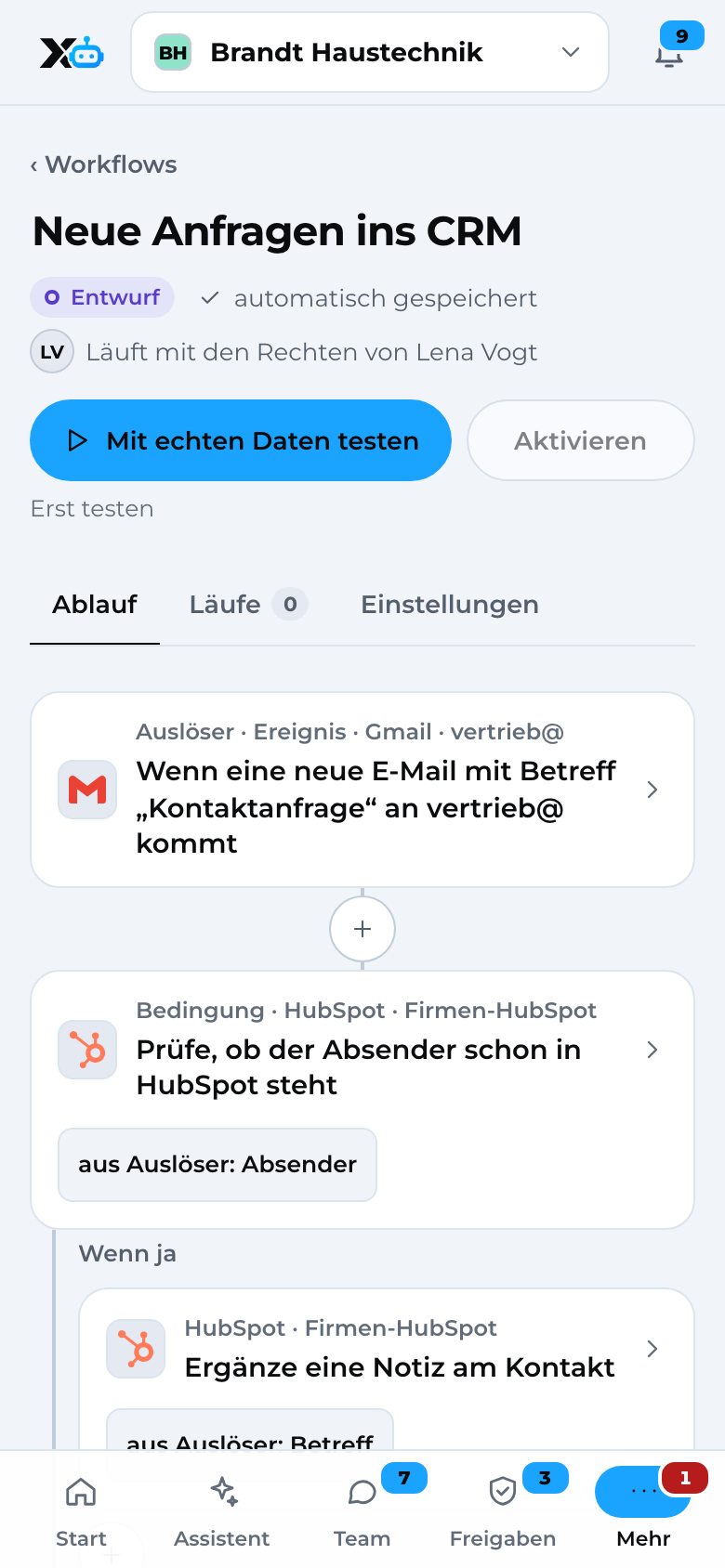
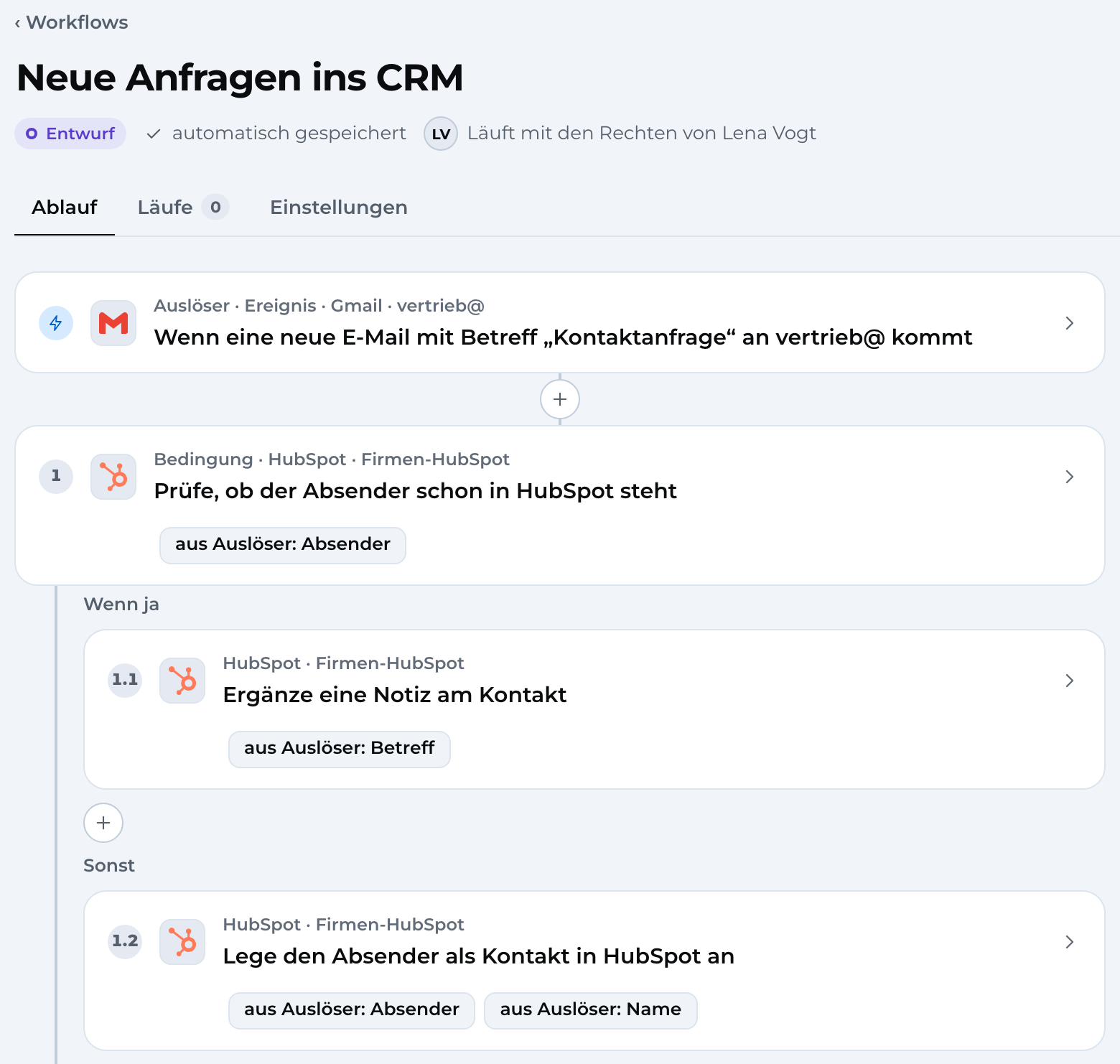
You describe the process in one sentence, X3 builds the draft. When a contact request comes in to sales@, the workflow checks whether the sender is already in HubSpot and creates them if not. Test with real data first, then switch it on.

  • Workflows read like sentences
  • Runs with one person's permissions
  • Templates to get started
Workflow “New inquiries into the CRM”: trigger in Gmail, condition and steps in HubSpot
Sample data
Workflow editor on the phone
Sample data

03Workflows for the office

From order to autopilot.

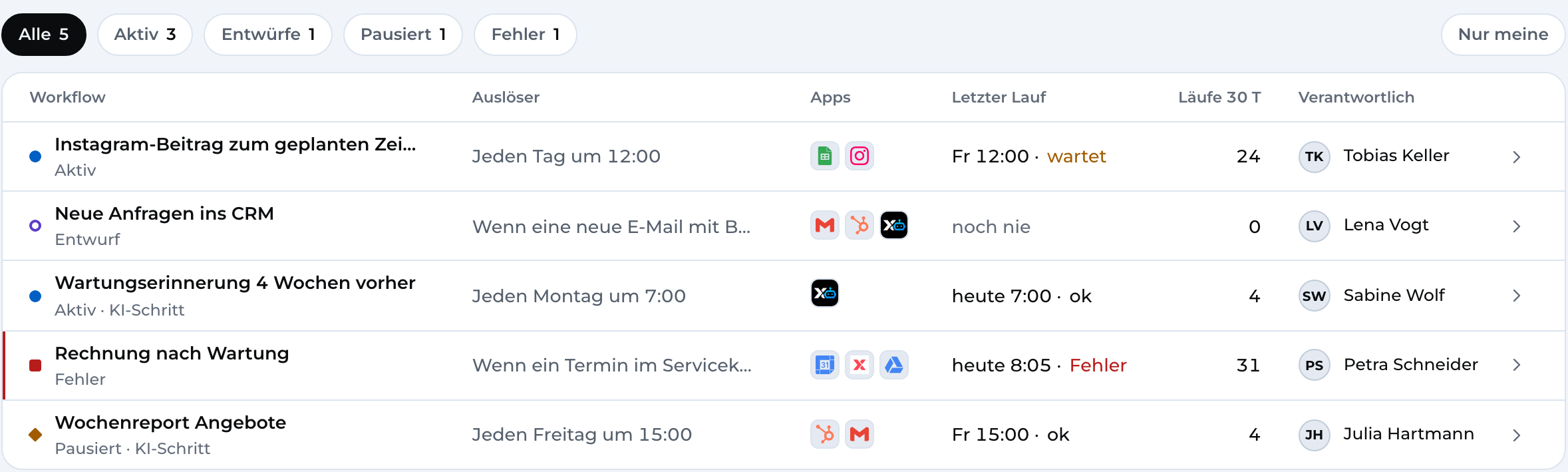
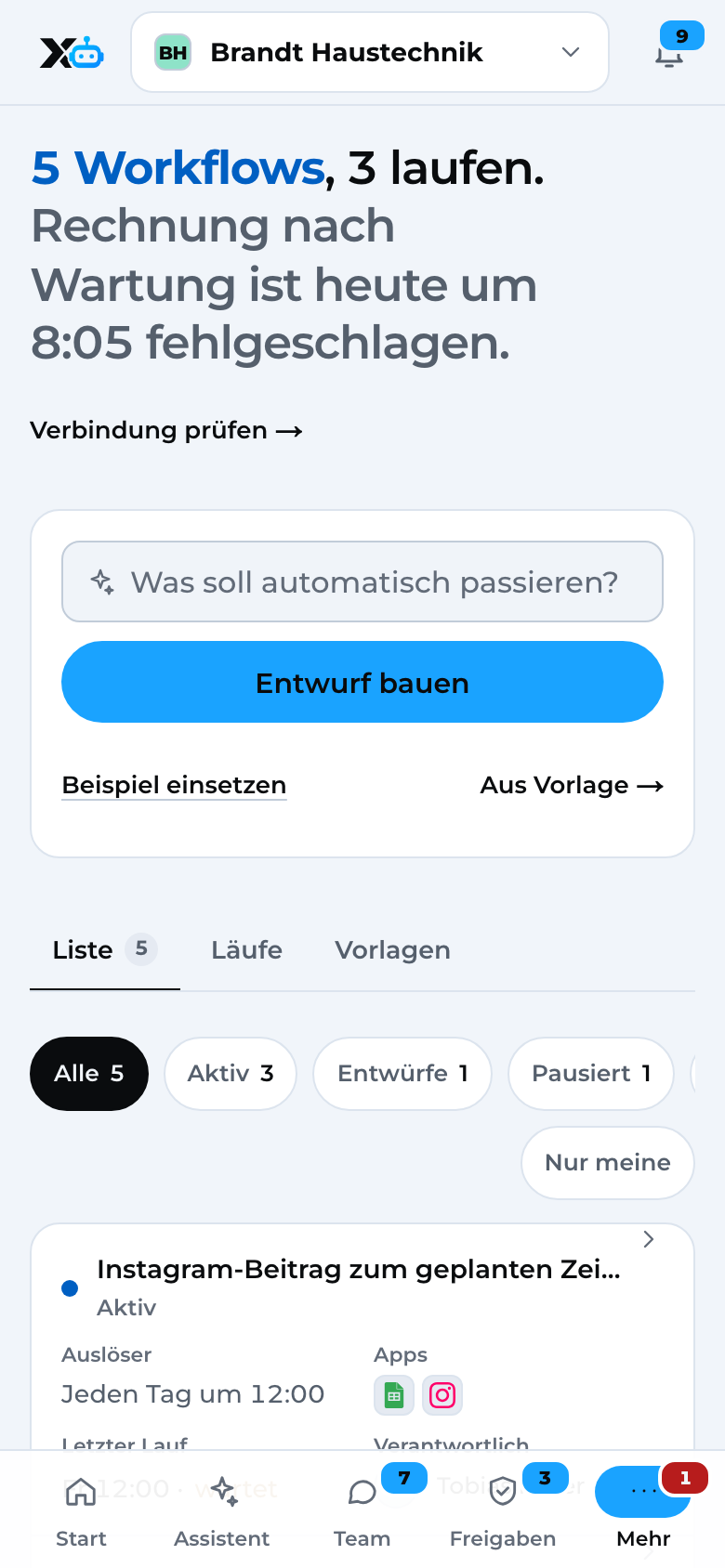
Incoming invoices from your inbox go to DATEV Unternehmen online as receipts, after approval. Every Monday, a reminder goes out to everyone whose maintenance is due in four weeks. You see every run and notice right away if one gets stuck.

  • Receipts to DATEV
  • Maintenance reminder
  • Weekly quote report
Workflows: list with trigger, apps, last run and errors
Sample data
Workflows on the phone
Sample data

04Permissions and data

Permissions by role. Data in Germany.

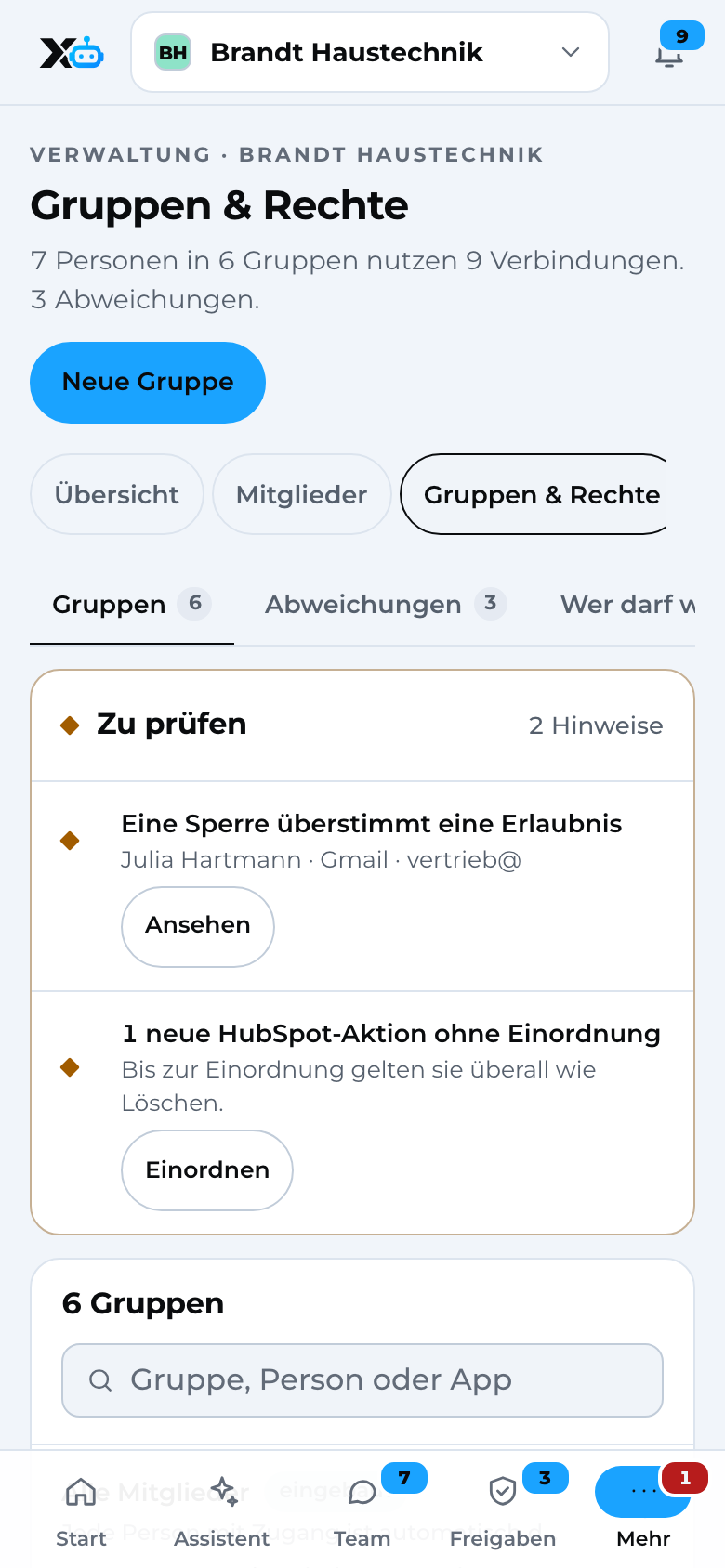
Management, sales, accounting: each group only gets the apps it needs. For every app, you decide who can read, edit, send and delete. Data is stored in data centres in Germany, and you sign the GDPR data processing agreement when you start.

  • Permissions per group and app
  • Stored in Germany
  • Local server optional
Groups & permissions: notes to review and six groups with default settings and connections
Sample data
Groups & permissions on the phone
Sample data

05Approvals

Nothing goes out without approval.

Whether it's the assistant, a bot or a workflow: before every action, X3 Automation checks who is allowed to do what. You see everything before it leaves the company.

  1. Step 1

    Someone asks

    You in the assistant, Lena in the team chat with @quote, or a workflow on Monday at 7.

  2. Step 2

    Check permissions

    Each group has a level for reading, editing, sending and deleting. A bot can never do more than the person talking to it.

  3. Step 3

    Approval

    Emails to customers and receipts for DATEV wait until someone reviews them. You can do that from your phone, too.

    You see the text first

  4. Step 4

    Audit log

    Who, what, when, and who approved it. Every action is in the audit log, without chat content.

    Traceable in every case

How X3 Automation works

06Better with X3

One account. The circle closes.

The enquiry comes from marketing, sales wins the order, X3 Automation handles the rest.

  1. Click to Enquiry

    X3 Growth Intelligence · Marketing

    Growth Intelligence shows which ad brought in the enquiry.

  2. Enquiry to Order

    X3 CRM · Sales

    X3 CRM tells your team who to call next.

  3. Order to Invoice

    X3 Automation · Automation

    The assistant writes emails, schedules meetings and sends receipts to DATEV, with your approval.

+1,500 more apps via X3 Automation

07Pricing

You pay per company, not per licence.

People are included in the plan. You pay for AI by usage, with a fixed budget that is never exceeded.

Start

For small businesses that start by automating e-mails, quotes and appointments.

€79per company / month

Up to 3 people in the organization · billed yearly

You save €240 per company a year

Choose plan
  • An assistant for every person
  • Connect all your apps
  • Approvals before sending
  • 5 workflows
  • €10 AI credit per month

Team

Recommended

For the whole team: team chat with bots, permissions per role and an activity log.

€199per company / month

10 people in the organization included · billed yearly

You save €600 per company a year

Choose plan
  • Everything in Start
  • Team chat with bots
  • Unlimited workflows
  • Permissions per role, activity log
  • Budgets per person
  • €30 AI credit per month

Business

For larger companies: budgets per group, your own API key, an on-premises server.

€449per company / month

20 people in the organization included · billed yearly

You save €1,320 per company a year

Choose plan
  • Everything in Team
  • Budgets per group
  • Your own API key possible
  • On-premises server available
  • Personal setup
  • €75 AI credit per month

Try it free for 14 days. People are included in the plan, so the whole team really uses the assistant. With monthly billing you can cancel monthly.

Add-ons

  • AI beyond the included creditpay as you goWith a hard budget per company, group and person. The budget is never exceeded.
  • On-premises server (Business)€1,490 one-off + €249 / monthOn-site setup, maintenance and updates. Business with on-premises server
  • Additional people beyond the plan€12 / personSo nobody on the team is left out.

Better together: 15% off with two X3 products, 25% with all three. All prices and the bundle discount

All prices are net, for businesses only (B2B). good vibes GmbH is not registered for Swiss VAT, so no VAT is charged. EU businesses book with their VAT ID (reverse charge).

08Questions

Short questions, short answers.

Do I need IT skills for this?

No. You connect your apps with your normal sign-in, and workflows read like sentences. If you like, we'll set up the start together with you.

Where is my data stored?

Your data is stored in data centres in Germany. For AI answers and app connections we work with providers that also process data in the USA, safeguarded by standard contractual clauses. With a local server, personal data stays within your business.

Can the assistant send anything without me?

Only if you allow it. For every group, you decide what it can read, edit, send and delete. By default, sending needs an approval, and you see the email beforehand.

What does the AI cost?

Every plan includes a monthly AI credit: €10 in Start, €30 in Team, €75 in Business. Anything beyond that is billed by usage in euros. You set budgets for the company, groups and people, and always see the forecast for the end of the month.

What is a local server?

A small computer in your office that we set up for you. It reads customer files on site and only passes placeholders to the assistant instead of names, addresses and phone numbers. It's optional.

Can I manage several companies?

Yes. With one account you work in several companies, with your own role in each. Data, chats and permissions stay separate per company.

09Get started

Start today. For free.

Sign up, connect your apps, test your first workflow from a template.Rather do it together with us? Then book a setup session.

Rather talk?