GDPR
GDPR compliant
You sign the data processing agreement when you start.
DPA from day one
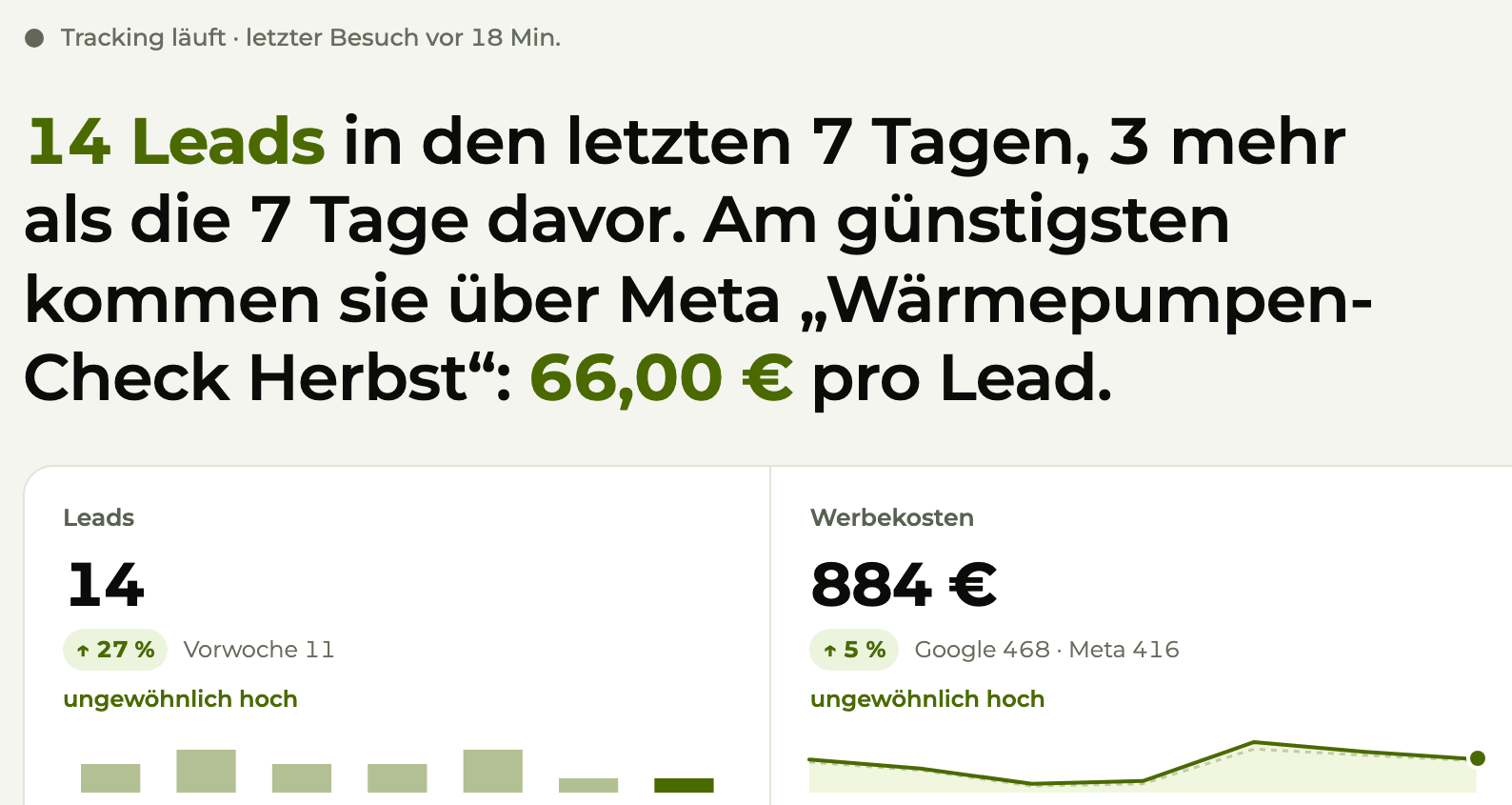
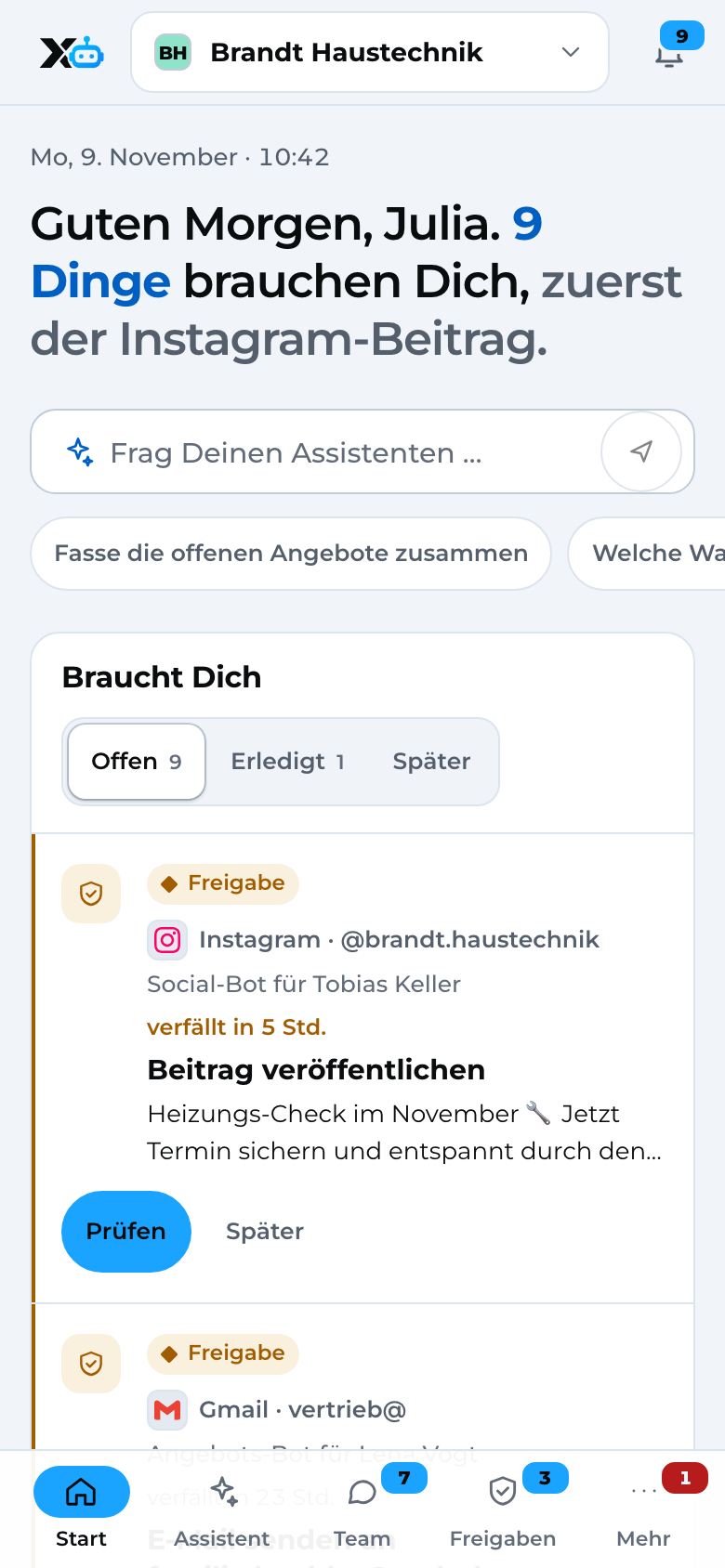
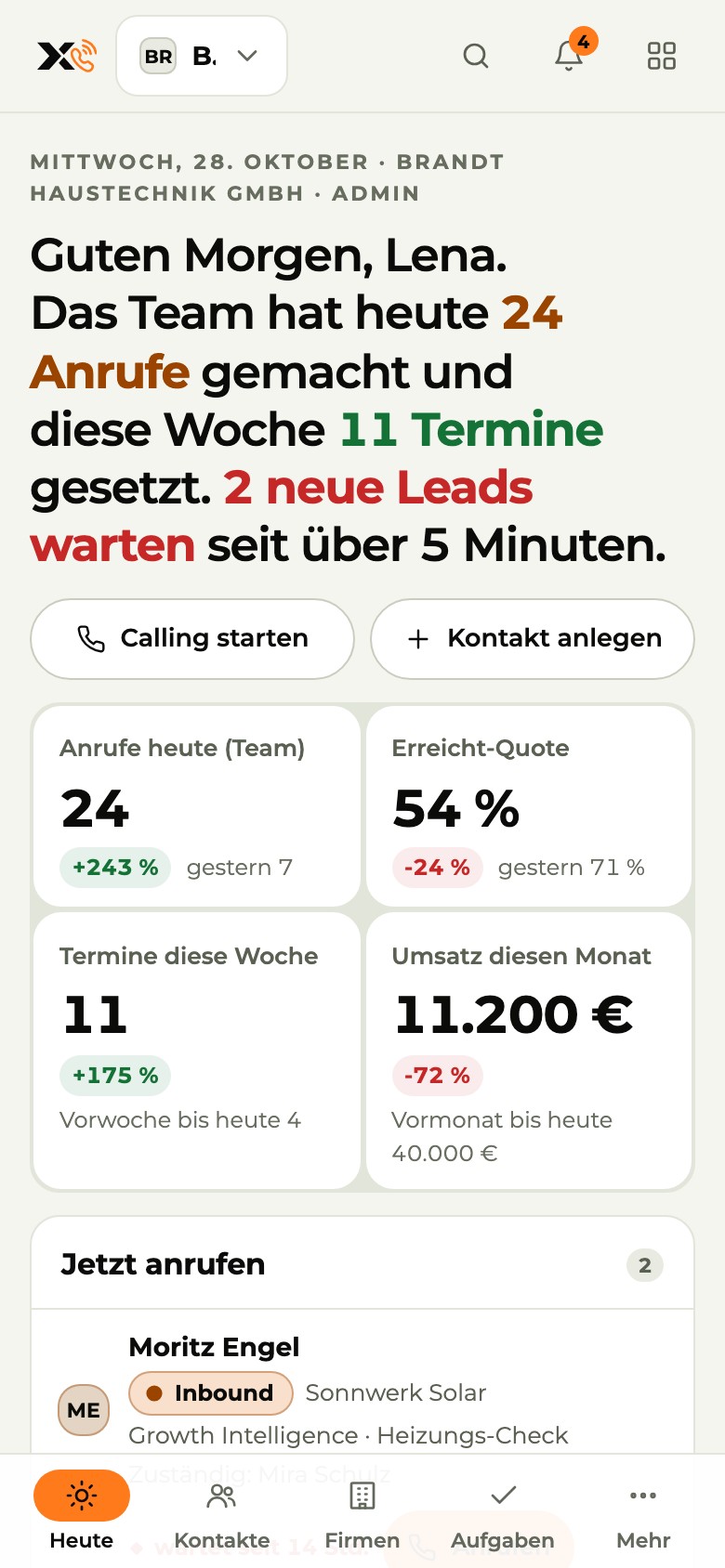
Image 1 of 3: Growth Intelligence
X3 Marketing · Sales · Automation
X3 consists of three separate modules for marketing, sales and process automation. The operating system for companies that win customers online and offline, call them on the phone and use the full power of automation and AI in their daily work. For the best possible marketing and sales results and maximum customer satisfaction. That is what X3 stands for.
Connects with
01The problem
Marketing sees clicks. Sales sees calls. The back office sees invoices. Nobody sees the whole journey.
You pay for ads and see clicks. Which of them brought in customers, you can't tell.
Email, phone, web form. Every lead sits somewhere else, and nobody has the full picture.
Customer data gets copied by hand from the inbox into a spreadsheet and on into the invoice.
02How it works
No retyping from one program into the next. Every step passes on what it knows.
Click to Lead
 X3 Growth Intelligence · Marketing
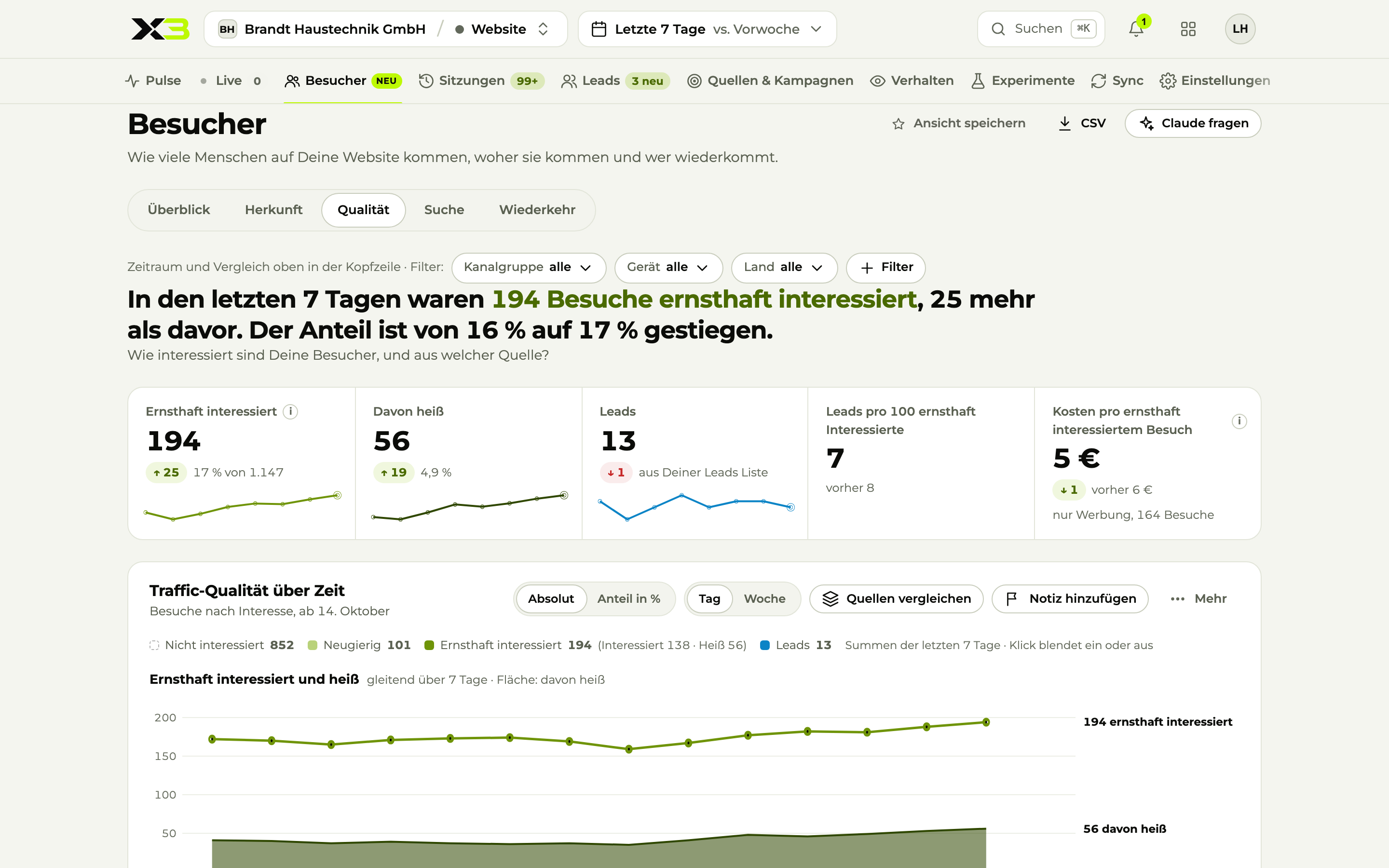
X3 Growth Intelligence recognizes where a visitor comes from, what they look at and how interested they are.
 Google Ads
 Meta
 LinkedIn
Lead to Order
 X3 CRM · Sales
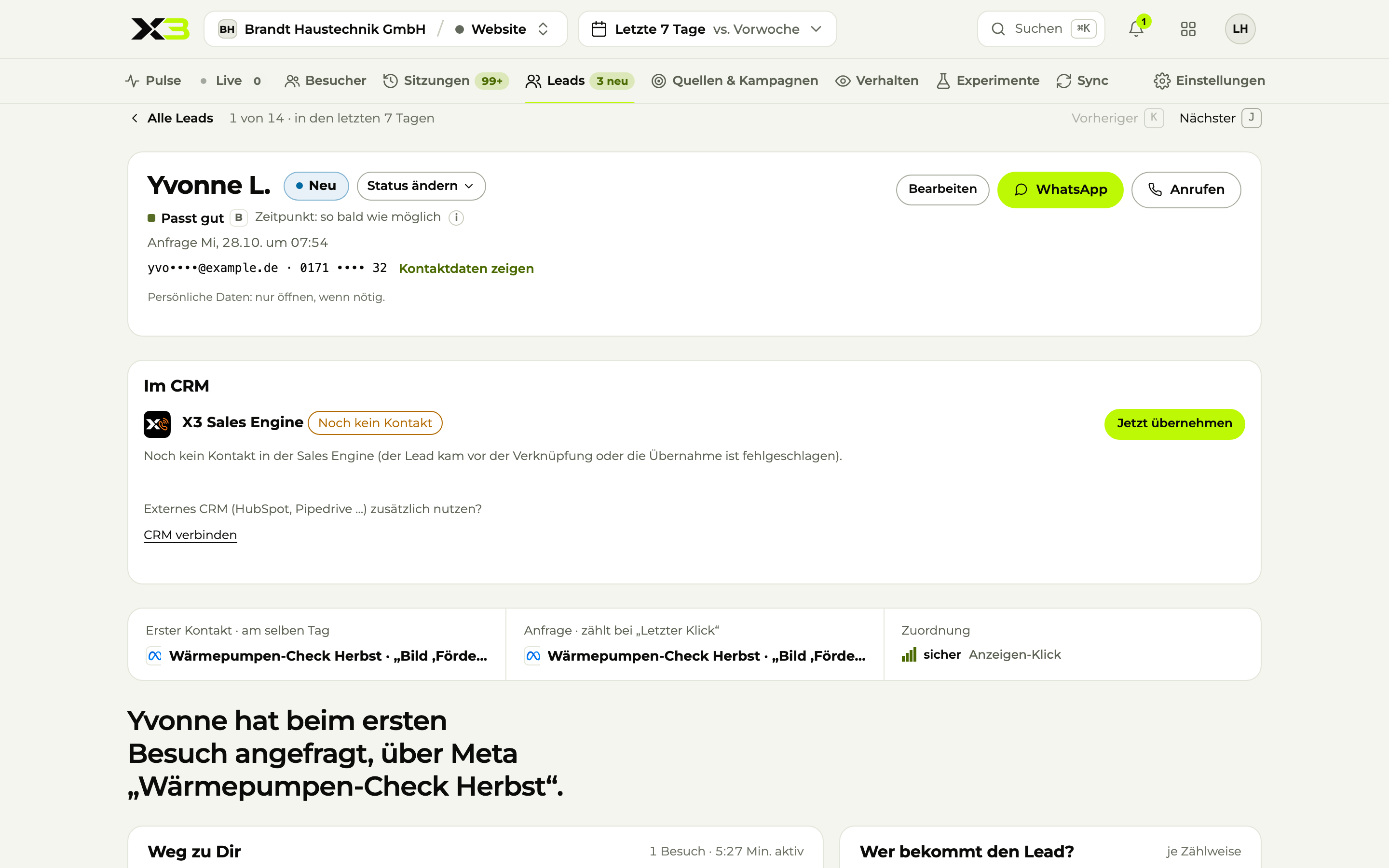
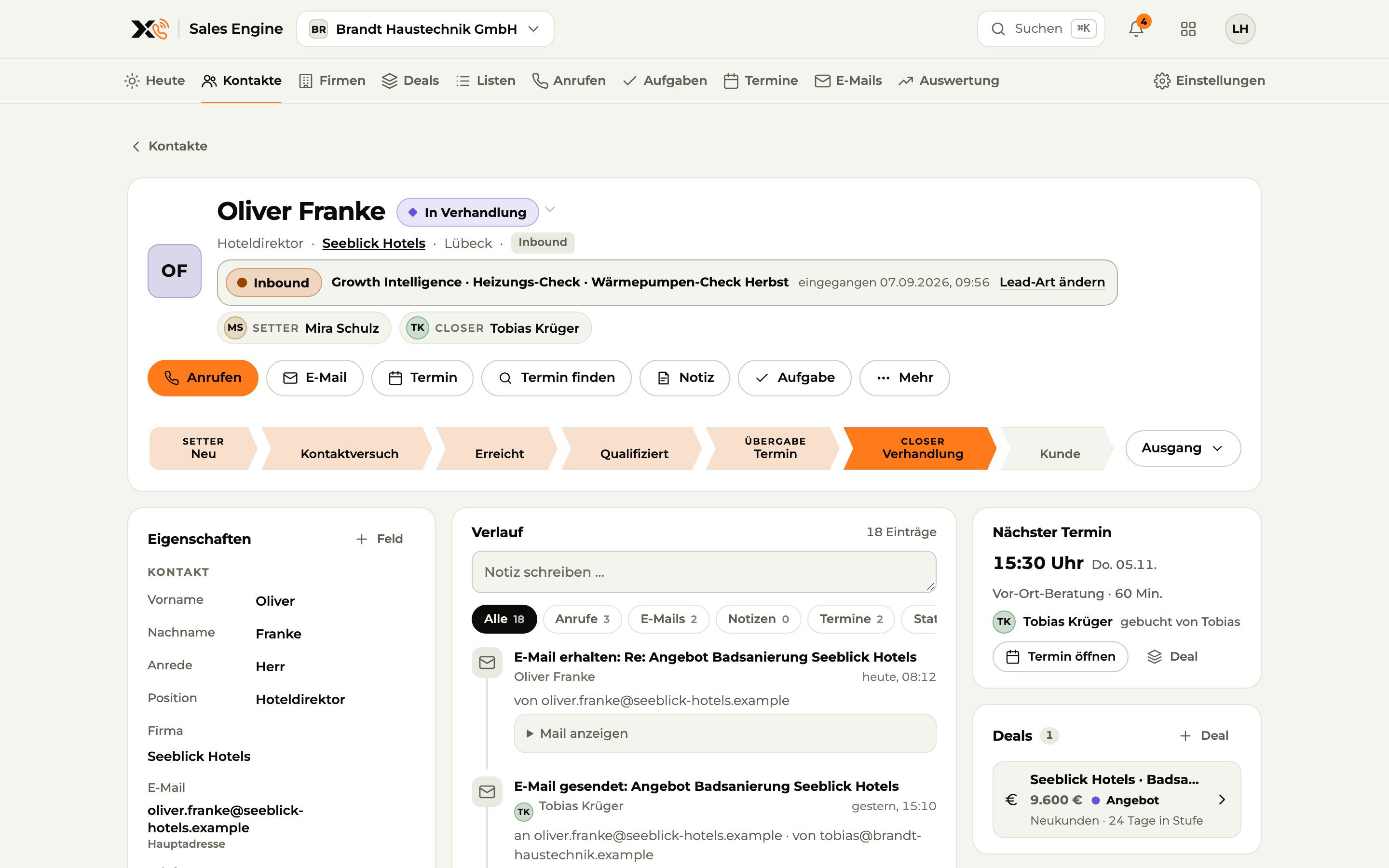
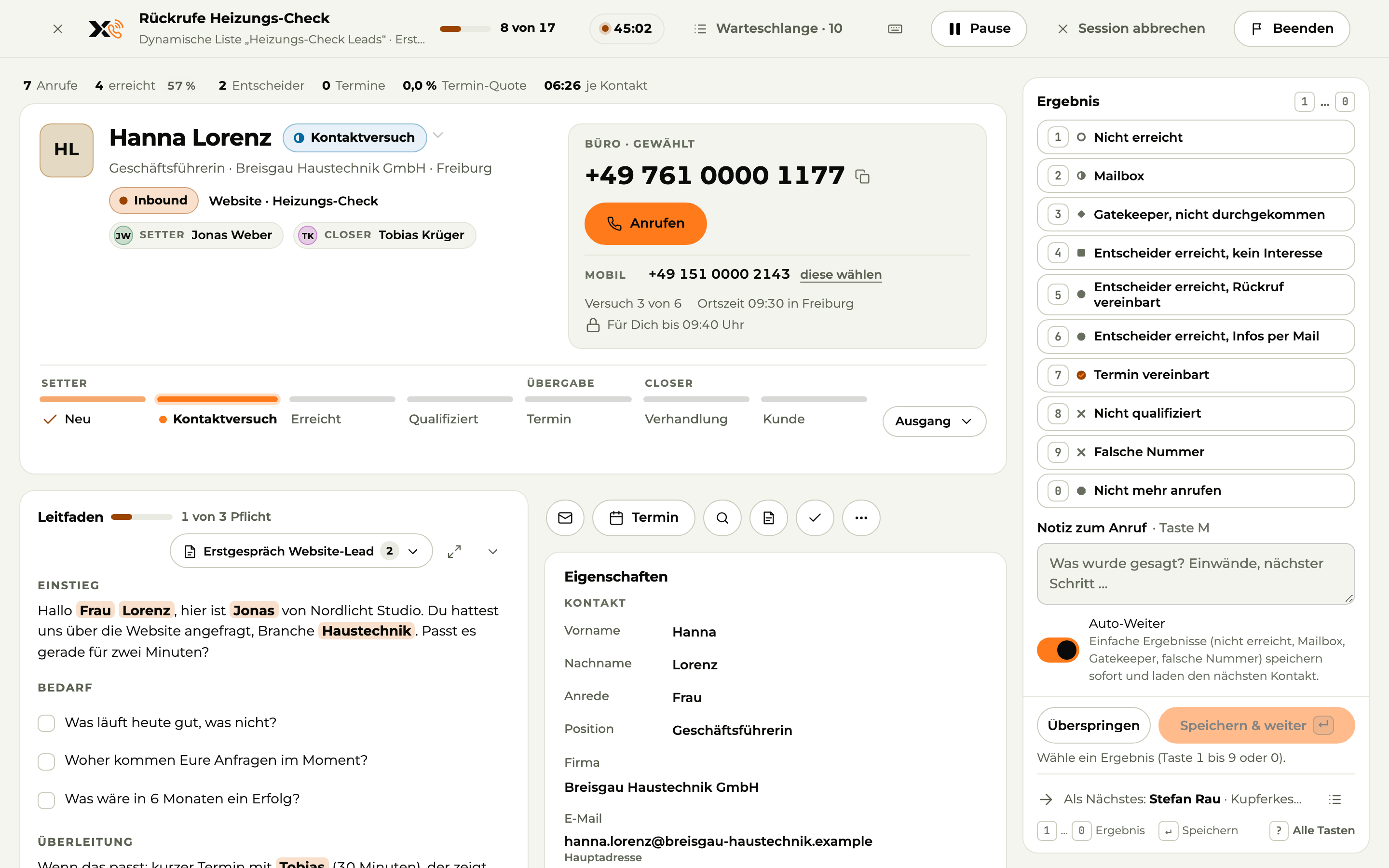
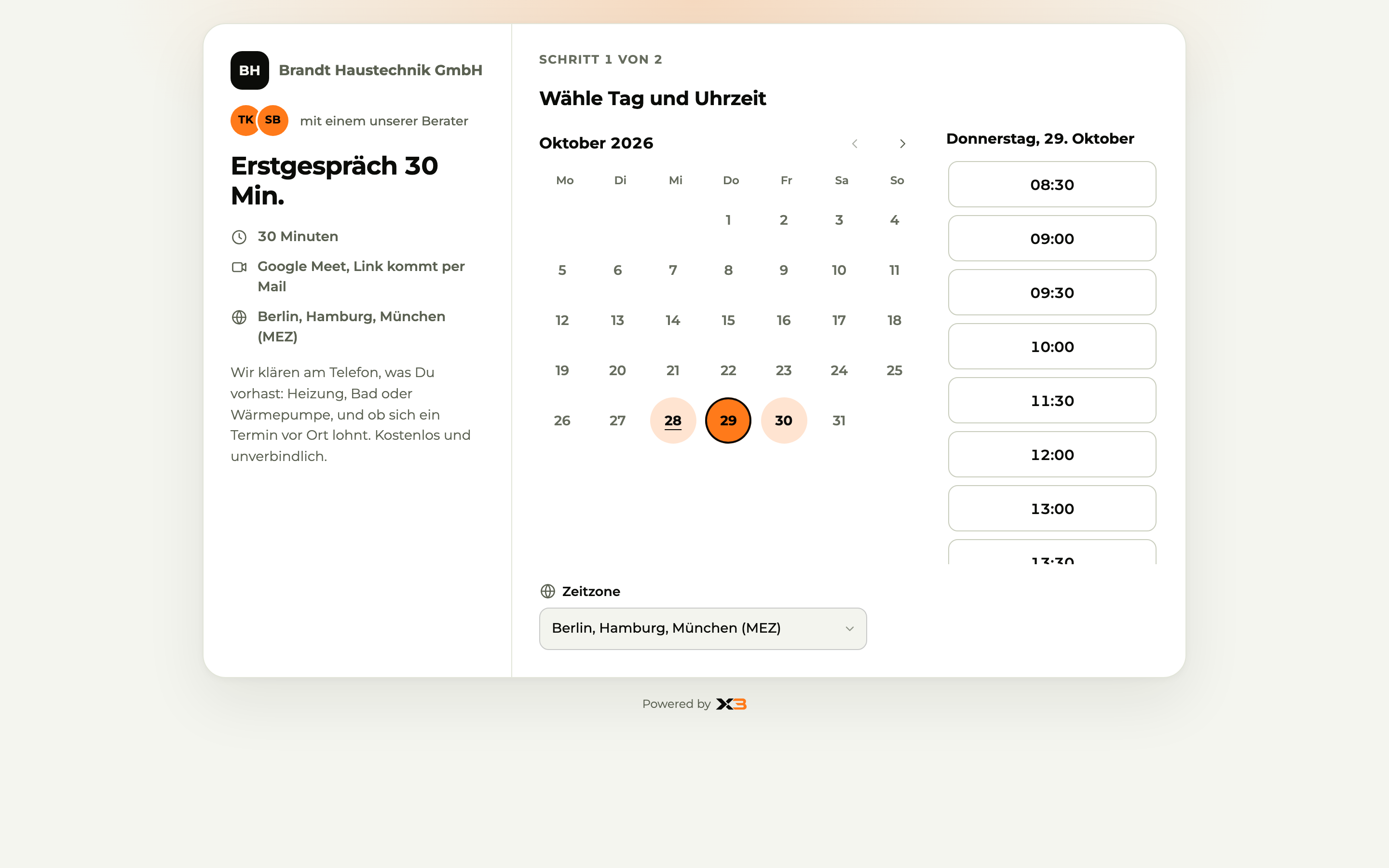
The lead lands in X3 CRM with its source and history. The hot ones come first. Your team calls back and books the meeting.
 Gmail
 Outlook
 Google Calendar
Order to Invoice
 X3 Automation · Automation
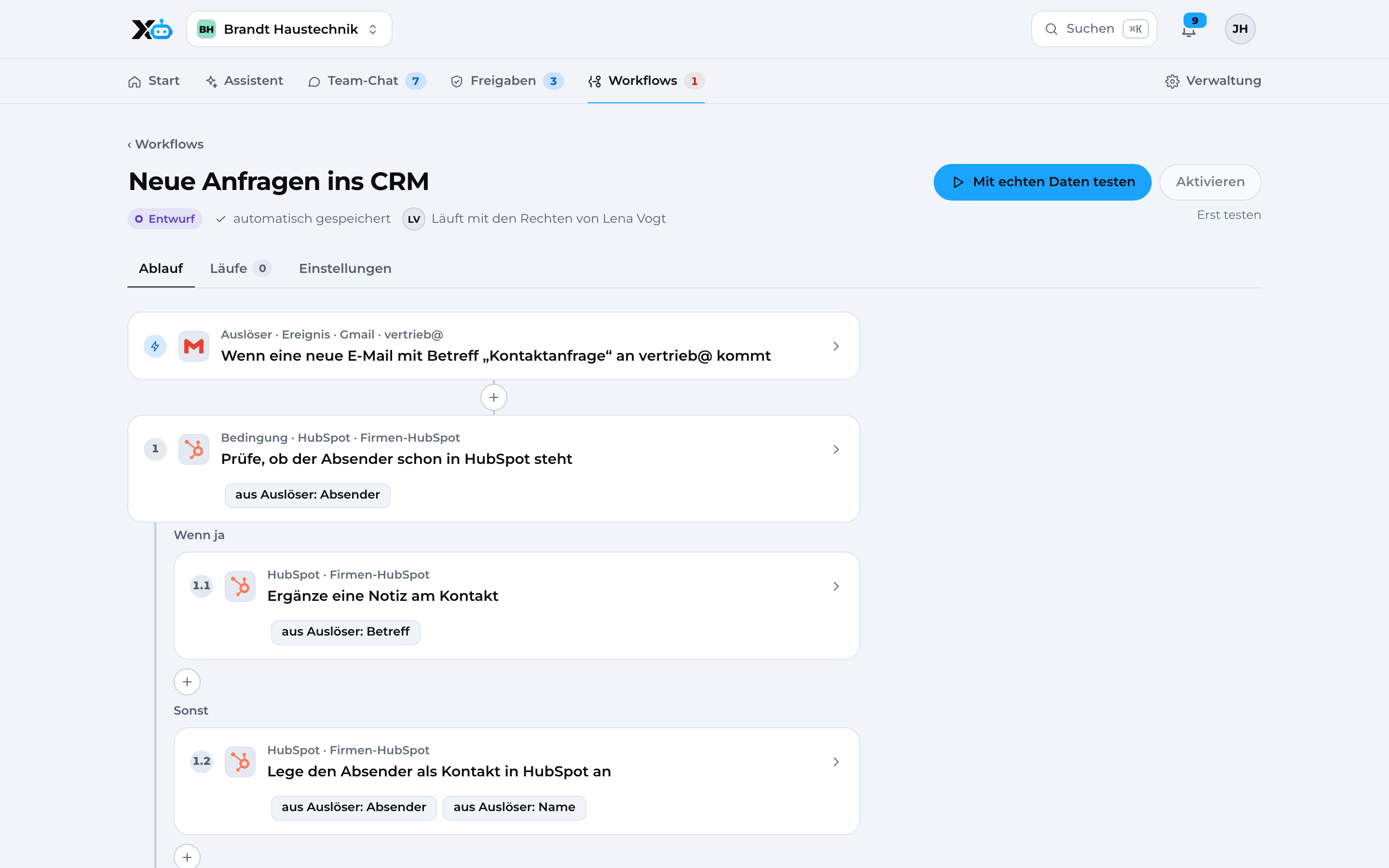
X3 Automation writes emails, schedules meetings and sends receipts to DATEV, with your approval.
 DATEV
 lexofficeComing soon
 Google DriveComing soon
Revenue flows back. You see which ad actually made money, and put your budget there.
03Marketing
X3 Growth Intelligence
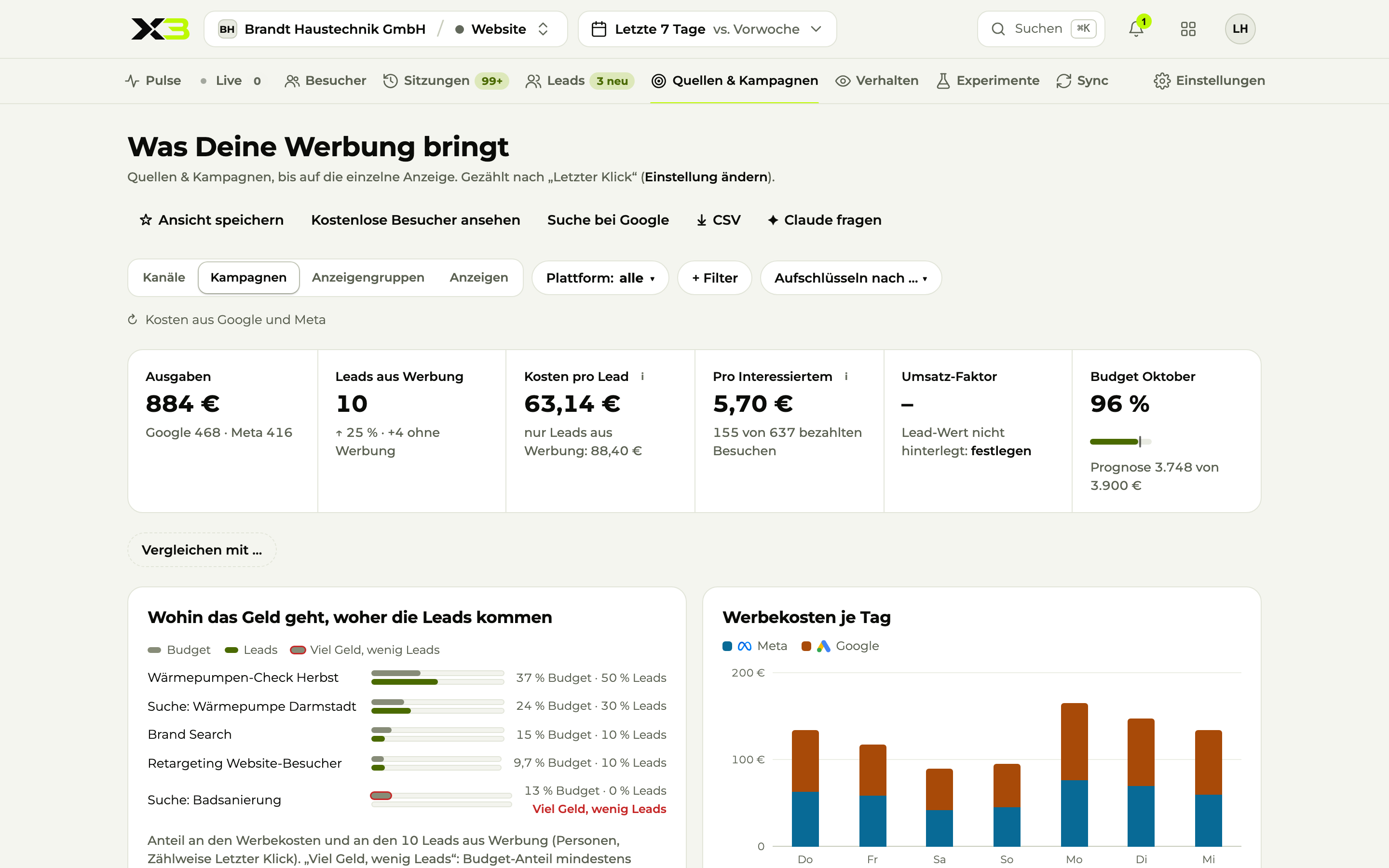
 Google Search ConsoleGoogle AdsMetaLinkedIn
Sound familiar?
Every month money goes into ads. How much of it comes back, nobody knows.
The agency report shows clicks and reach, but no leads.
Since the cookie banner, half of your visitors are missing from the stats.
How X3 Growth Intelligence solves it
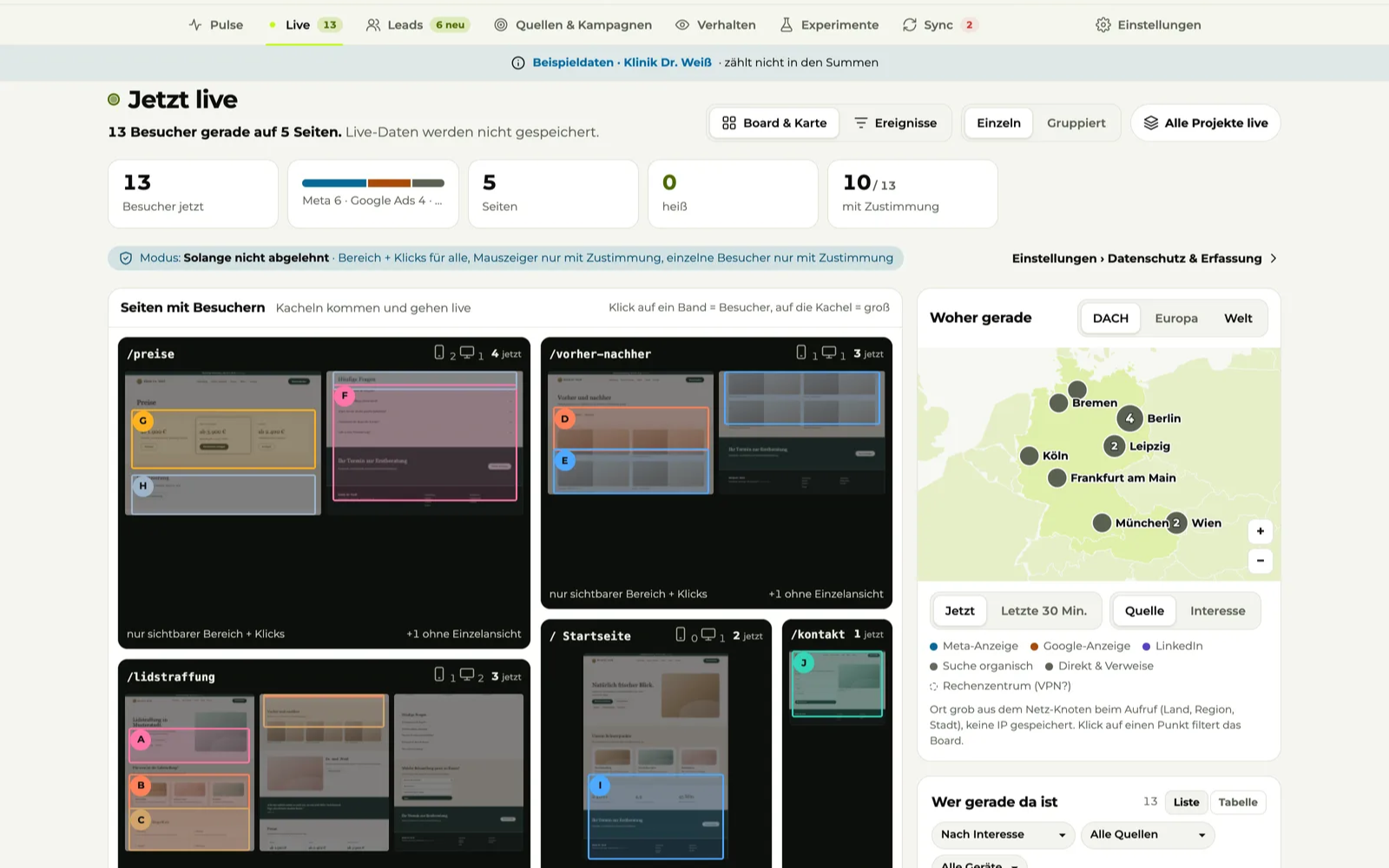
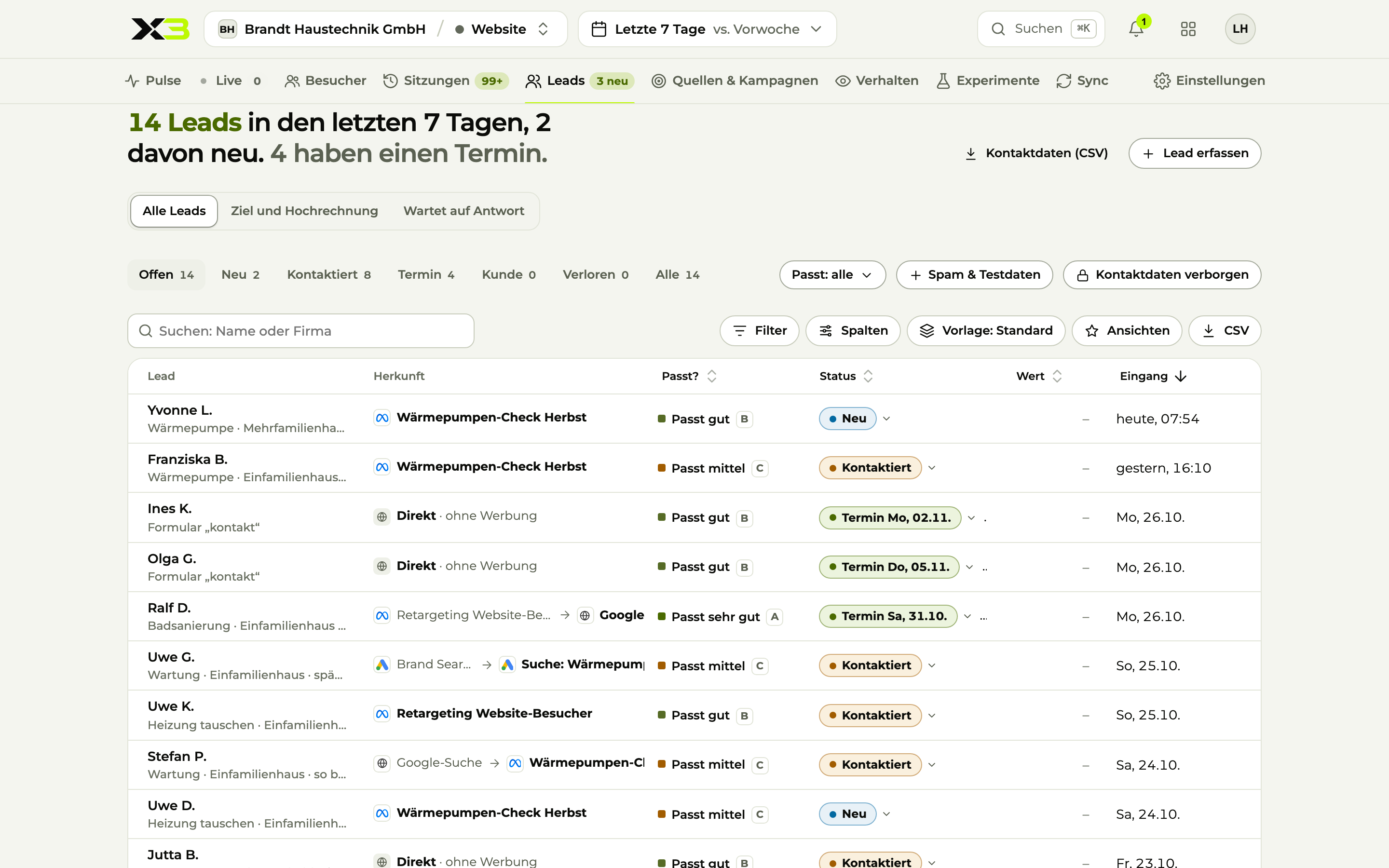
Live Who is on your website right now, on which pages, where they came from and how interested they are.
Image 1 of 6: Live
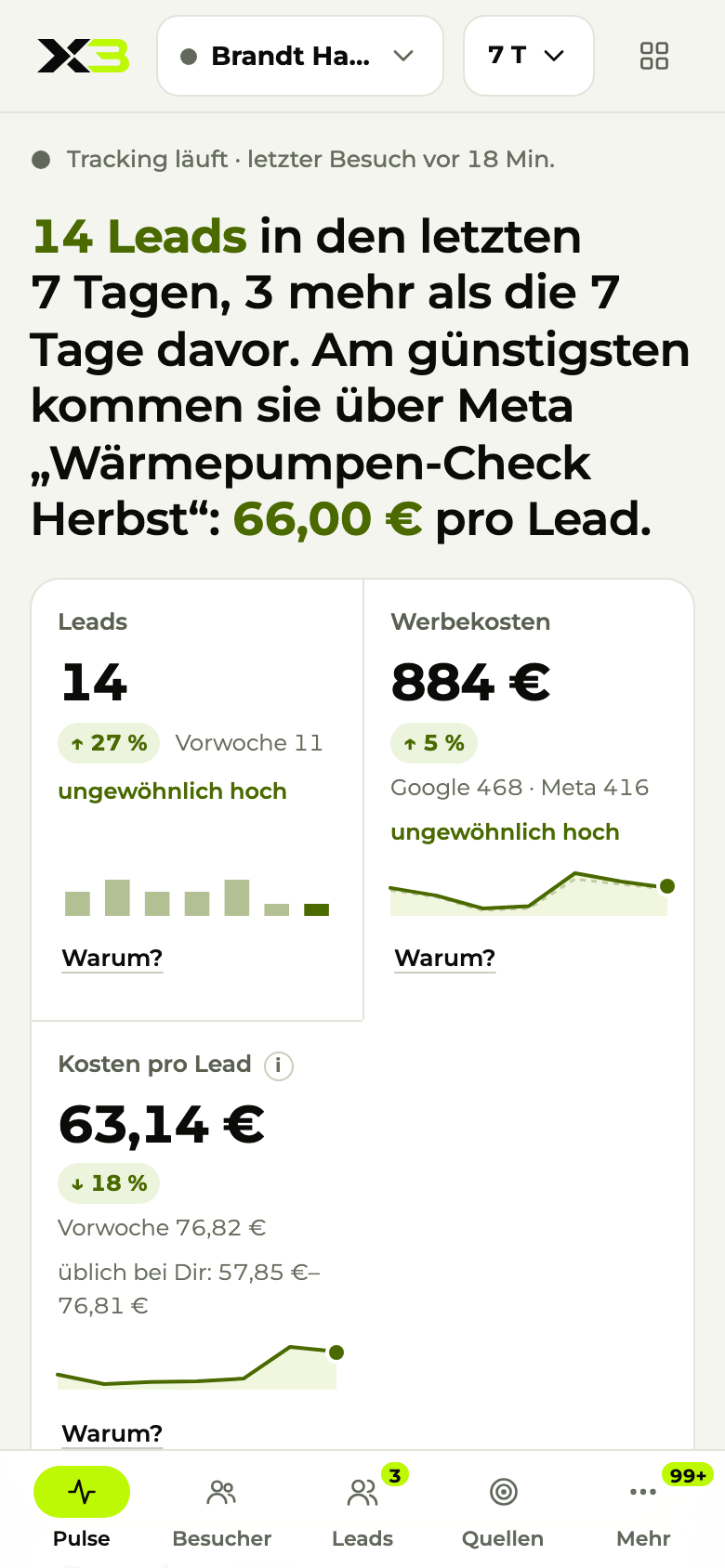
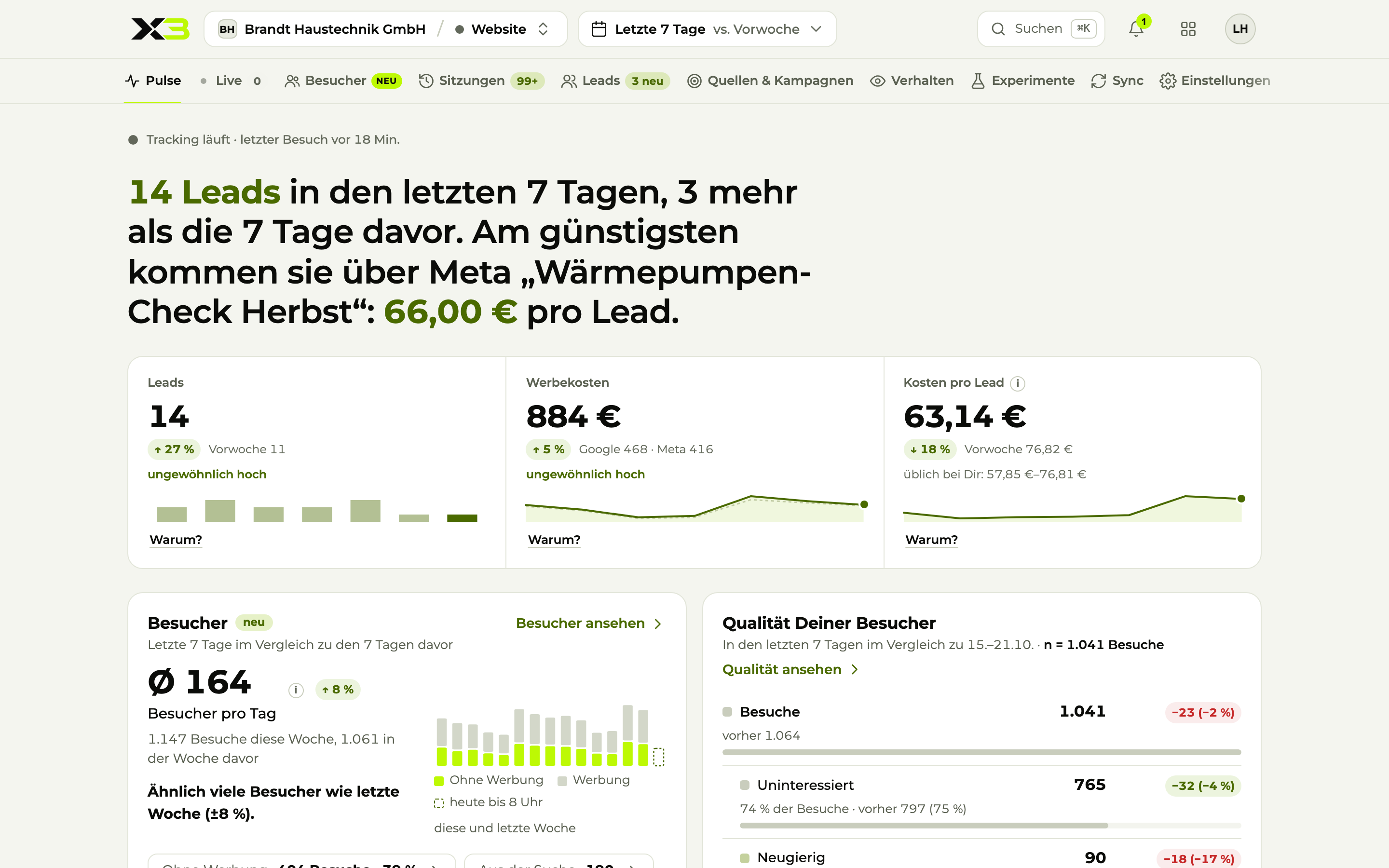
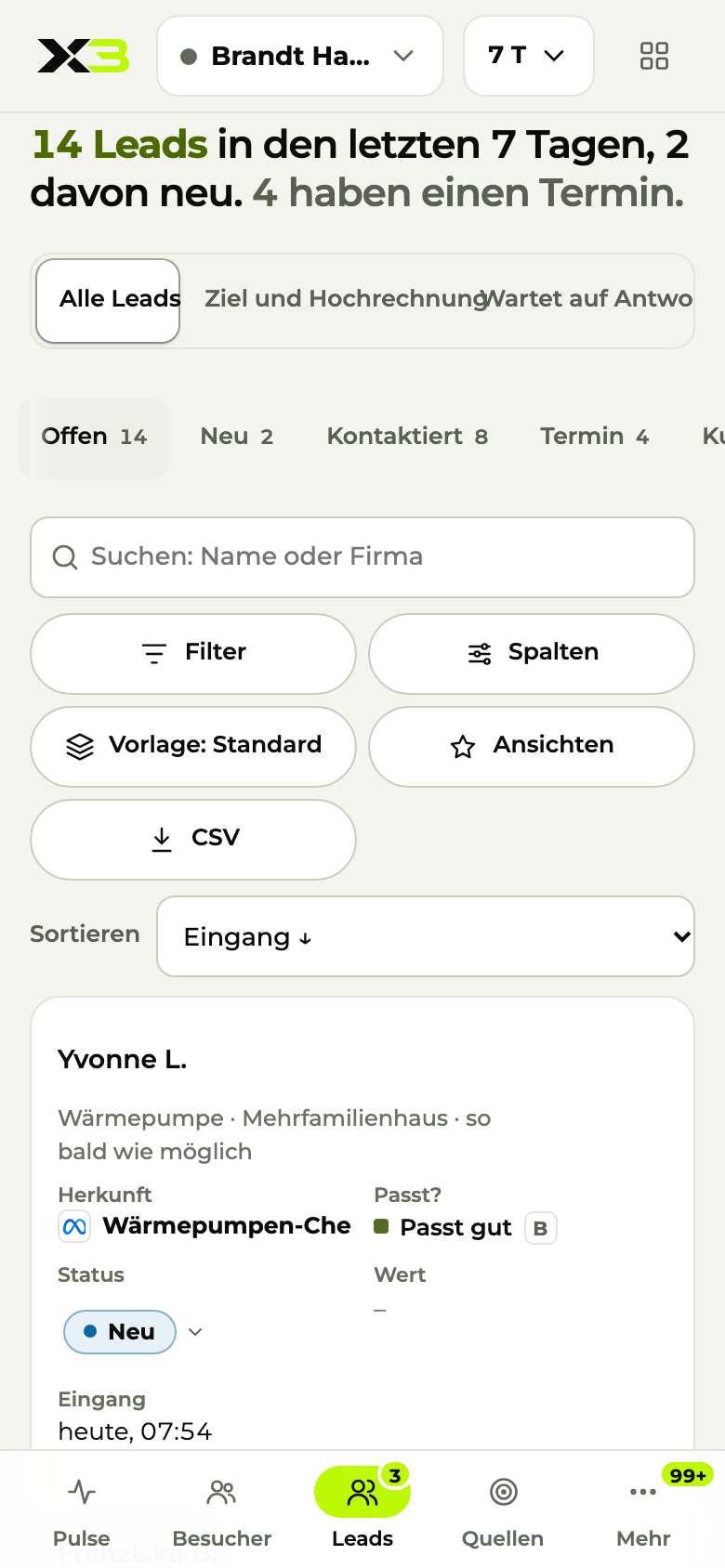
Pulse This week's leads and ad spend, on your phone.
Image 1 of 2: Pulse
04Sales
X3 CRM
GmailOutlookGoogle Calendar WhatsApp
Sound familiar?
Leads come in by email, phone and web form and end up in five different inboxes.
Nobody knows exactly who was supposed to call whom back.
The quote went out. Nobody followed up.
How X3 CRM solves it
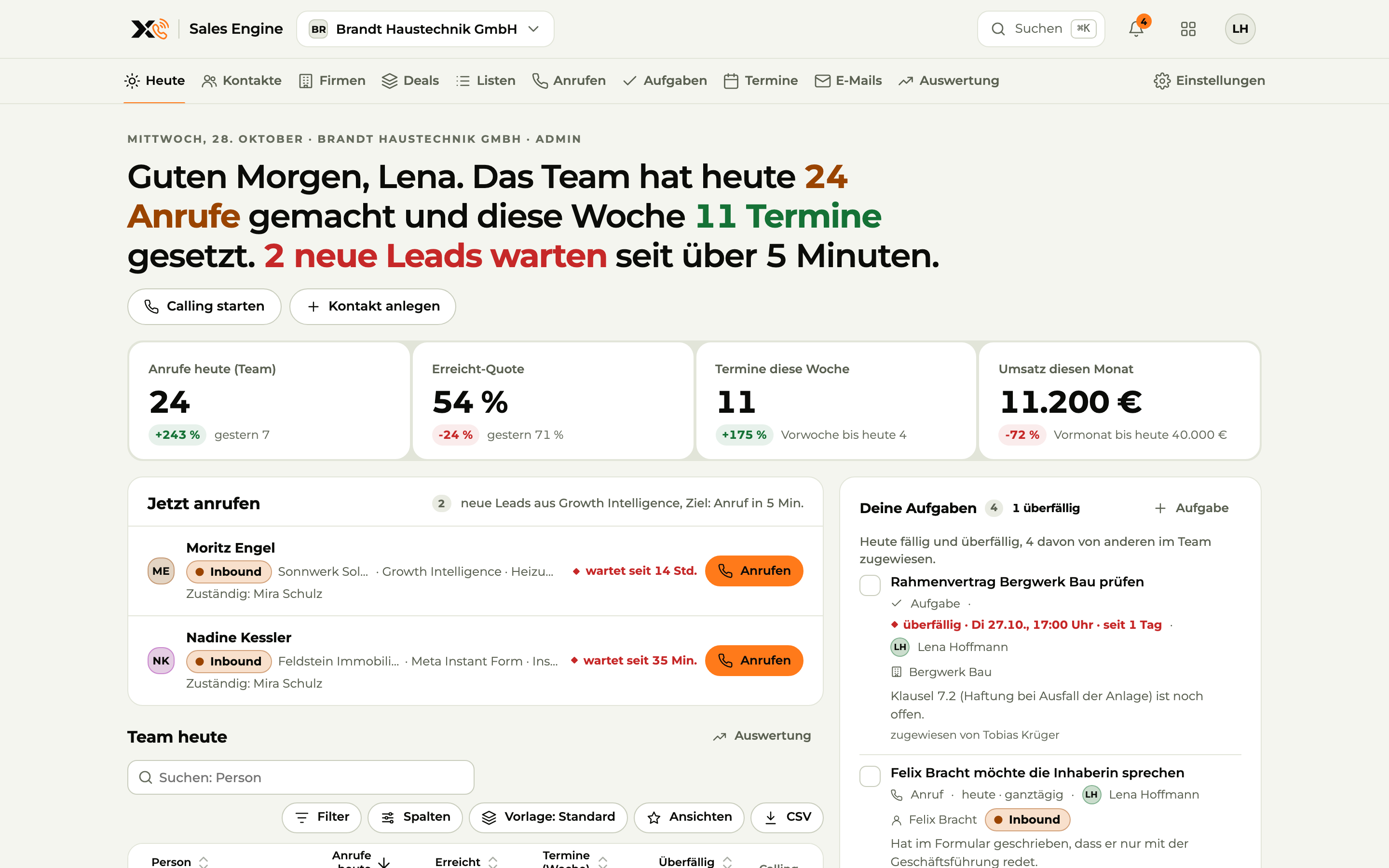
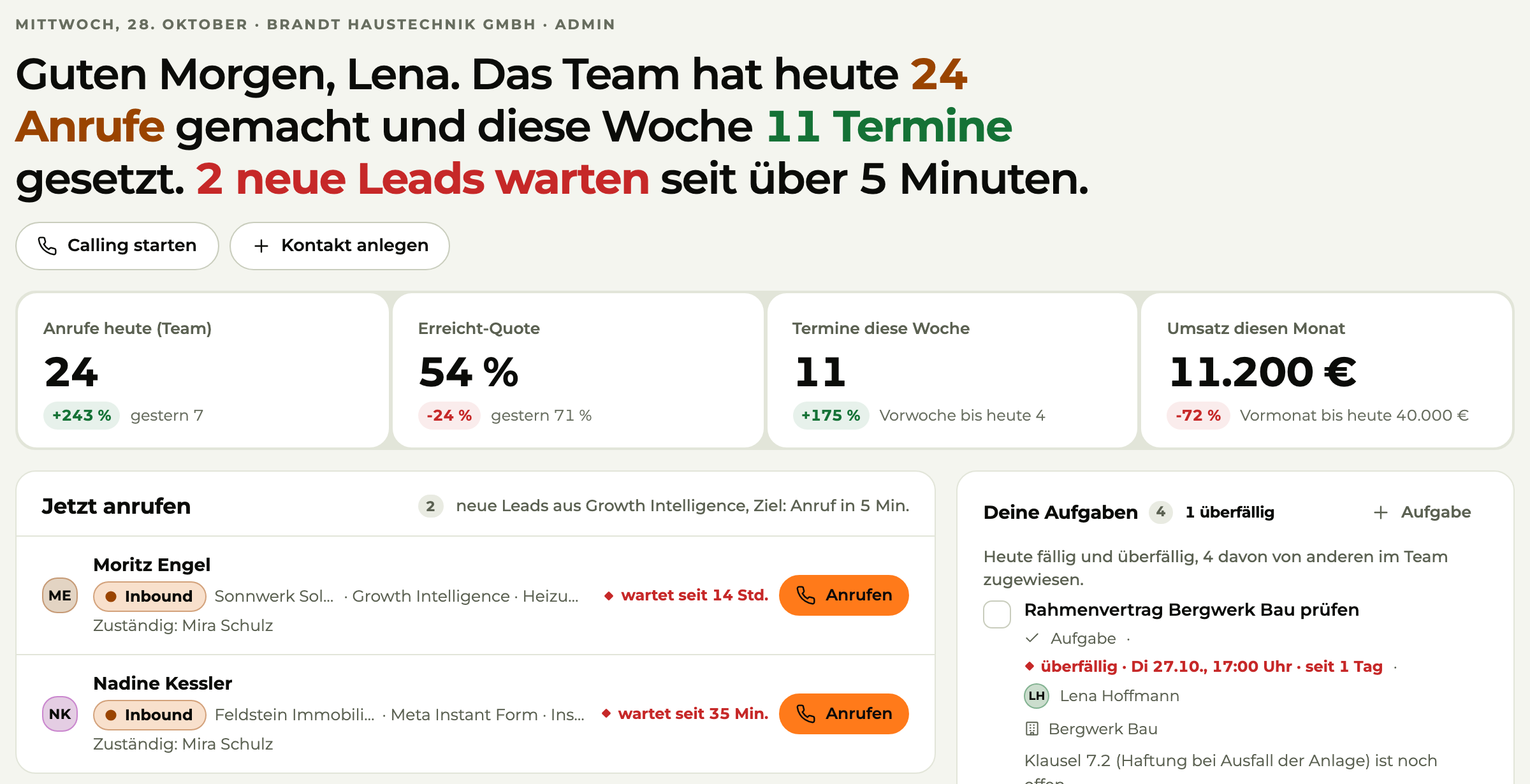
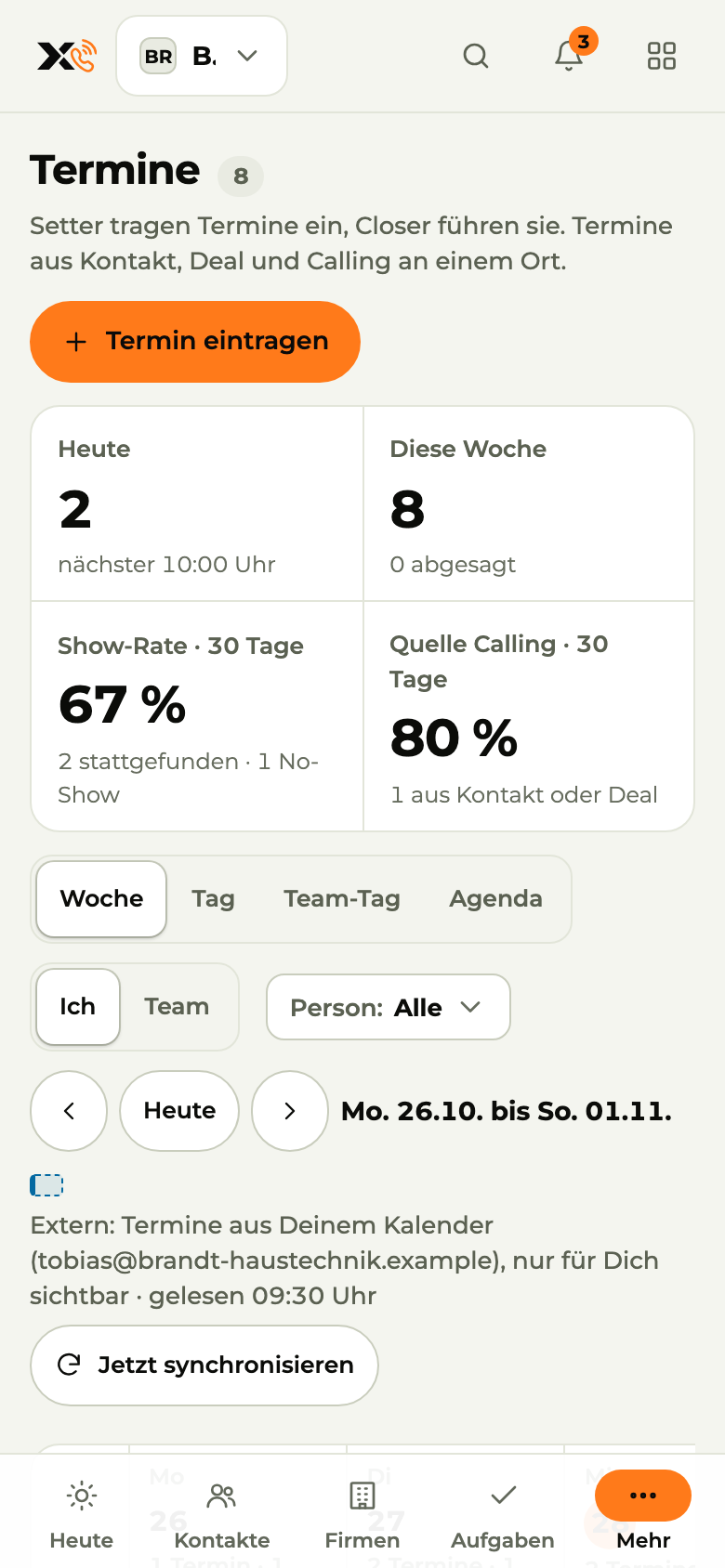
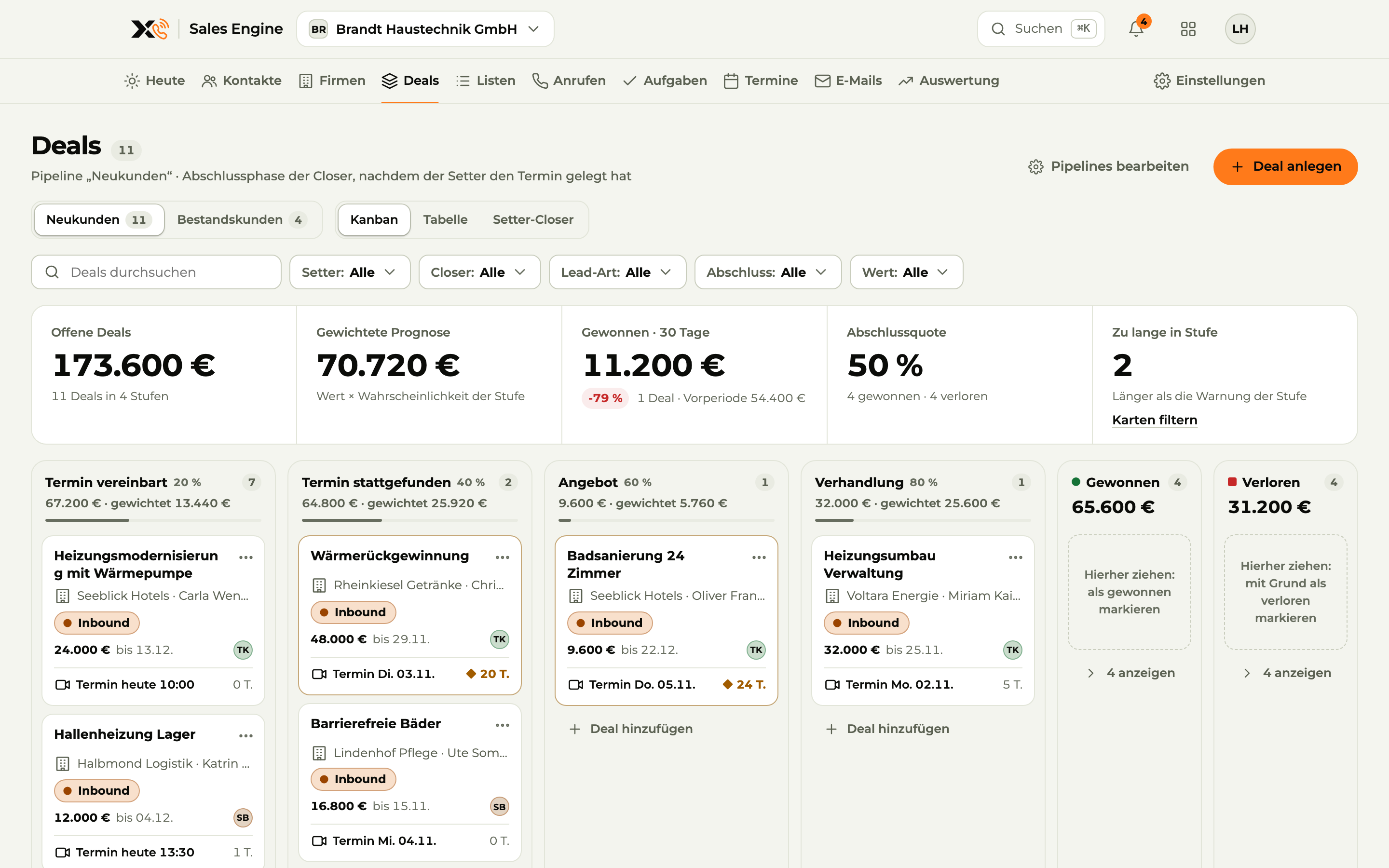
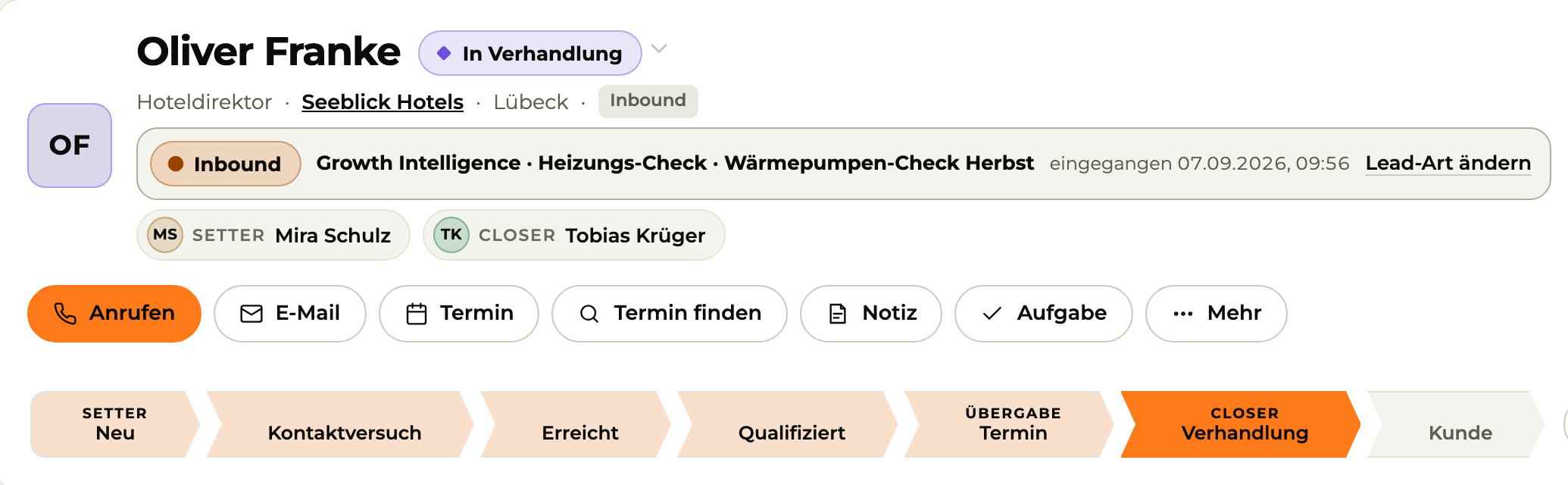
Today The team's calls, meetings and waiting leads at a glance.
Image 1 of 5: Today
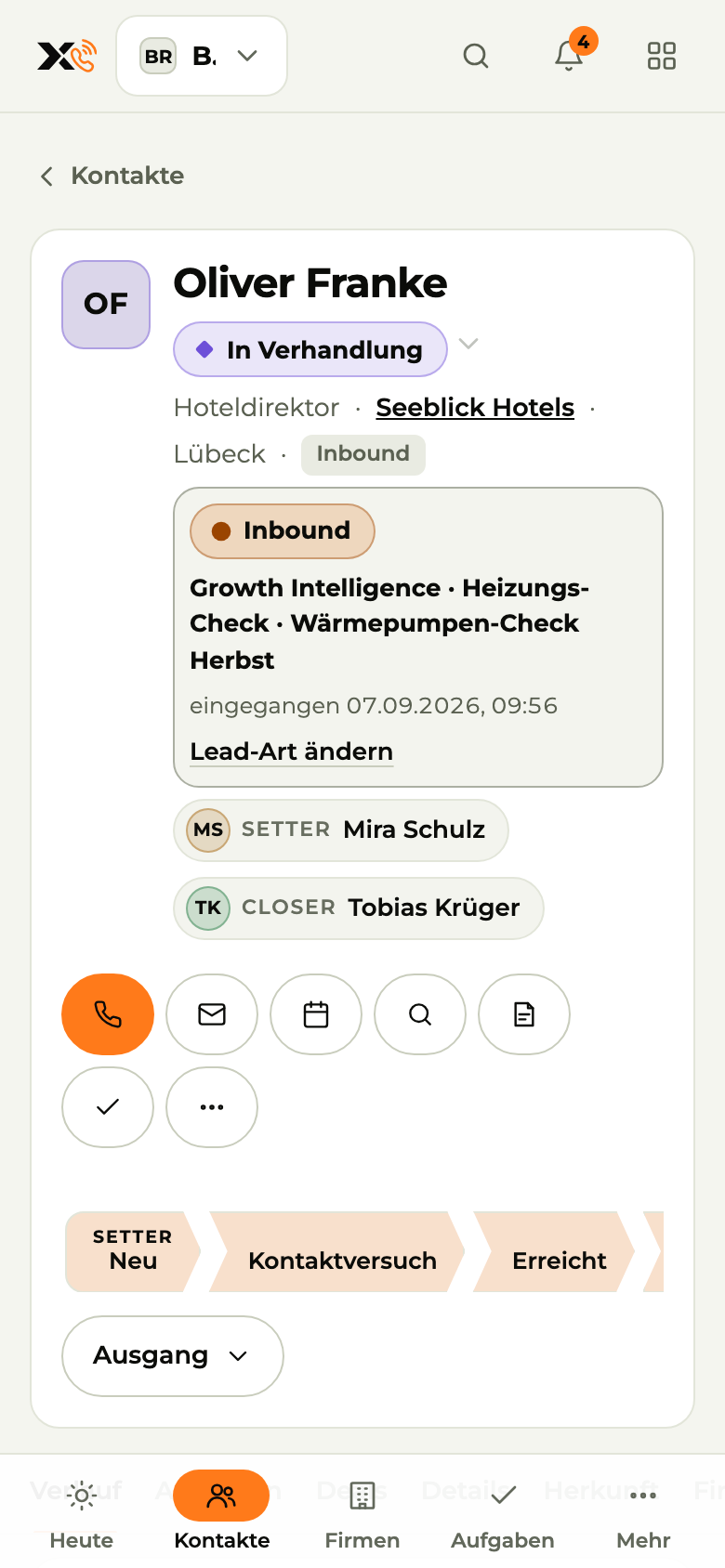
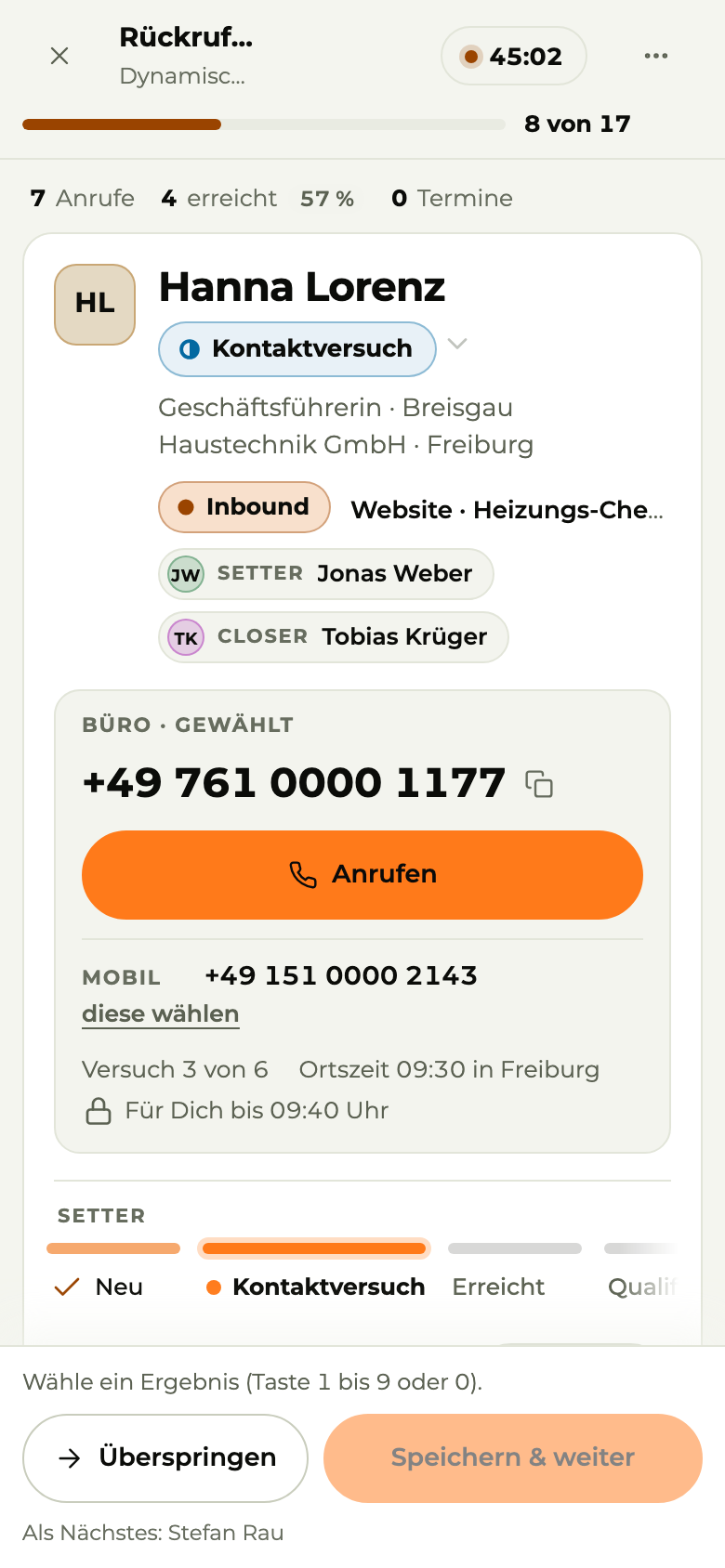
Today Who you should call now, on your phone.
Image 1 of 4: Today
05Automation
X3 Automation
DATEVlexofficeComing soonGmail Microsoft TeamsComing soonGoogle DriveComing soon
Sound familiar?
Typing up invoices, sorting emails, copying data back and forth.
AI sounds great. But who keeps an eye on what it does?
Customer data shouldn't end up just anywhere online.
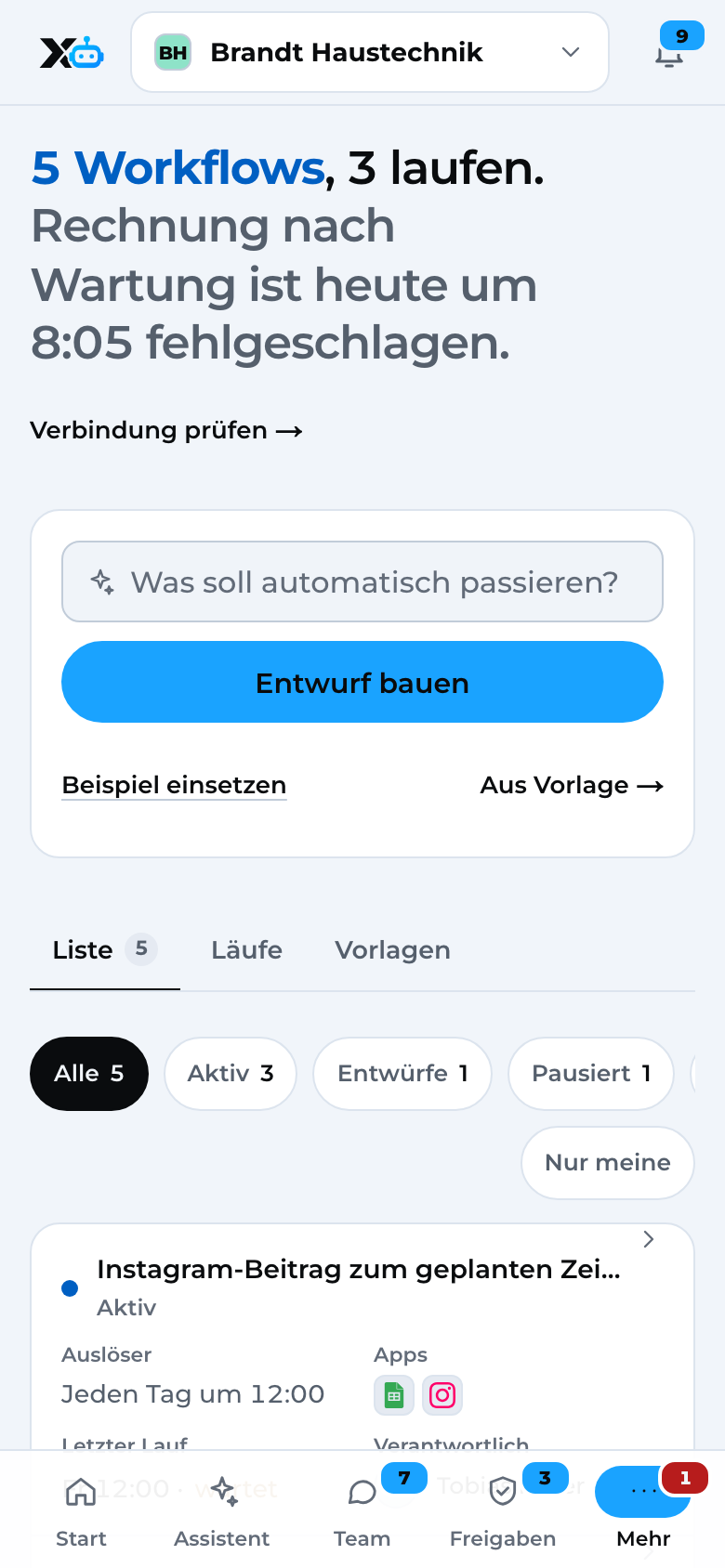
How X3 Automation solves it
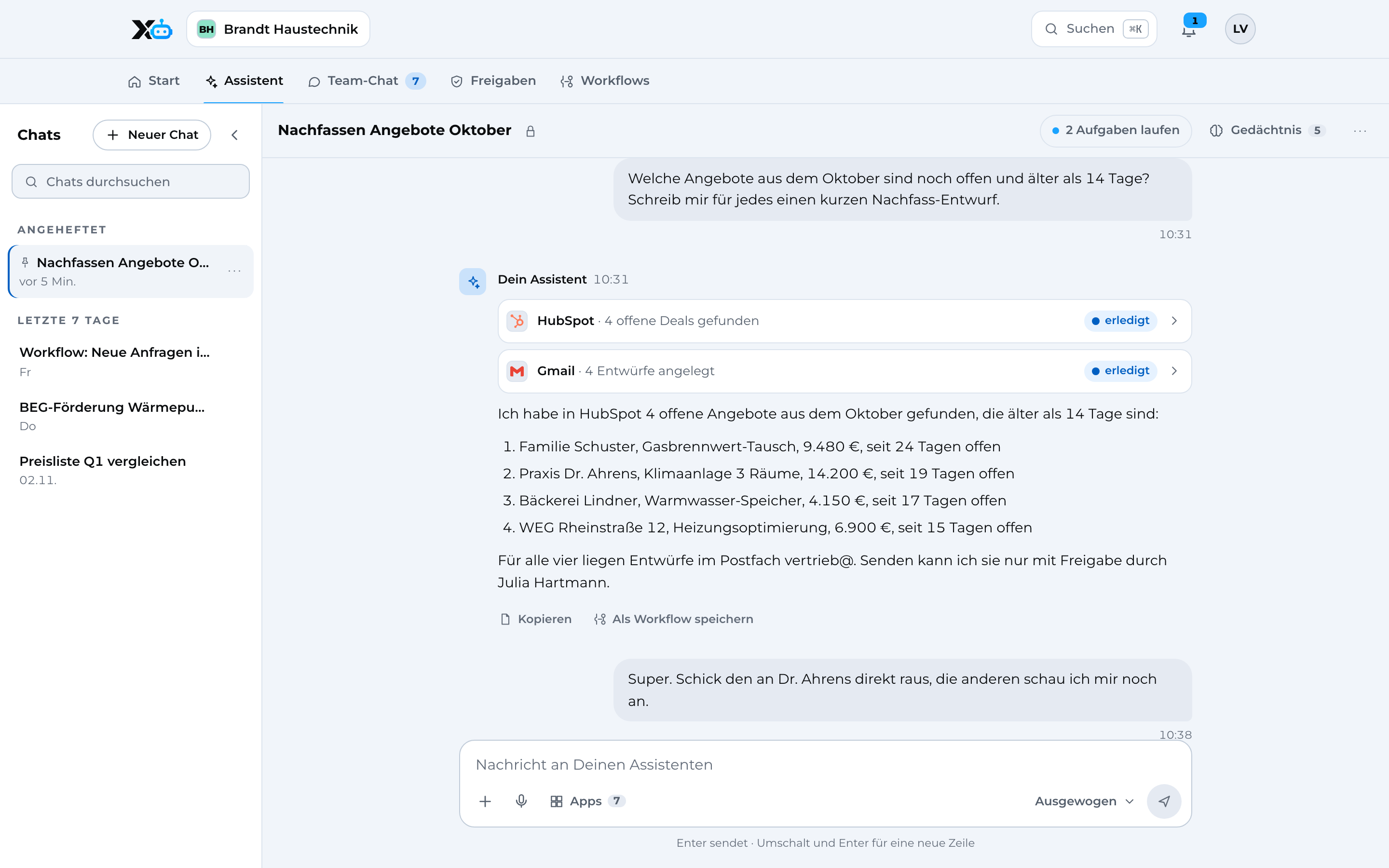
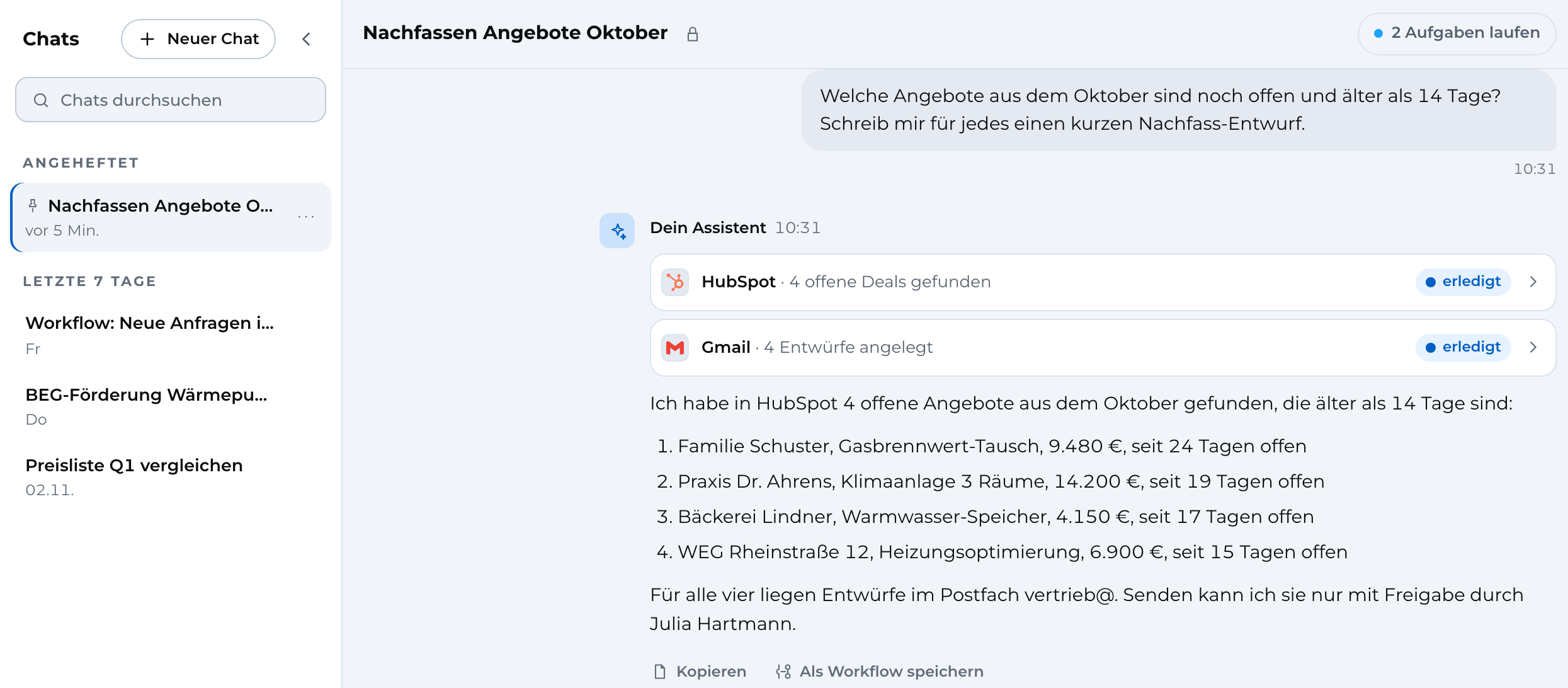
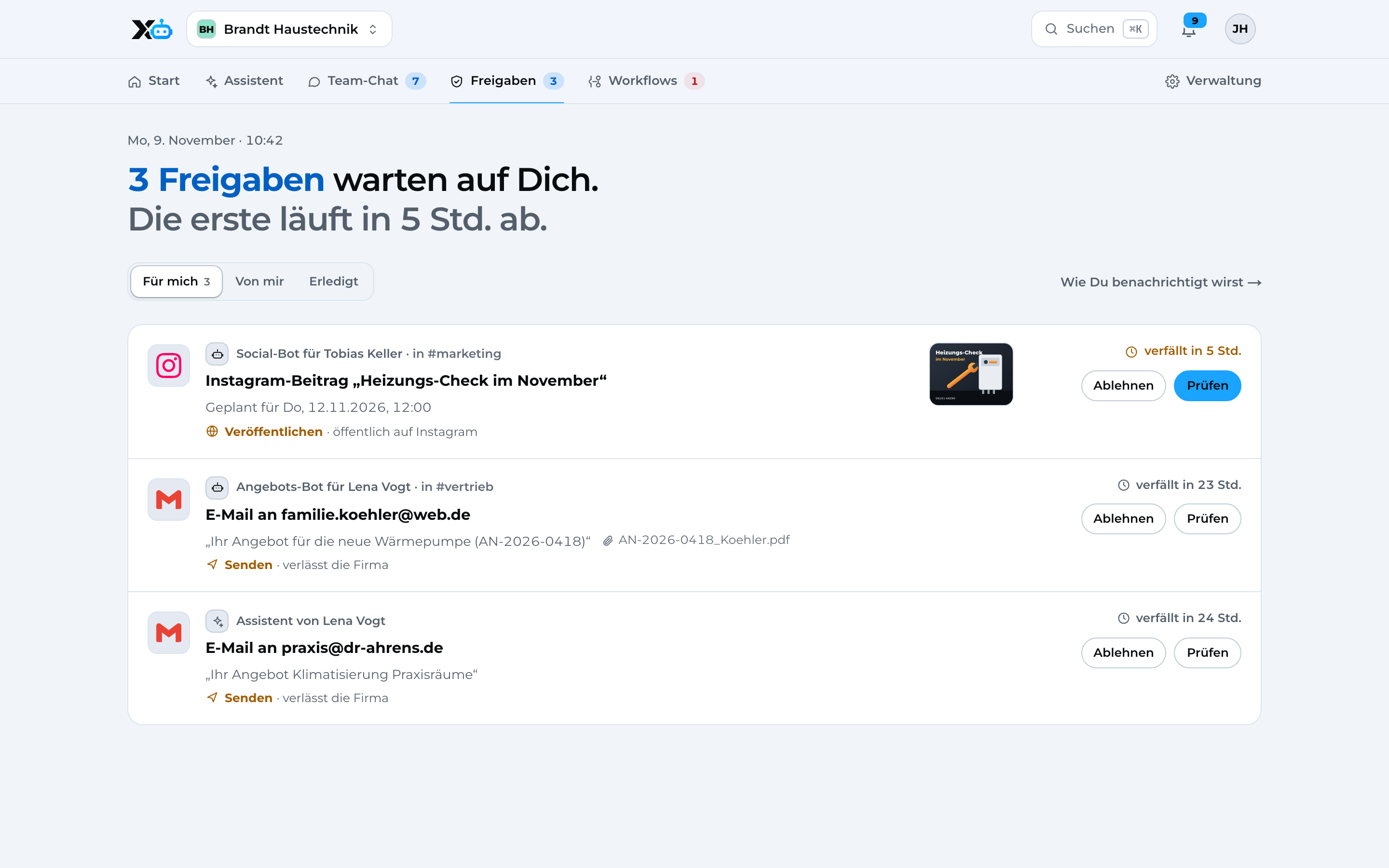
Assistant The assistant searches HubSpot and creates drafts in Gmail. It only sends with approval.
Image 1 of 5: Assistant
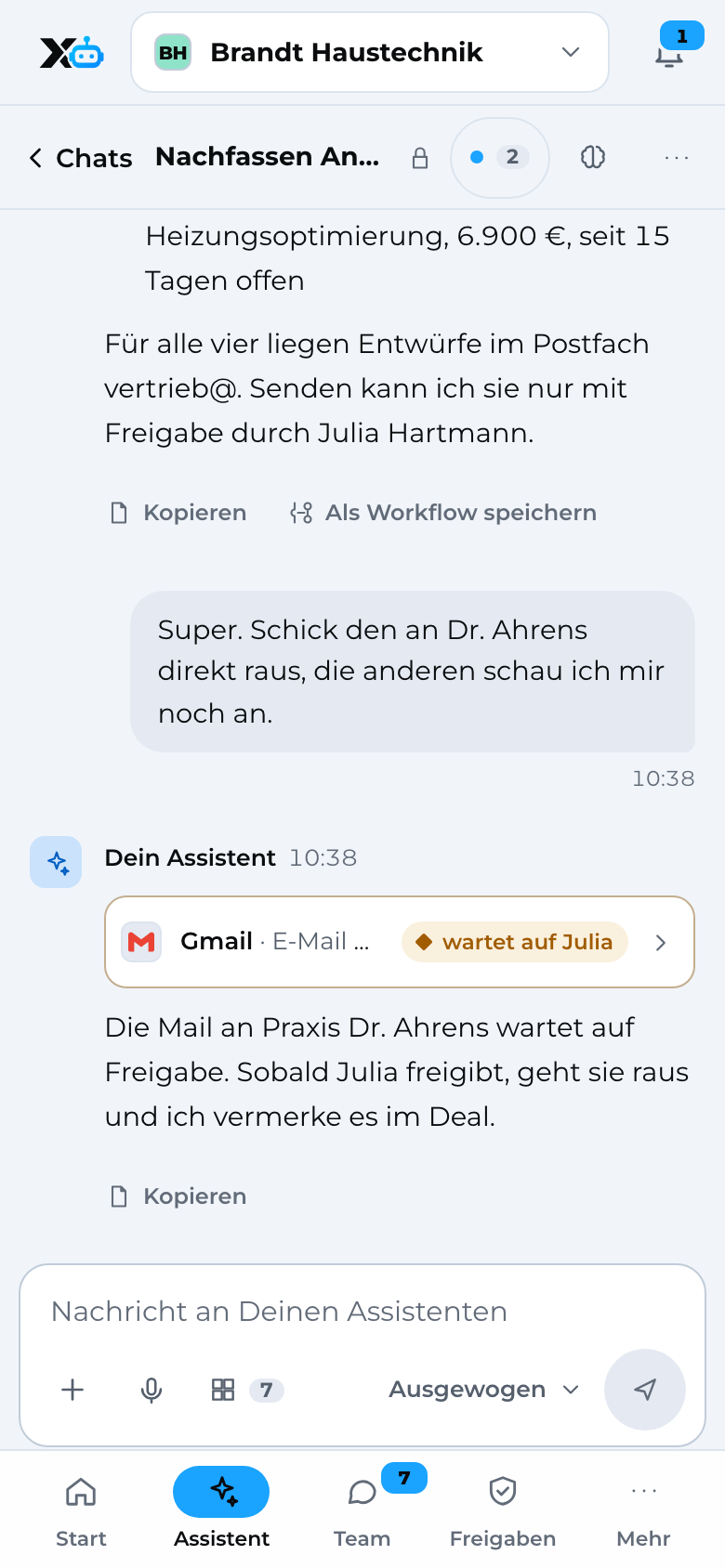
Assistant Ask questions and get things done, on the go.
Image 1 of 4: Assistant
06Security
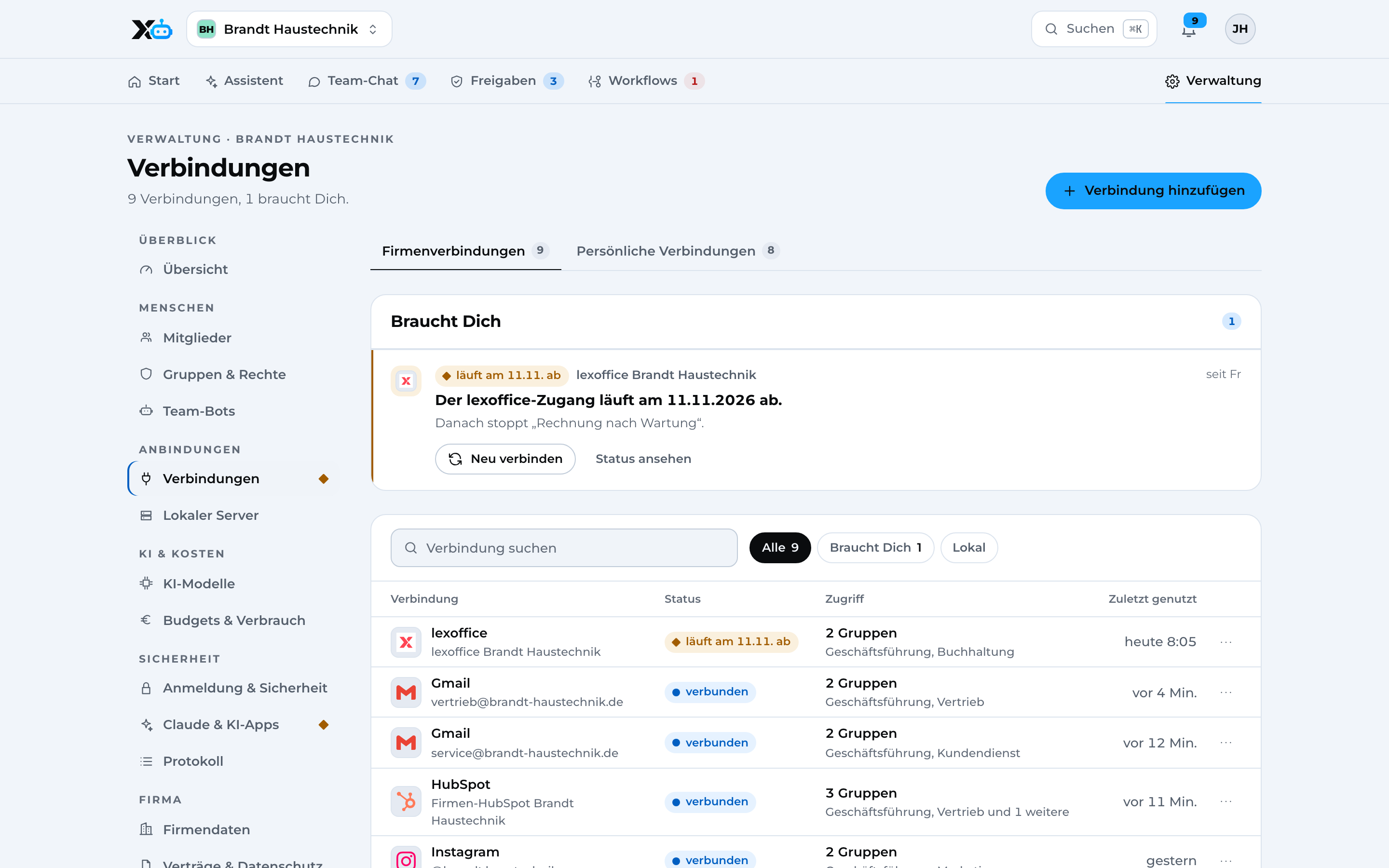
Data protection and IT security come first. If you want, X3 Automation runs on a local server at your business.
GDPR
You sign the data processing agreement when you start.
DPA from day one
Location
Growth Intelligence stores data in Frankfurt am Main, X3 Automation in data centers in Germany.
Servers in Germany
Tracking
Growth Intelligence tracks without cookies and through your own domain.
Complete numbers
Approval
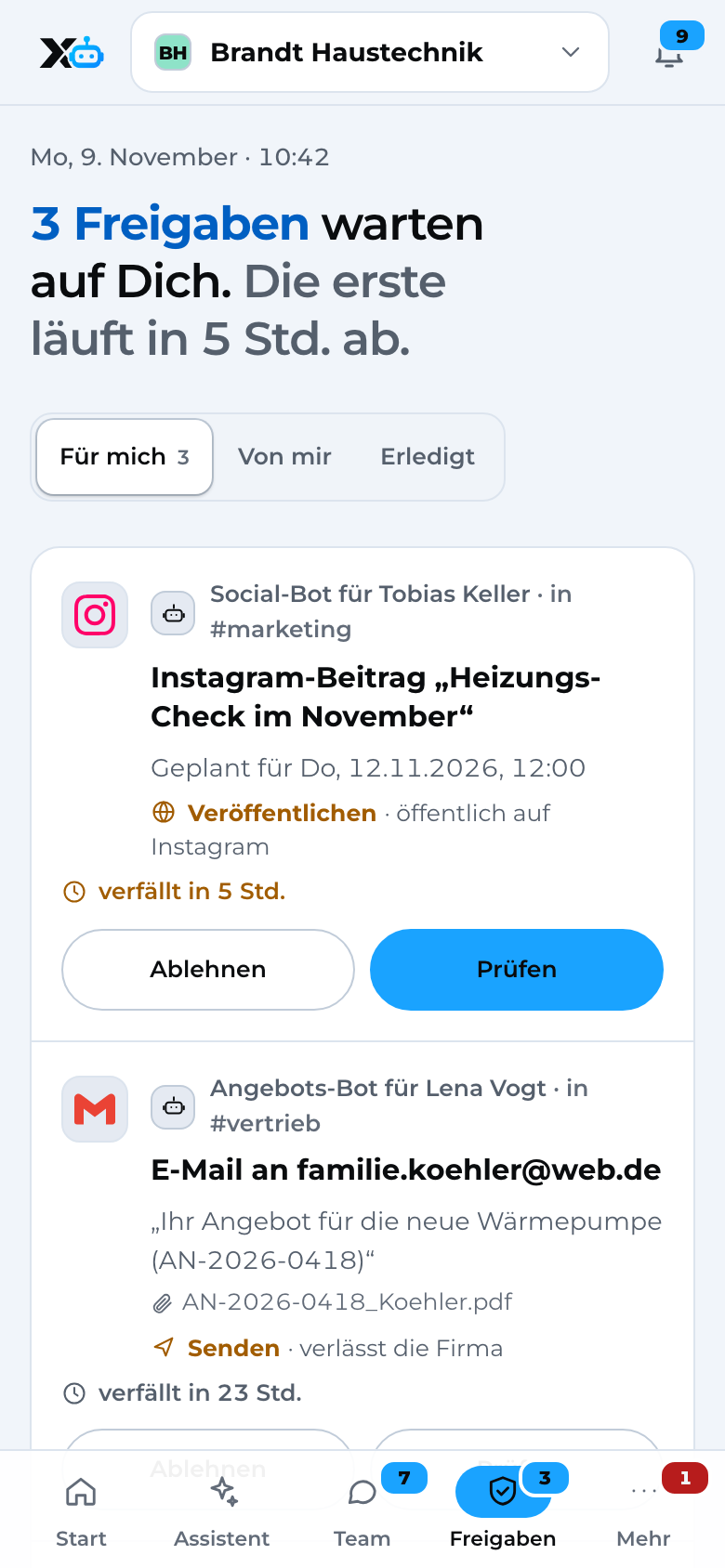
You decide what the assistant may do on its own. Everything else you approve, even from your phone.
You decide
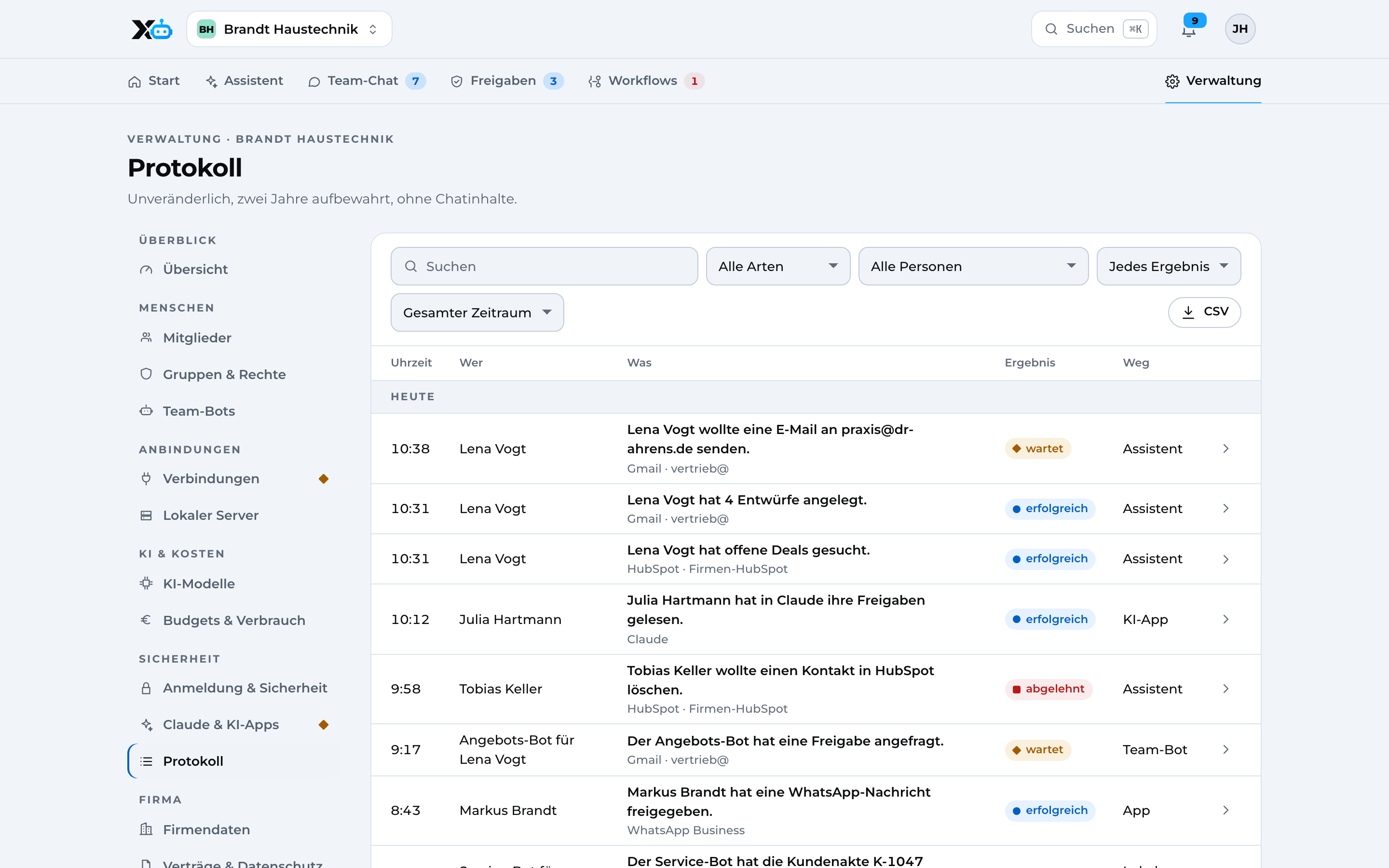
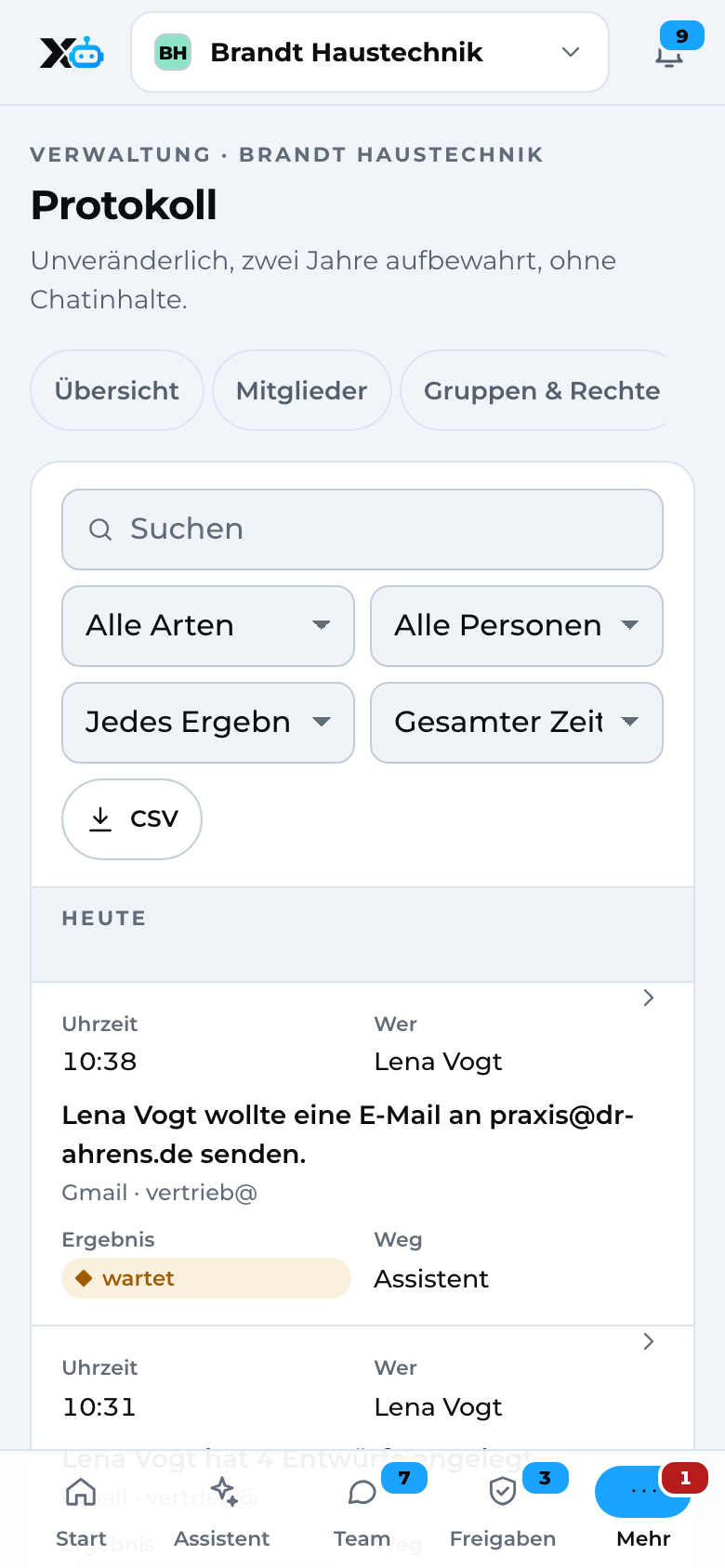
Audit log
At any time you see who triggered what and when: a person, the assistant or a workflow.
A complete history
07Get started
You don't have to do everything at once. Every tool also works on its own.
Sign up
Step 1
Create a free X3 account. One account for you and your team. Nothing to install, no credit card to get started.
Start
Step 2
Begin with your biggest bottleneck. Too few leads, leads getting lost or too much paperwork: you pick the right tool.
Expand
Step 3
Add more tools. Your data is already there.
08X3 Partners
For founders with 0 to 5 customers who want to grow with their software. In the right order, with what's needed right now.

09Questions
10Start
With your biggest bottleneck.Your data is already there.