
HubSpotCRM

HubSpot and X3: every inquiry in your CRM, every closed deal back

X3 pushes every inquiry into HubSpot without duplicates, reads back meetings and won deals with revenue, and lets the assistant keep contacts and deals up to date.

01What you can do with it

What you do with HubSpot and X3.

X3 Growth Intelligence

Marketing

  • Create website leads as HubSpot contacts automatically, spam stays out
  • Read back won deals with their value and calculate the real ROAS per campaign
  • Store channel and campaign as custom properties (x3_source, x3_lead_url) on the contact
More about X3 Growth Intelligence

X3 Automation

Process automation

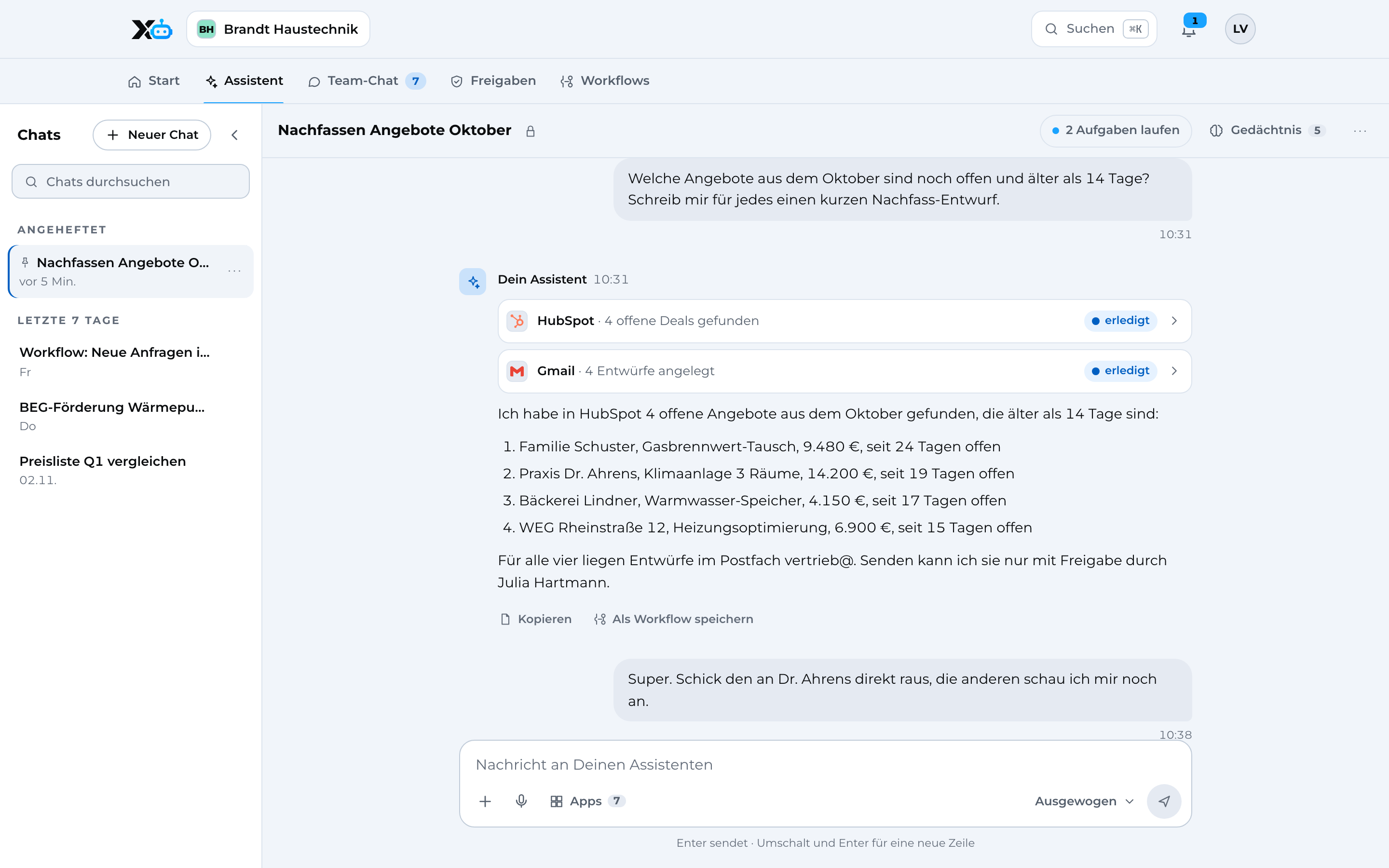
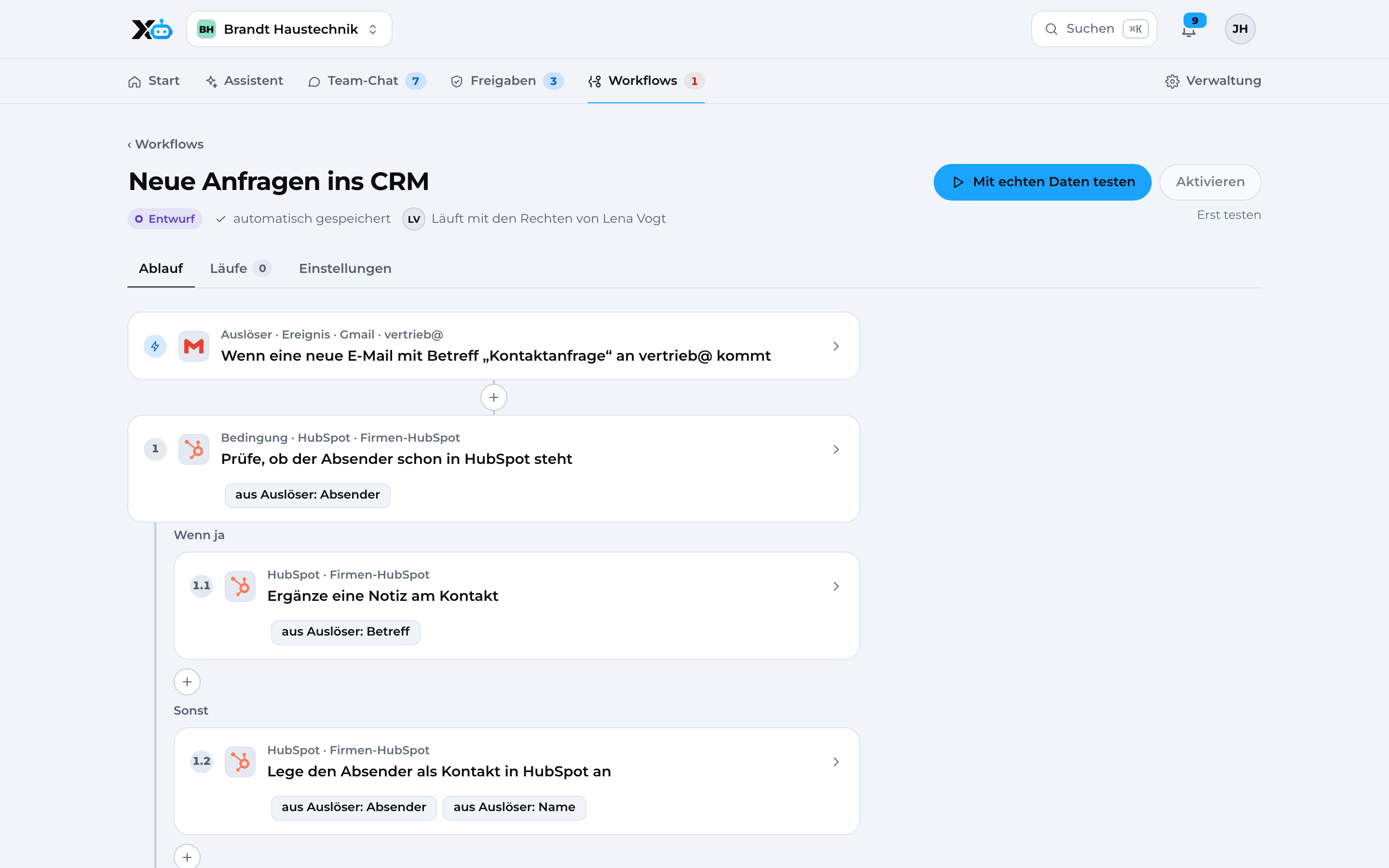
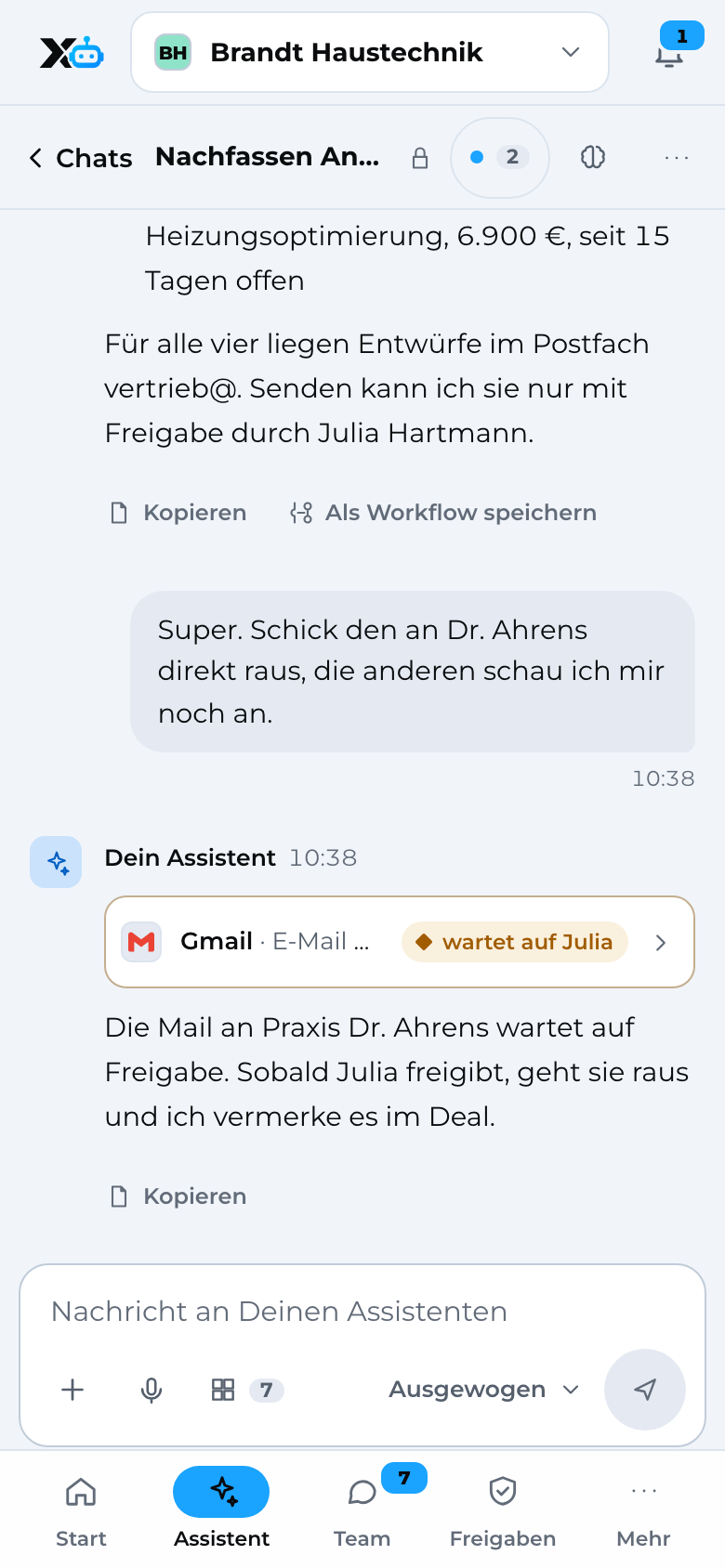
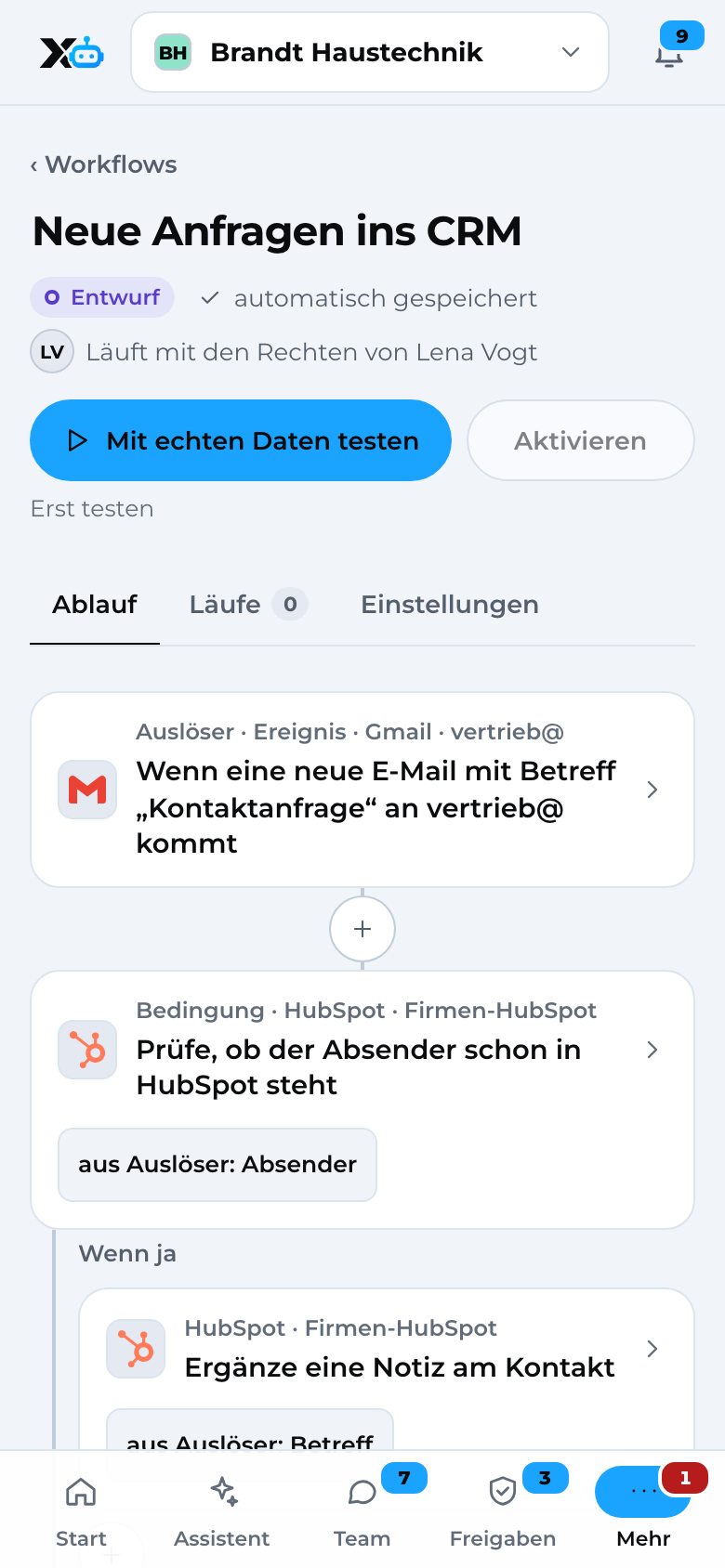
  • Create contact requests from Gmail as HubSpot contacts automatically and notify the team
  • Get a list of open quotes from HubSpot by email every Monday
  • Ask for a Google review three days after a deal closes
More about X3 Automation

02See it in action

Here's how it looks in X3.

Real screens from the app with sample data.

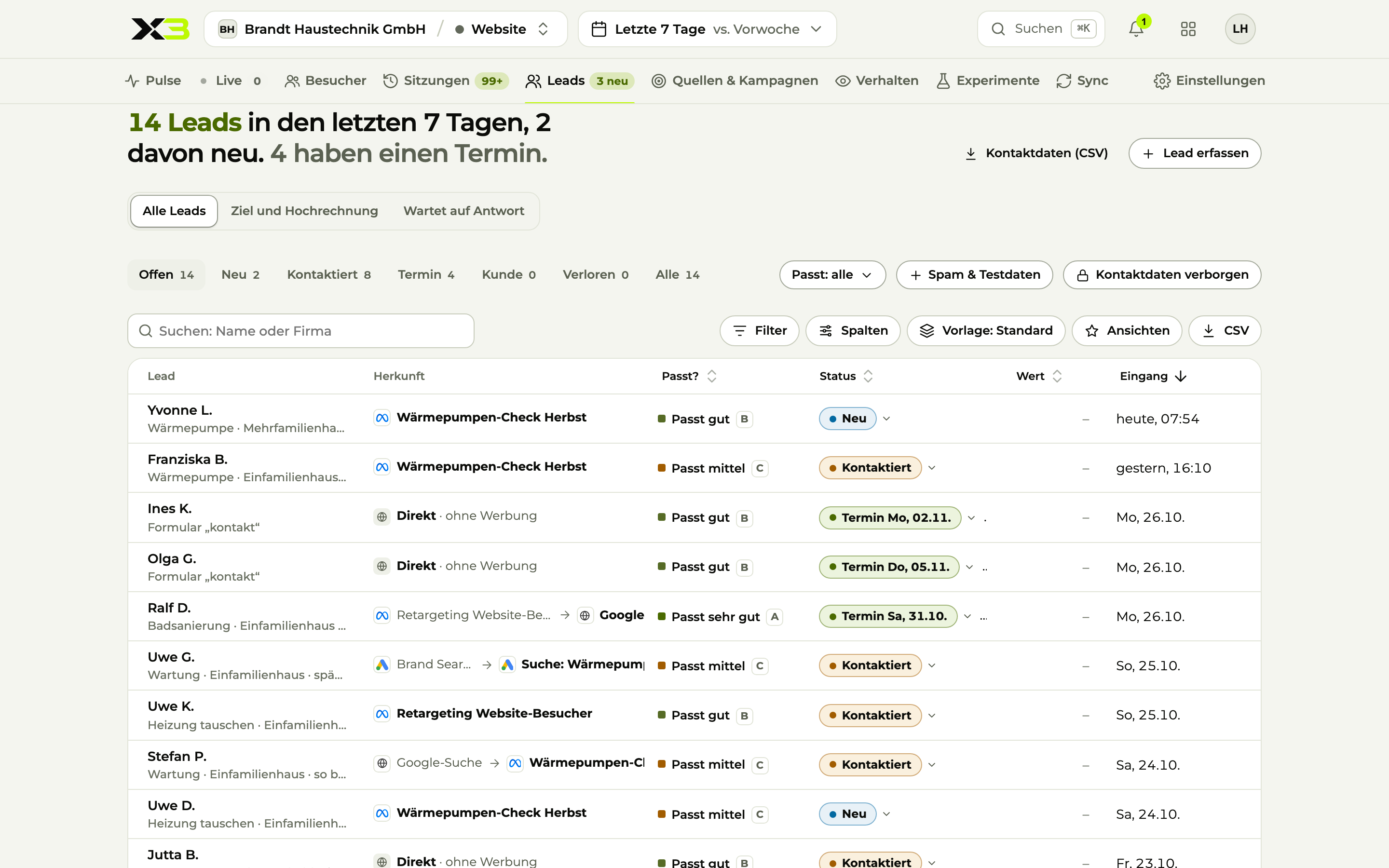
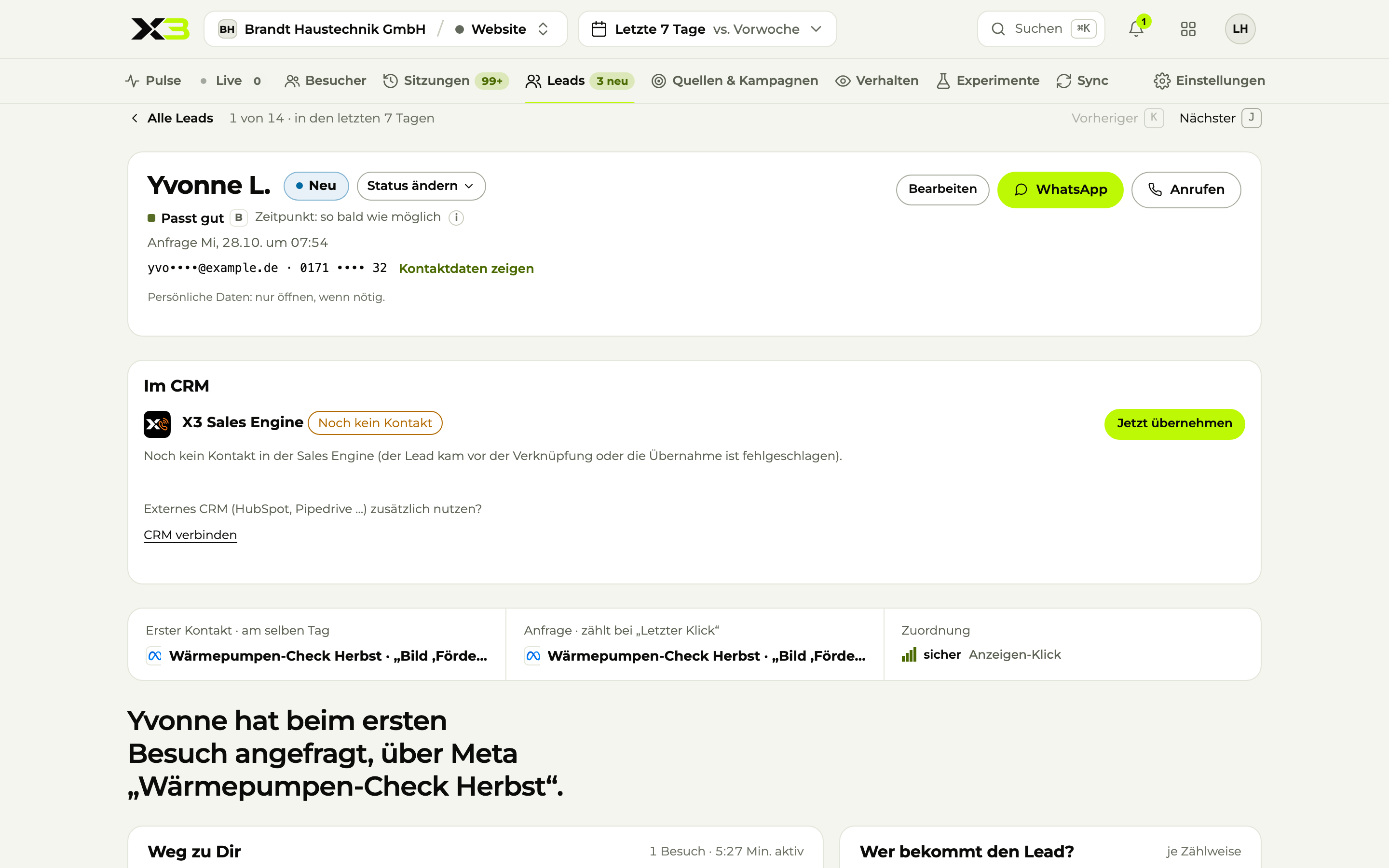
Lead in detail: answers, path through the website, campaign and handover to the CRM
Sample data

Lead Campaign, path through the website and handover to the CRM.

Image 1 of 4: Lead

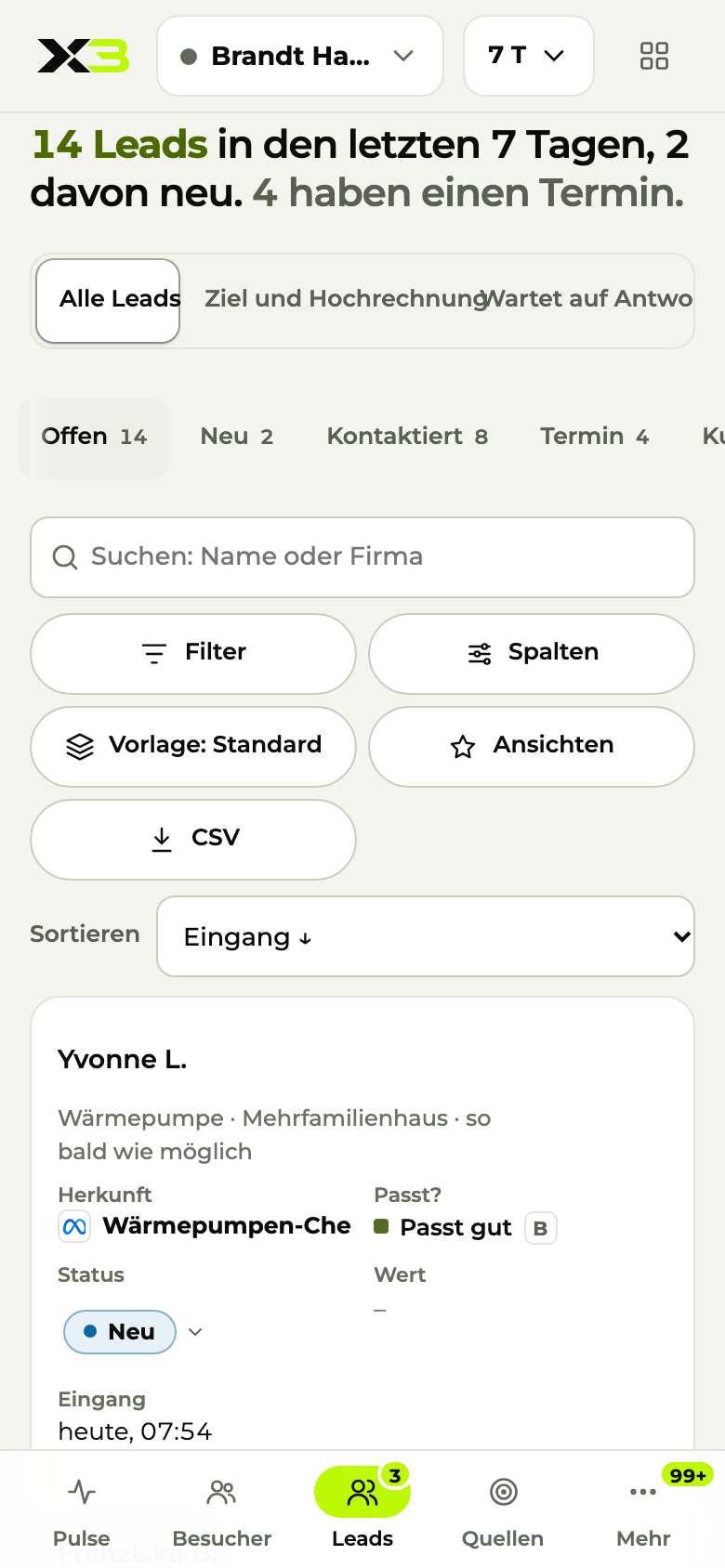
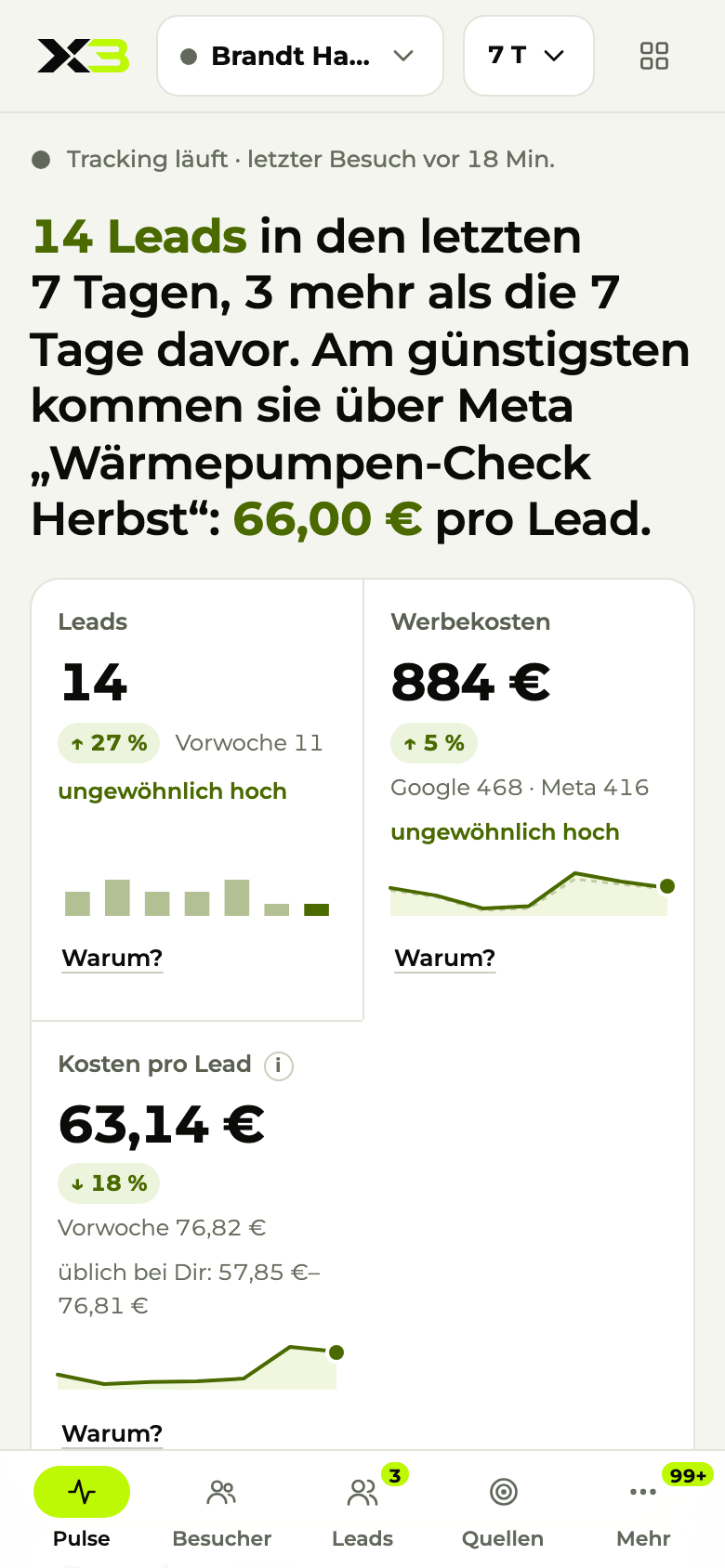
Leads on the phone
Sample data

Image 1 of 4: Leads

03How the connection works

Connect HubSpot in three steps.

  1. 01

    Connect HubSpot

    You sign in to HubSpot from X3. No developer needed for the connection.

  2. 02

    Hand over leads

    Website leads land in HubSpot without duplicates, with channel and campaign as their source.

  3. 03

    Read closed deals back

    Won deals and their value flow back, so you see the real ROAS per campaign.

04Triggers and actions

What X3 Automation can do in HubSpot.

You decide per group what each group is allowed to do. By default, sending needs an approval.

Starts workflows

  • When a new contact is created
  • When a deal changes stage

Read

  • Search contacts
  • Read deals

Edit

  • Create contact
  • Update deal
  • Add note

Delete

  • Delete contact
  • Merge contacts

Templates with HubSpot

  • Contact requests straight into your CRMCreate new emails as contacts and notify the team.Sales
  • Review request after a jobAsk for a Google review three days after the deal closes.Sales
  • Weekly report of open quotesA list of open quotes from HubSpot by email every Monday.Sales

05Privacy and security

Your data, your rules.

  • X3 Growth IntelligenceGrowth Intelligence measures first-party and without cookies unless someone consents.
  • X3 AutomationChats, permissions, workflows and the audit log are stored encrypted in data centers in Germany.
  • X3 AutomationBefore every action, X3 checks the person's permissions: read, edit, send, delete.
  • X3 AutomationBy default, sending needs an approval. Every action is recorded in the audit log.
  • X3 AutomationApp credentials are stored separately from all other data and are never passed to AI models.
  • X3 AutomationApp connections run through Composio (USA), covered by Standard Contractual Clauses.

07Questions

HubSpot and X3 in a nutshell.

Can I connect HubSpot to X3?

Yes. X3 pushes every inquiry into HubSpot without duplicates, reads back meetings and won deals with revenue, and lets the assistant keep contacts and deals up to date.

What does X3 read and write in HubSpot?

Read: Search contacts, Read deals. Edit: Create contact, Update deal, Add note. Delete: Delete contact, Merge contacts. You decide what your groups are allowed to do.

Do I need a developer for this?

No. You set up the connection in X3 yourself. If you like, we can do it together in a call.

What about data protection?

Chats, permissions, workflows and the audit log are stored encrypted in data centers in Germany. App connections run through Composio (USA), covered by Standard Contractual Clauses. By default, sending needs your approval.

How much does the HubSpot integration cost?

The integration is part of X3 Growth Intelligence. You'll find what X3 Growth Intelligence costs on the pricing page.

08Get started

Connect HubSpot to X3.

One X3 account, HubSpot connected in a few steps.Prefer to do it together? We'll set it up with you.

Rather talk?