
X3 CRM
Sales
- Email contacts from your own Outlook inbox
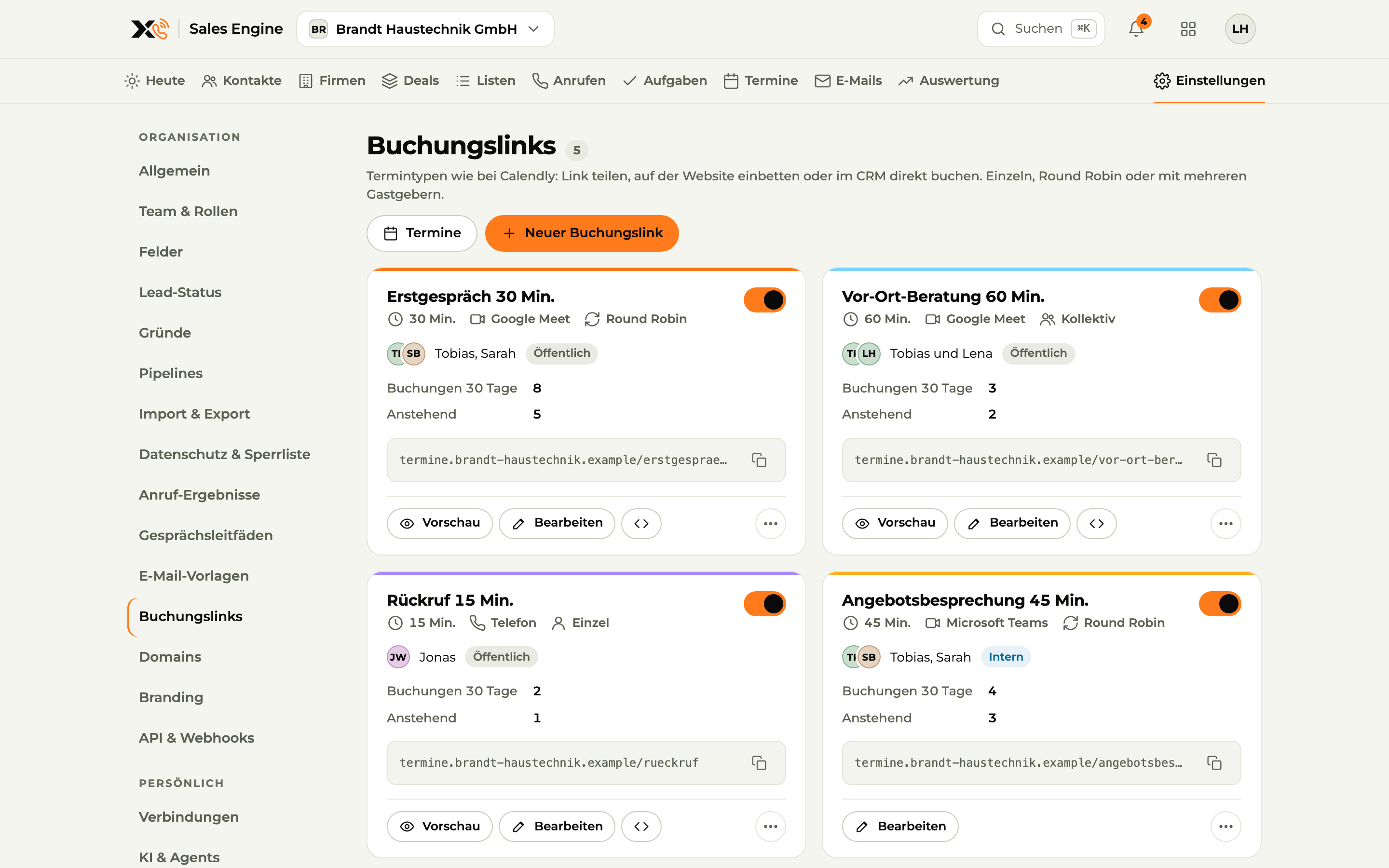
- Respect busy times from your Outlook calendar and add meetings with a Teams link
- Booking links with an automatic Microsoft Teams link
OutlookEmail and calendar
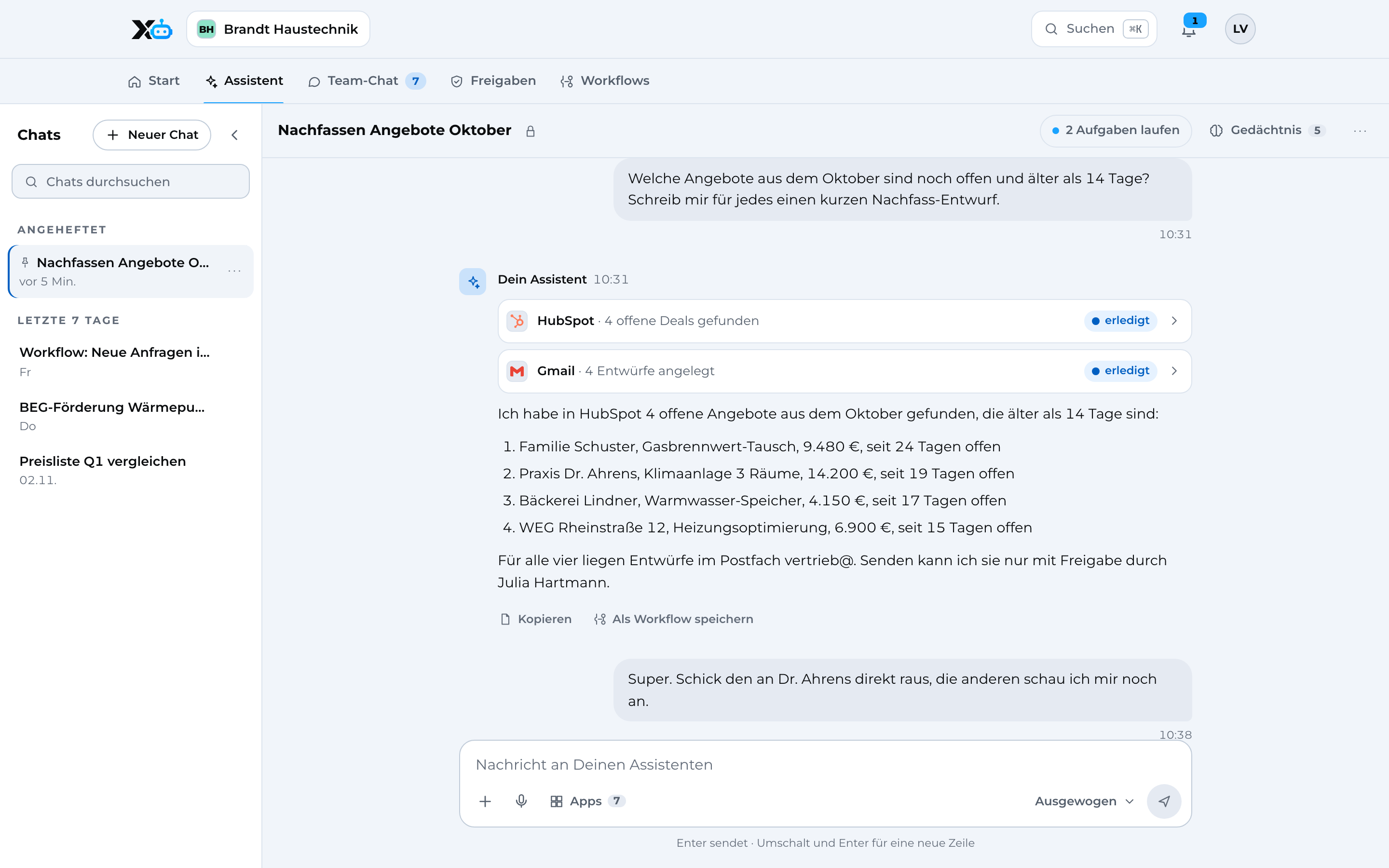
X3 CRM uses your Outlook inbox and calendar (Microsoft 365); X3 Automation lets the assistant handle emails and events after your approval.
01What you can do with it
Sales
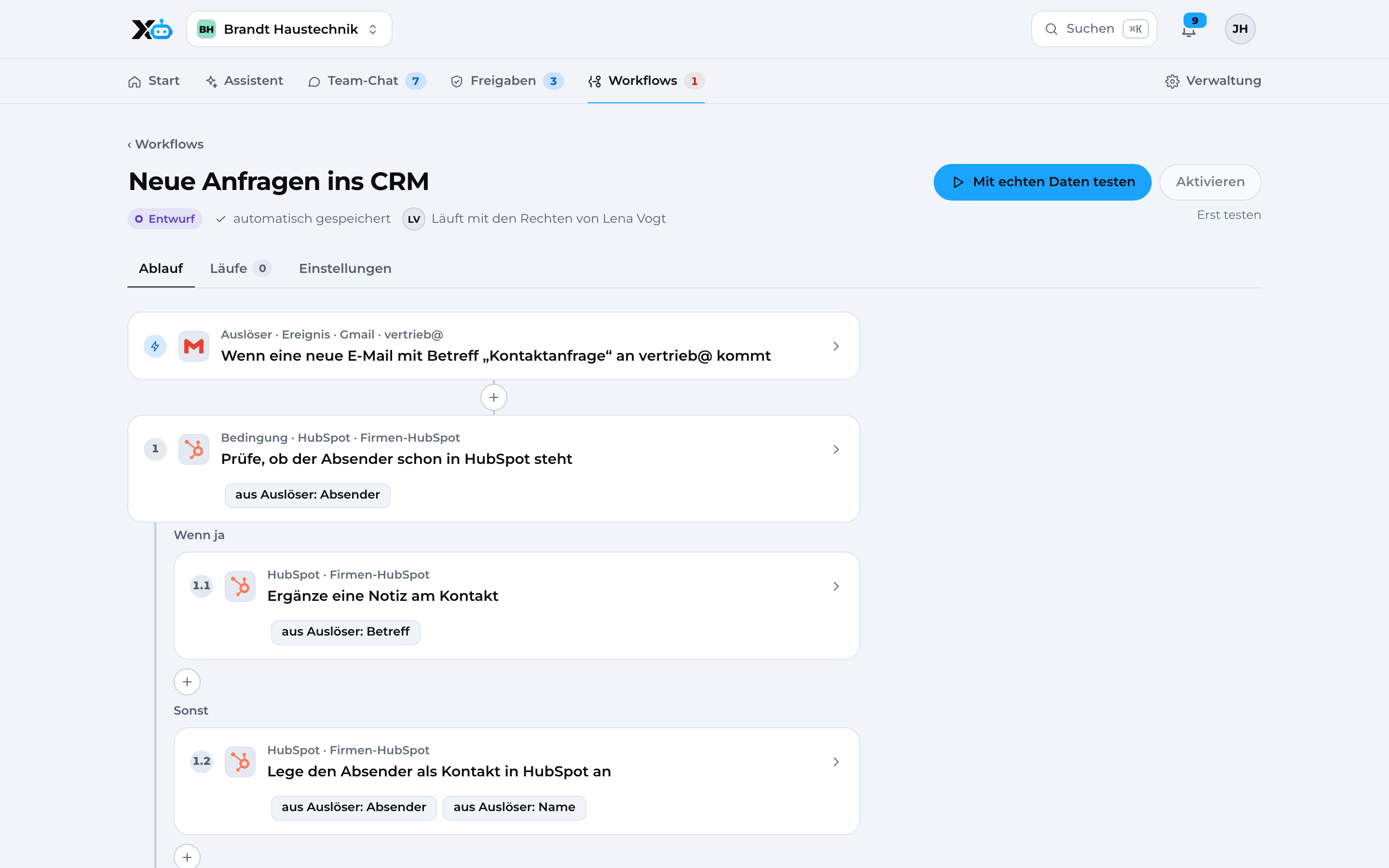
Process automation
02See it in action
Real screens from the app with sample data.
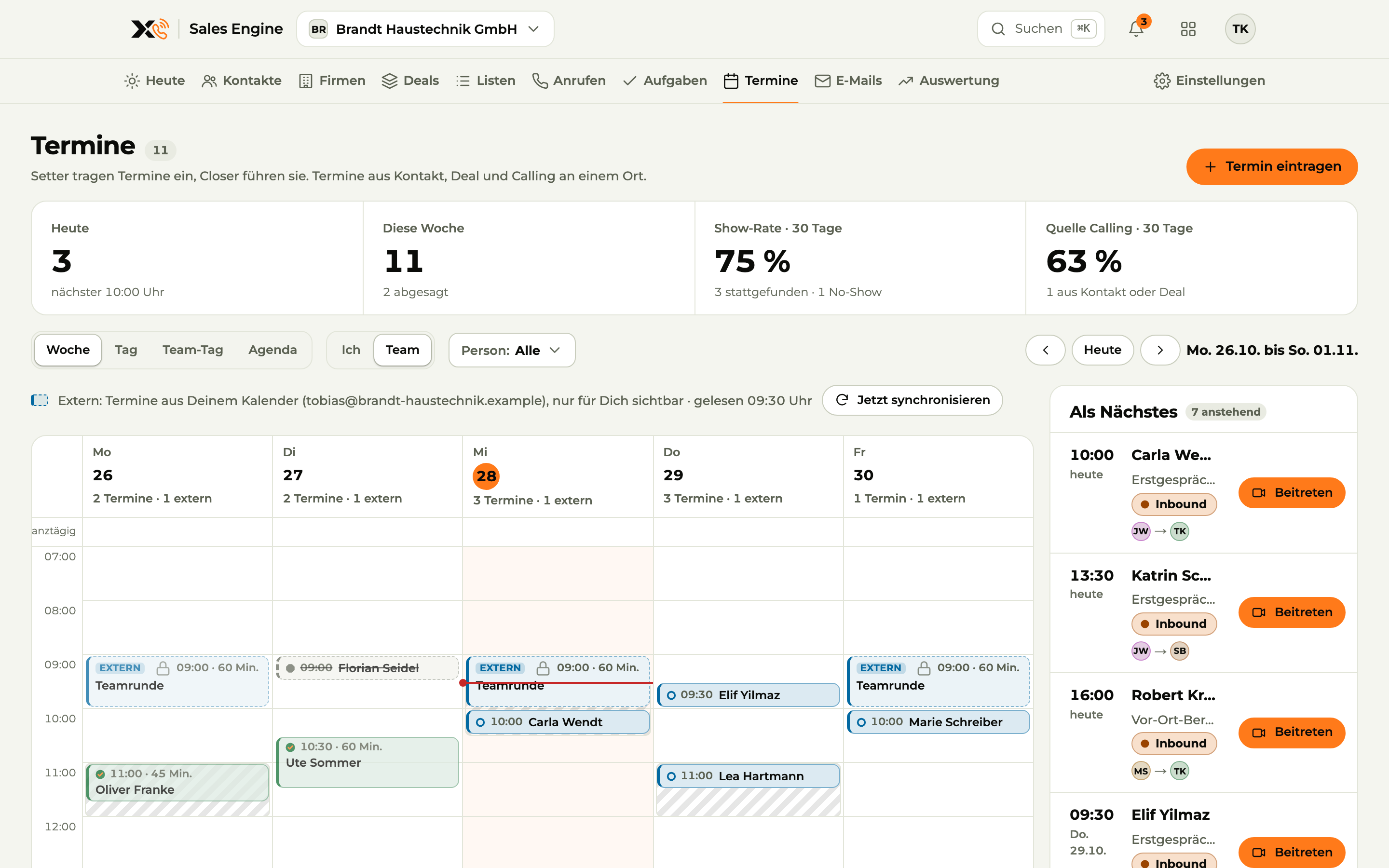
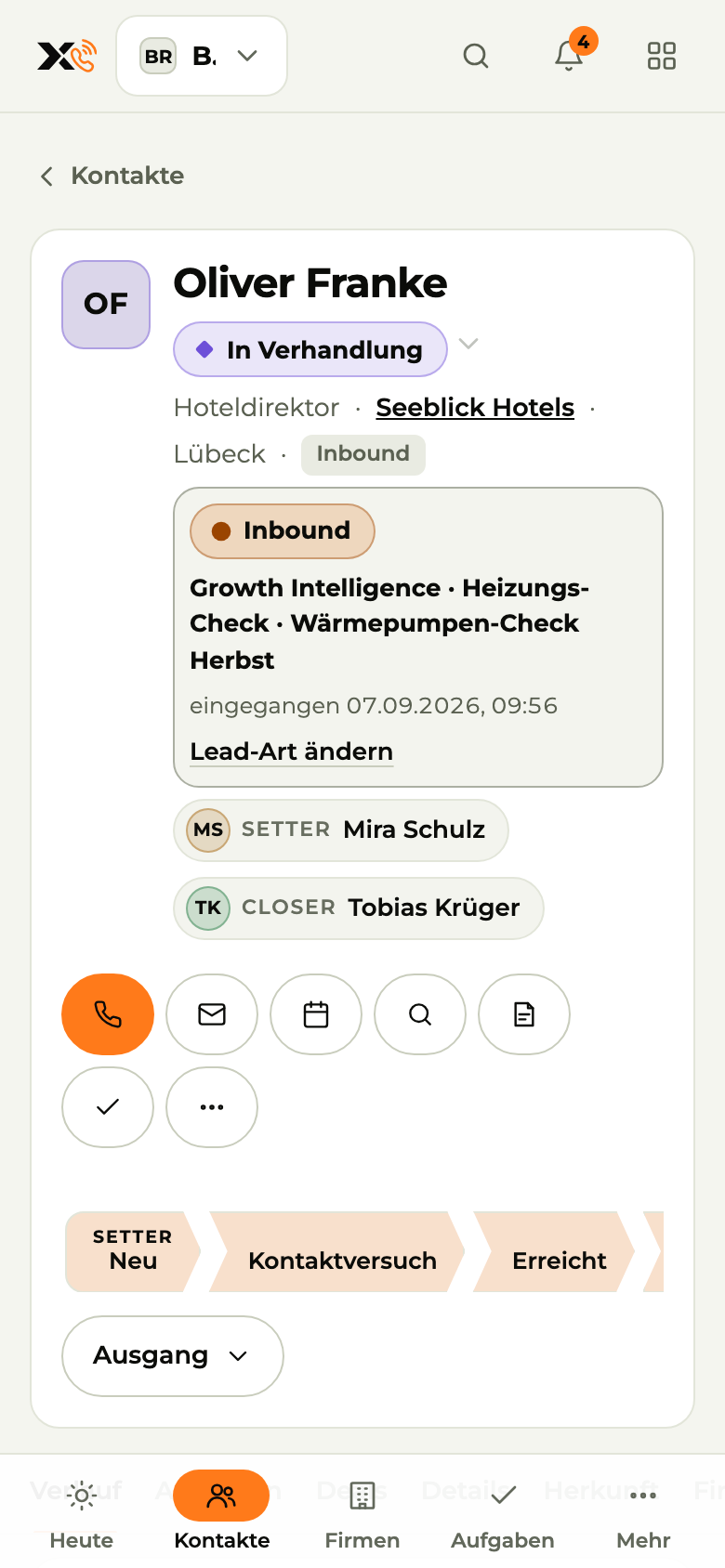
Meetings The team's weekly calendar, synced with your calendars.
Image 1 of 4: Meetings
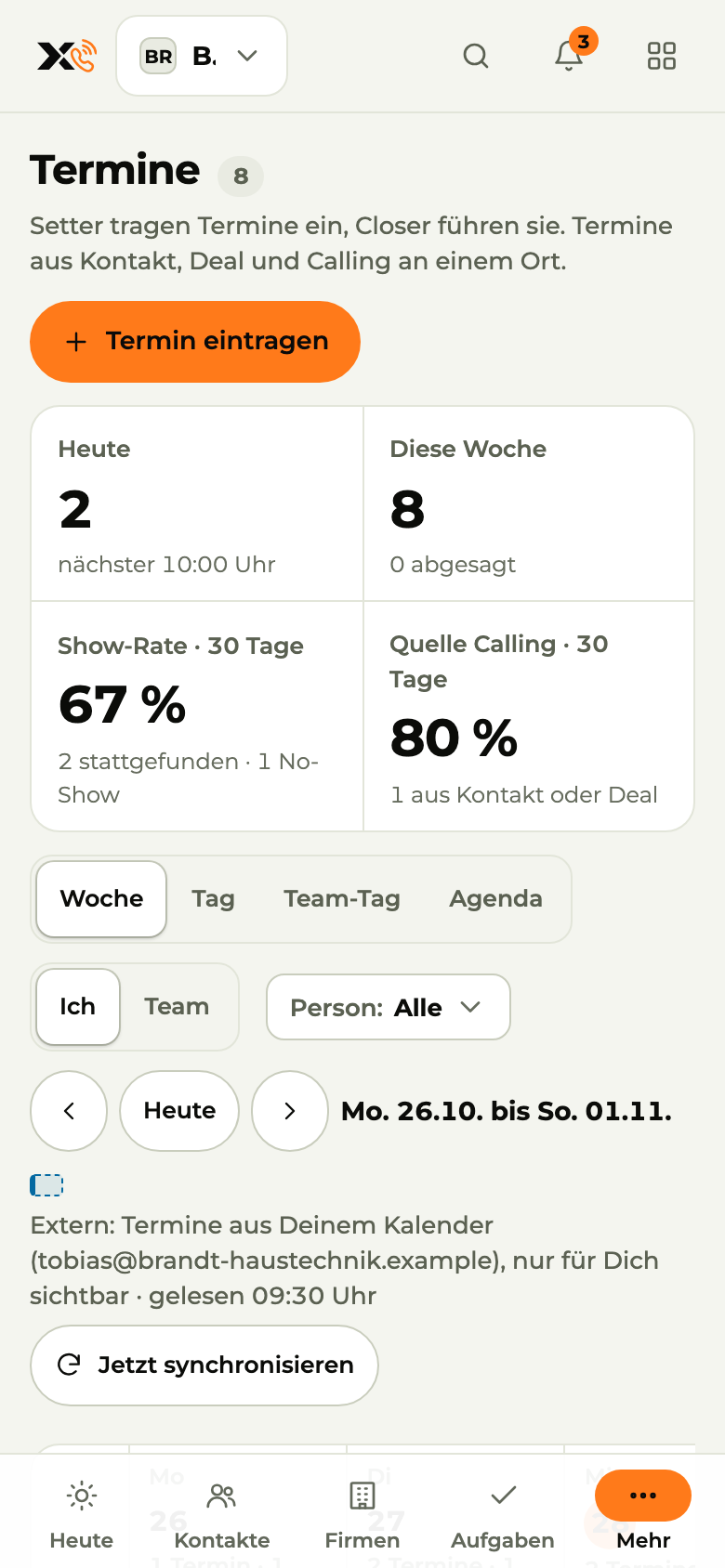
Image 1 of 4: Meetings
03How the connection works
In the X3 CRM settings, you sign in to Outlook with your own account.
You decide which mailbox, calendar or conferencing account is used.
Emails, meetings and links show up right on the contact and in your bookings.
04Triggers and actions
You decide per group what each group is allowed to do. By default, sending needs an approval.
05Privacy and security
You connect your own account by signing in to Outlook directly.Chats, permissions, workflows and the audit log are stored encrypted in data centers in Germany.Before every action, X3 checks the person's permissions: read, edit, send, delete.By default, sending needs an approval. Every action is recorded in the audit log.App credentials are stored separately from all other data and are never passed to AI models.App connections run through Composio (USA), covered by Standard Contractual Clauses.06Related apps
 Gmail integrationEmail, works with X3 CRM, X3 Automation
 Microsoft Teams integrationCommunicationX3 Automation coming soon, works with X3 CRM
 WhatsApp Business integrationCommunicationX3 Automation coming soon, works with X3 Growth Intelligence
 Meta Ads integrationAd platform, works with X3 Growth Intelligence, X3 CRM
 Google Calendar integrationCalendar, works with X3 CRM, X3 Automation
 Google Meet integrationVideo conferencing, works with X3 CRM
 Slack integrationCommunicationComing soon
 Mailchimp integrationNewsletterComing soon
07Questions
08Get started
One X3 account, Outlook connected in a few steps.Prefer to do it together? We'll set it up with you.
Rather talk? Book a call with Denis (opens in a new tab)