01How it works
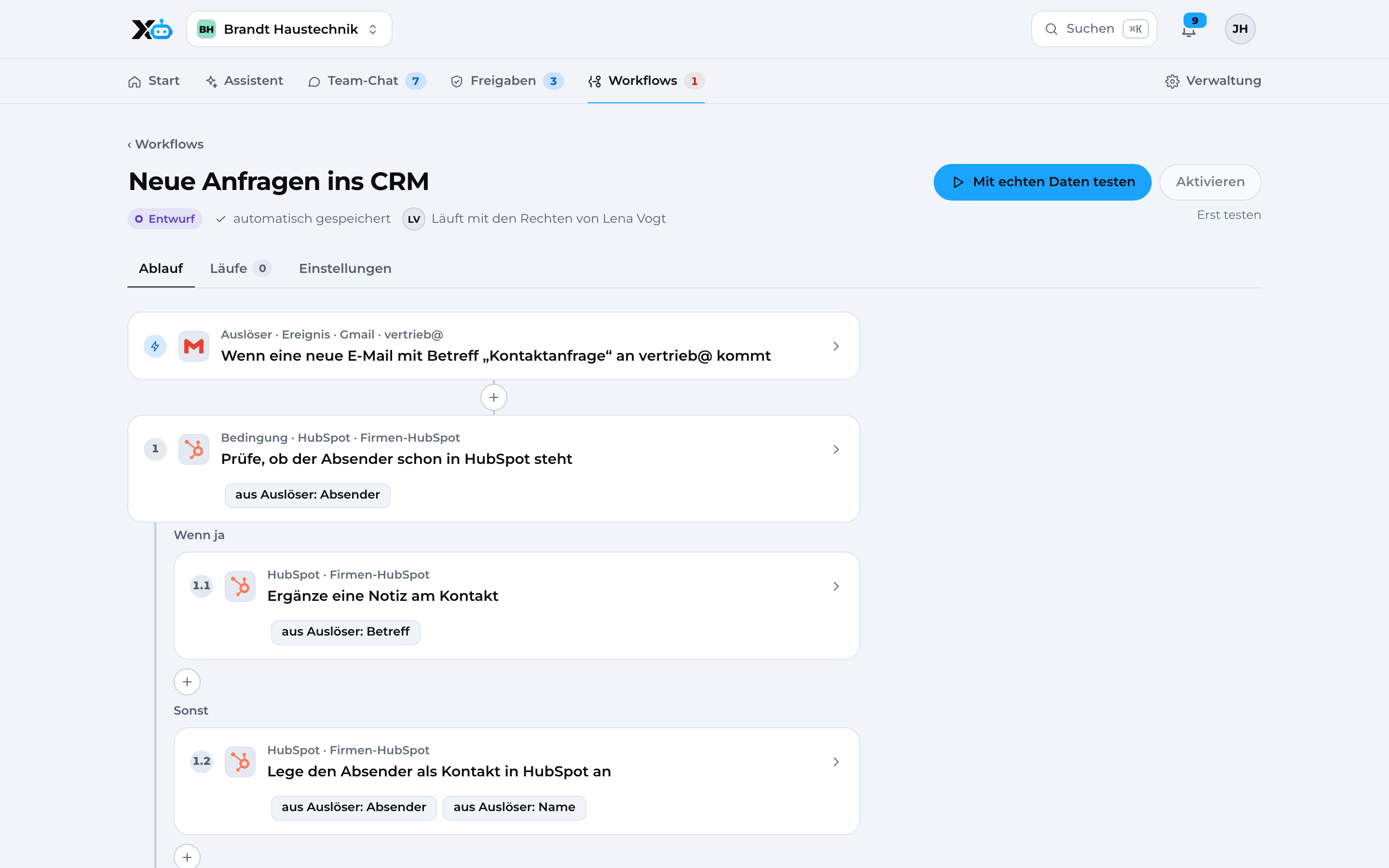
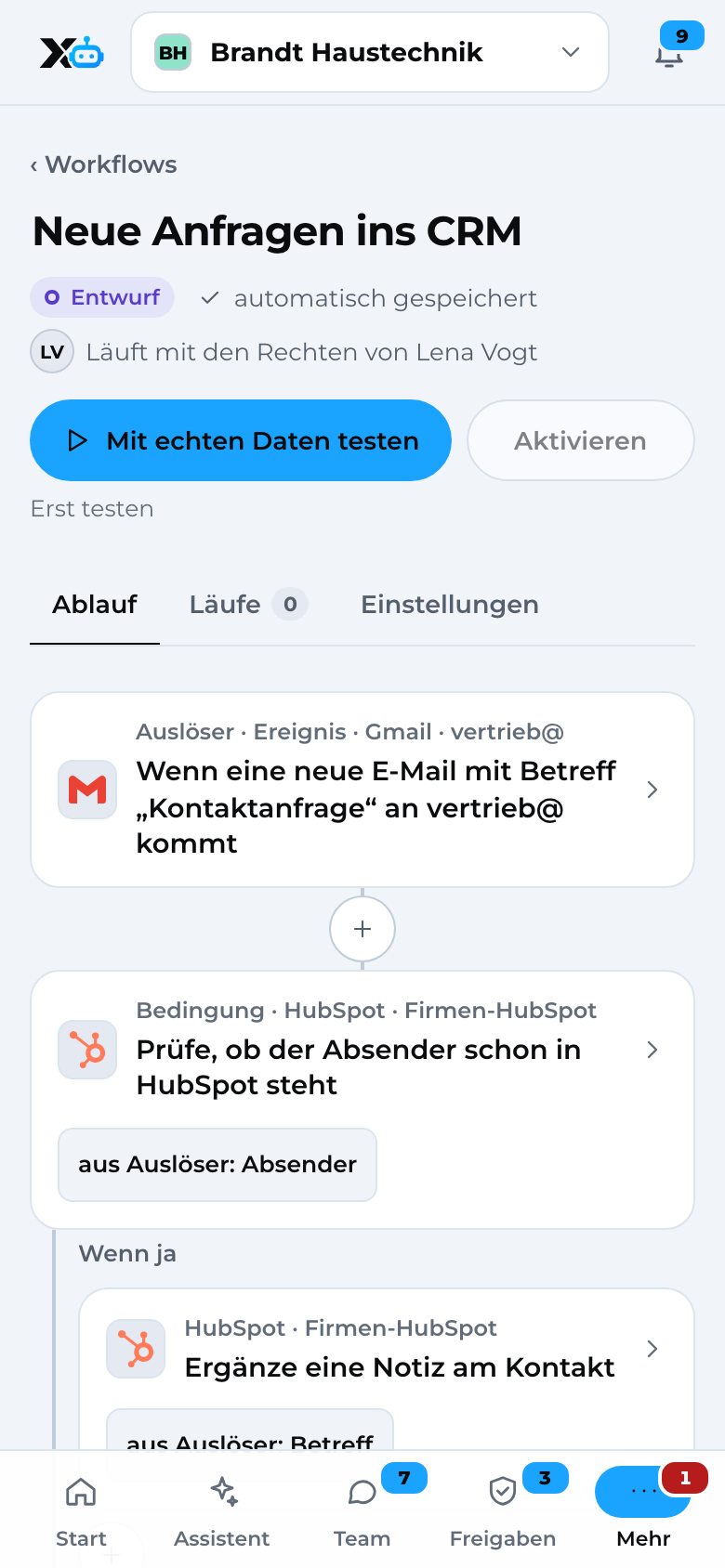
This is how X3 Automation works. Every step visible.
A permission check before every action. Data in Germany, with an optional local server in your office.
02Flow: chat
A question for your assistant
From the question to the approved answer
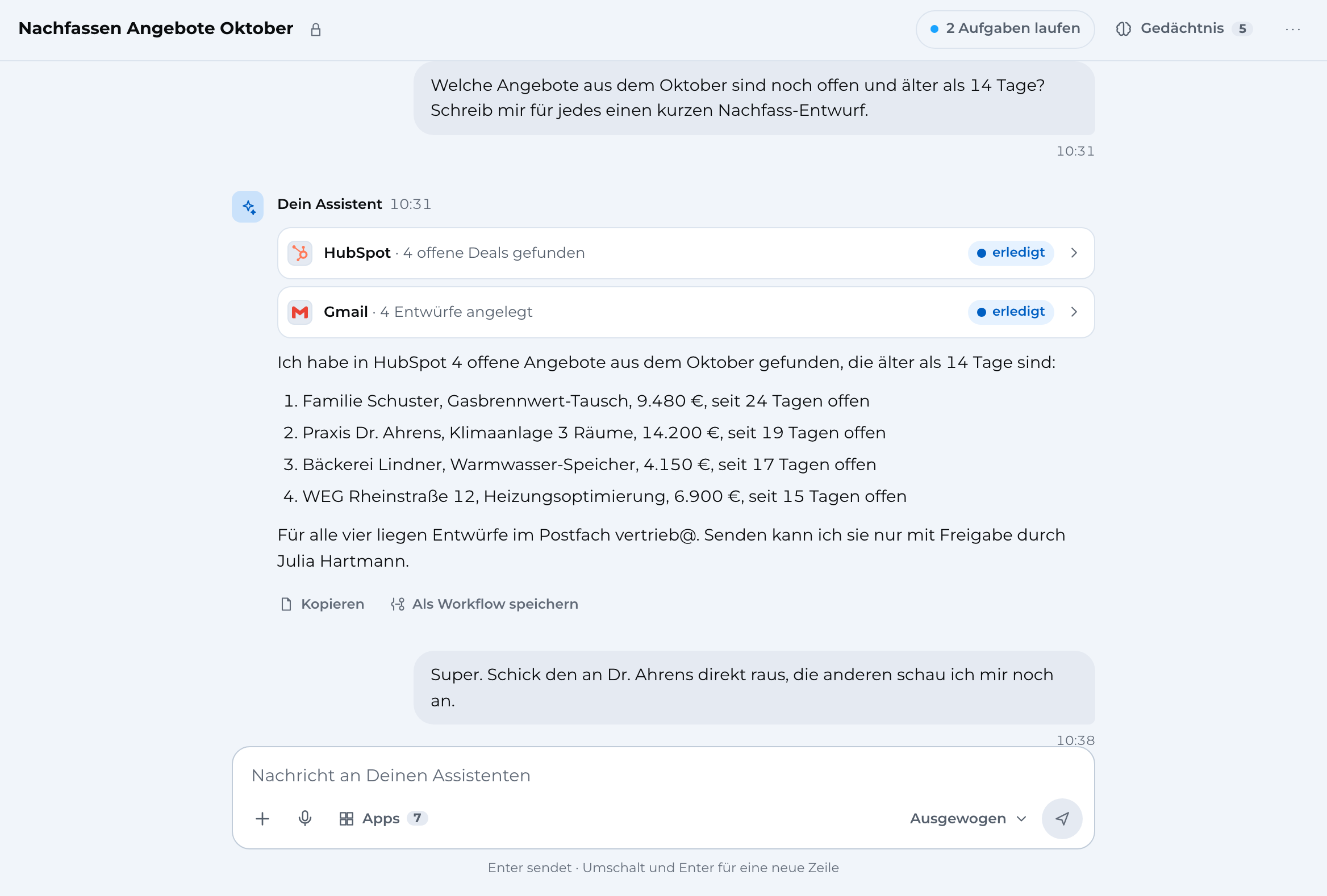
You ask in the browser or the app: “Write to the Köhler family that Thursday works.”
- Web
- App
- Assistant
Your assistant reads the mailbox with the right AI model and writes a draft.
- Assistant
- AI models

 Email
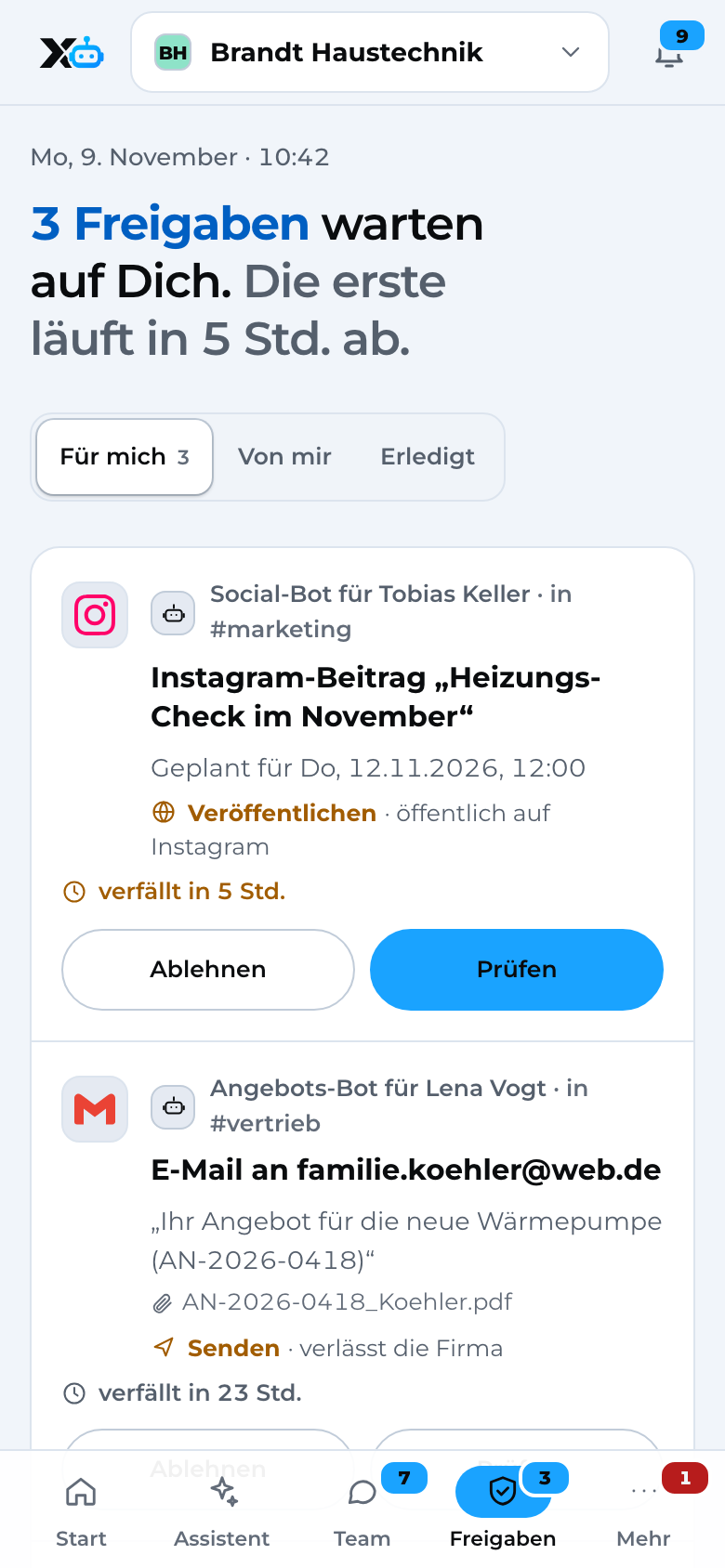
Before sending, X3 Automation checks your permissions. In your group, sending needs an approval.
- Permission check before every action
You approve after a quick look at the text, the email goes out and is recorded in the audit log.
- Approvals
- Email
- Audit log
03Flow: local data
Customer data from the local server
Personal data stays within your business
Your assistant asks for the Köhler customer file. First, X3 Automation checks whether you're allowed to read it.
- Assistant
- Permission check before every action
Your local server reads the file in the office, using the local AI model.
- Customer files & documents
- Local AI model
Names, addresses and phone numbers become placeholders before anything leaves the server.
- Placeholders
When you send a draft back, the server puts the real data back in and sends it from the office.
- Placeholders
- Email
- Audit log
In the officeLeaves the server
- The Köhler familybecomes[Customer 1]
- Heinrichstraße 12, 64283 Darmstadtbecomes[Address 1]
- 0151 2345 6789becomes[Phone 1]
04Flow: workflow
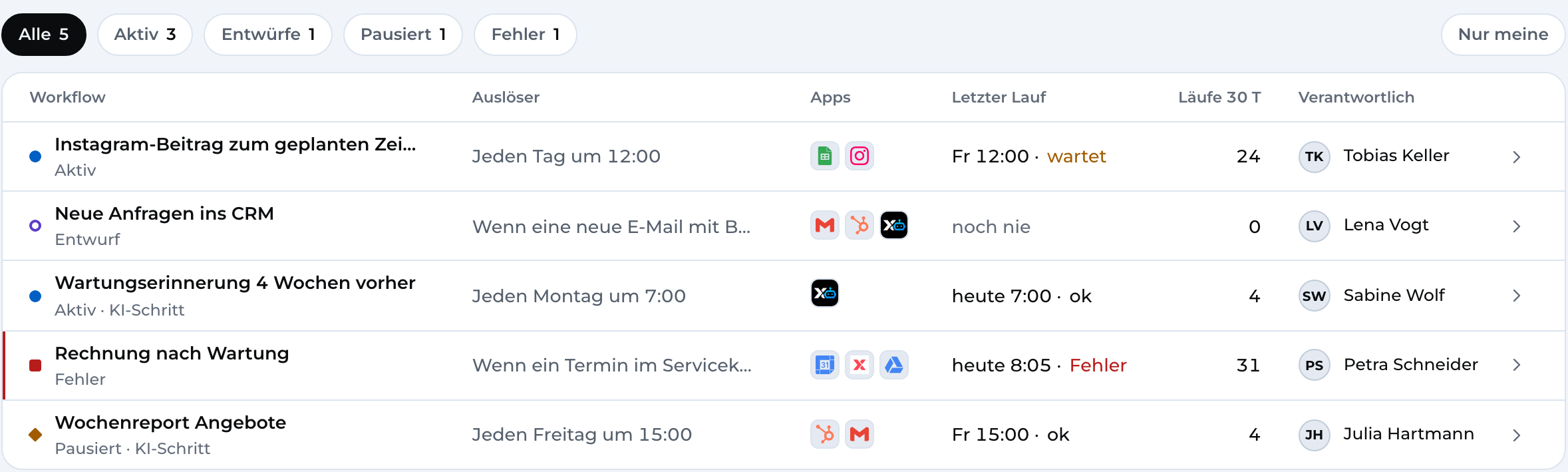
Receipts to DATEV
A fixed process with the same rules
An incoming invoice arrives as a PDF in your inbox, and the workflow starts.
- Email
- Workflows
Every step that touches an app goes through the same permission check as your assistant.
- Workflows
- Permission check before every action
After your approval, the receipt goes to the DATEV Unternehmen online upload address your accountant gives you.
- Approvals
 Accounting
The status and duration of every run are recorded in the audit log.
- Audit log
05Your data
What lives where.
Data is stored in Germany. With a local server, personal data stays within your business.
Stored in Germany
Data centres in Germany, encrypted
- Chats and memory
- Permissions, groups and approvals
- Workflows and audit log
Briefly with providers
AI models and app connections, also in the USA
- the text of a request to the AI model
- access to your apps
- no training on your data
Stays in your business
with a local server
- Names, addresses, phone numbers
- Customer files and folders
- the placeholder mapping
Subprocessors
| Provider | Purpose | Location |
|---|---|---|
| Vercel and Neon (Amazon Web Services) | Hosting, database and files | Frankfurt am Main · US-based providers, Data Privacy Framework and standard contractual clauses |
| Vercel AI Gateway | Routing AI requests to the model | USA · Data Privacy Framework and standard contractual clauses |
 Anthropic | AI answers | USA · standard contractual clauses |
 OpenAI | optional AI model | USA · standard contractual clauses |
 Composio | Connections to your apps | USA · standard contractual clauses |
 Stripe | Payments and invoices | Ireland, EU |
06For IT managers
The details, briefly explained.
Zones
Company separation
Encryption
Local server
Sign-in
07Get started
Start today. For free.
Sign up, connect your apps, test your first workflow from a template.Rather do it together with us? Then book a setup session.
Rather talk? Book a call with Denis (opens in a new tab)