DATEVAccounting

Automate DATEV: your assistant does the work, you approve

Receipts and export for DATEV: X3 Automation sends receipts to DATEV Unternehmen online and creates posting batches as a DATEV export for your accountant, both only after approval. The direct DATEV API connection is coming soon.

01What you can do with it

What you do with DATEV and X3.

X3 Automation

Process automation

  • Send incoming invoices from your inbox to DATEV Unternehmen online as receipts, after approval
  • Create posting batches as a DATEV export (EXTF CSV) and file them
  • Email the DATEV export to your accountant after approval
  • Direct DATEV API: read entries and receipts, submit posting batches directlyComing soon
More about X3 Automation

02See it in action

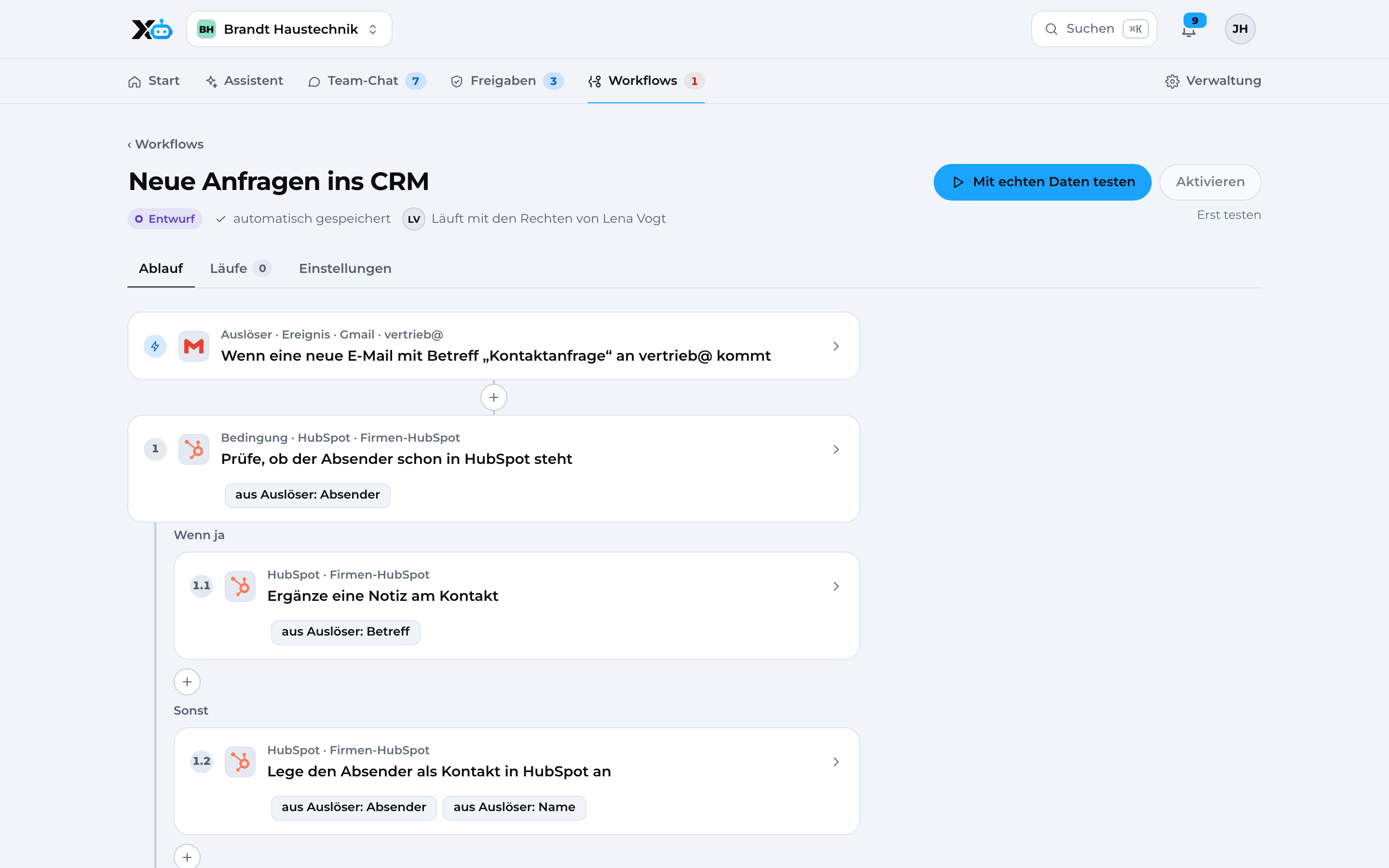
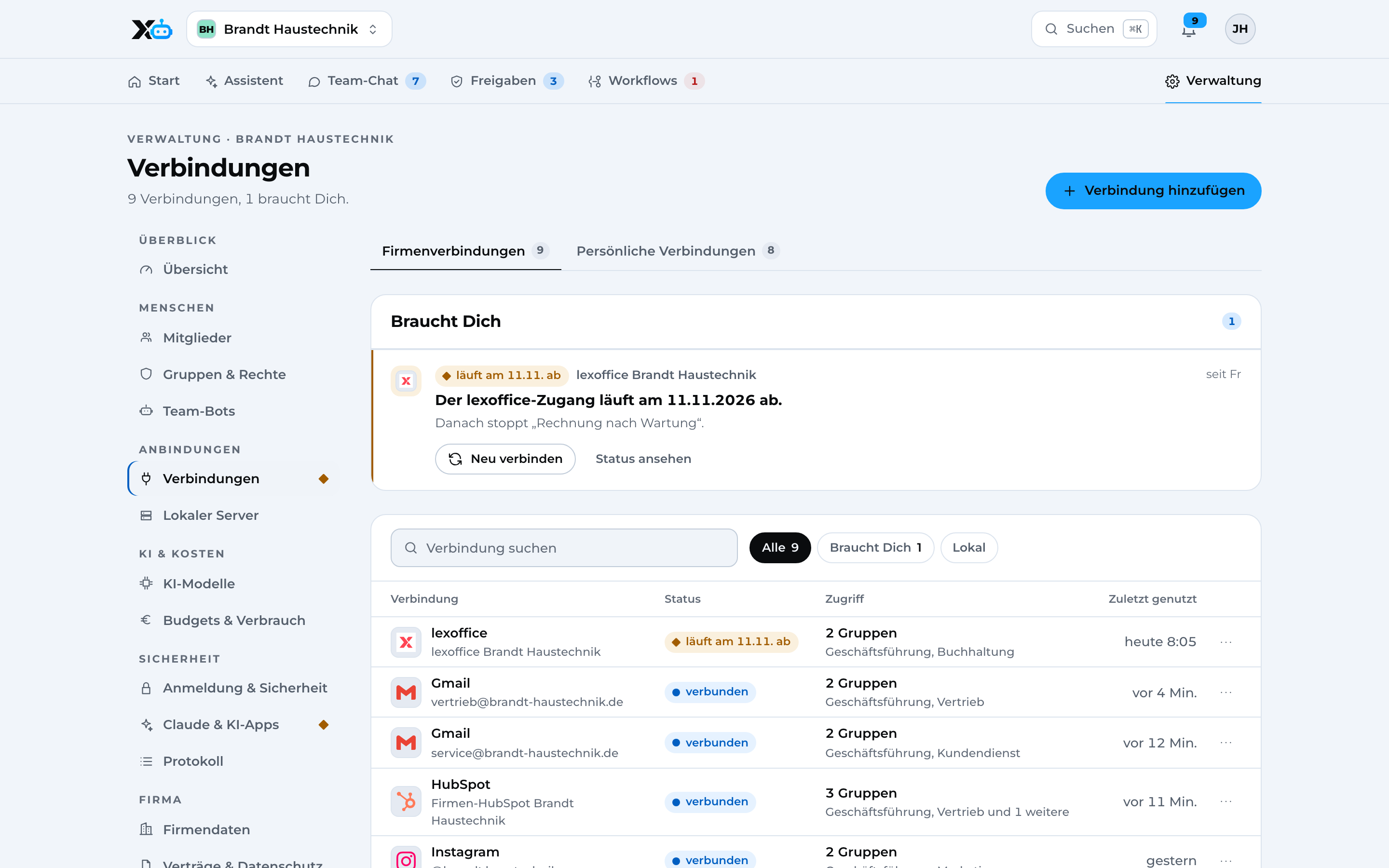
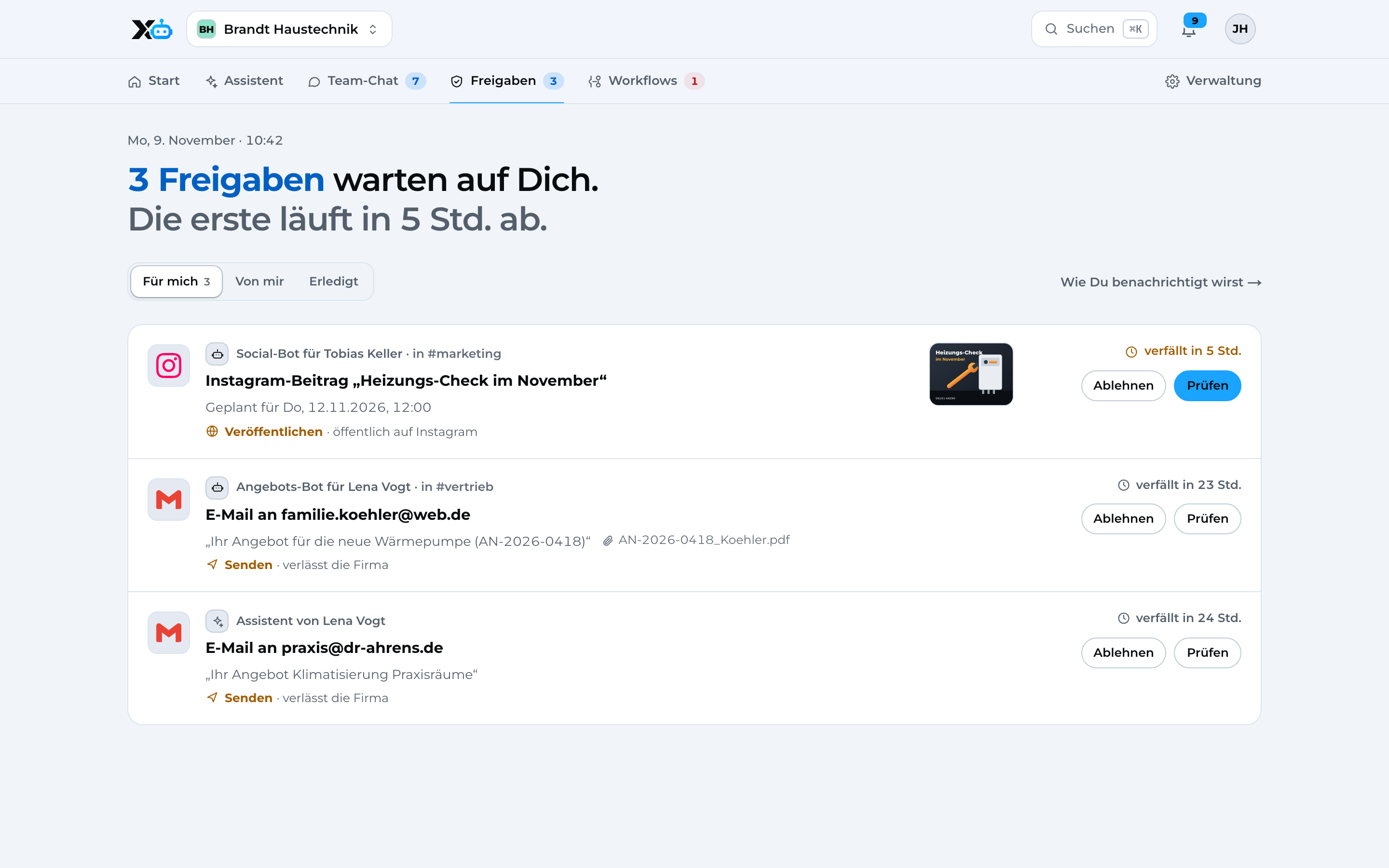
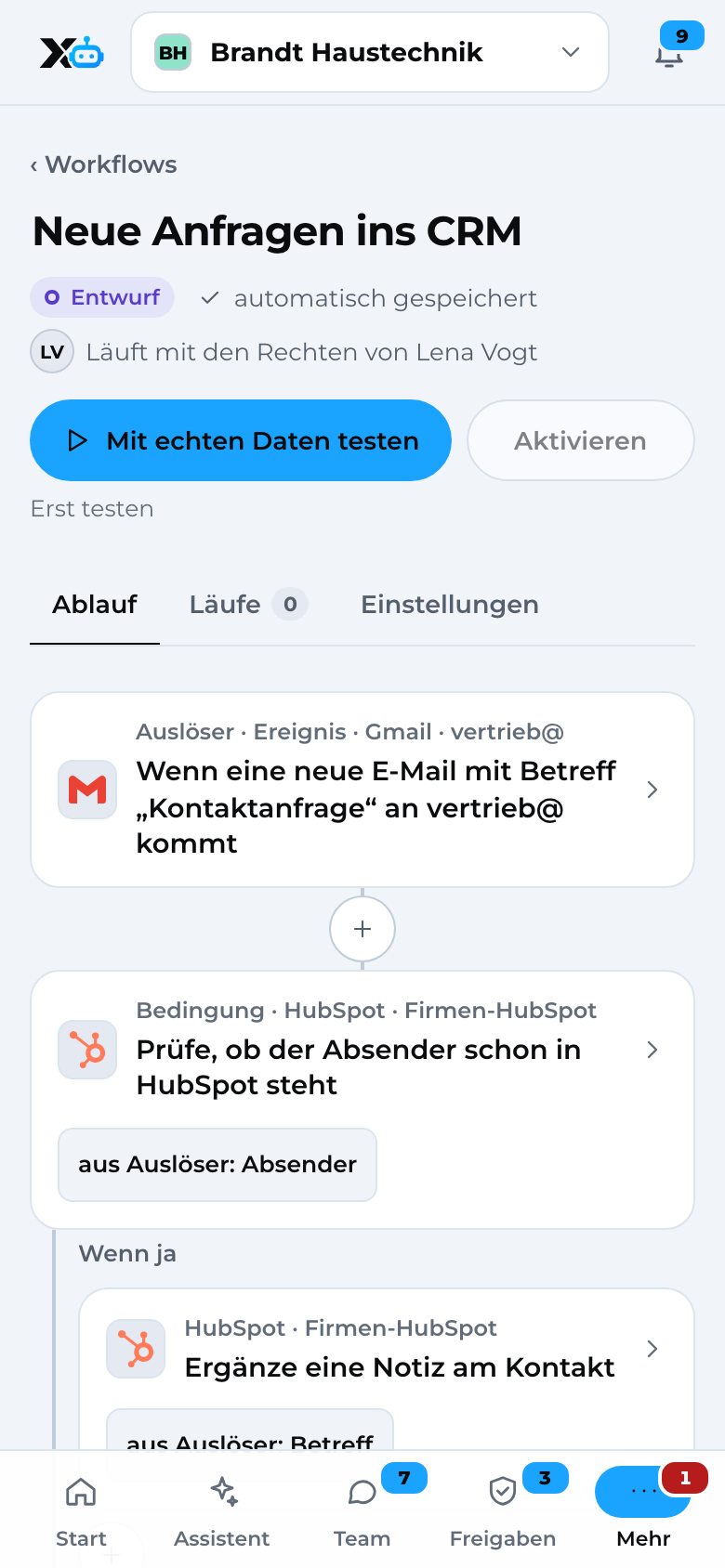
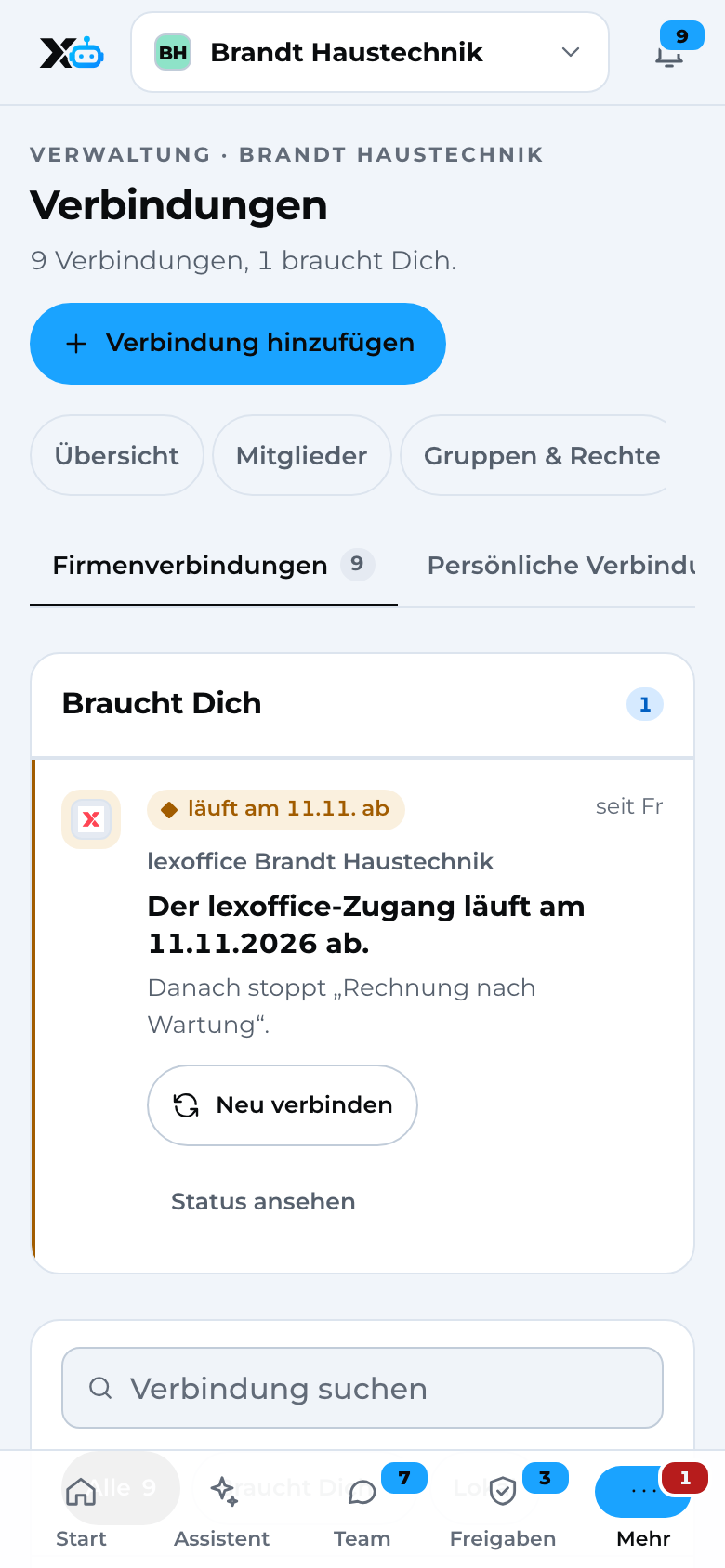
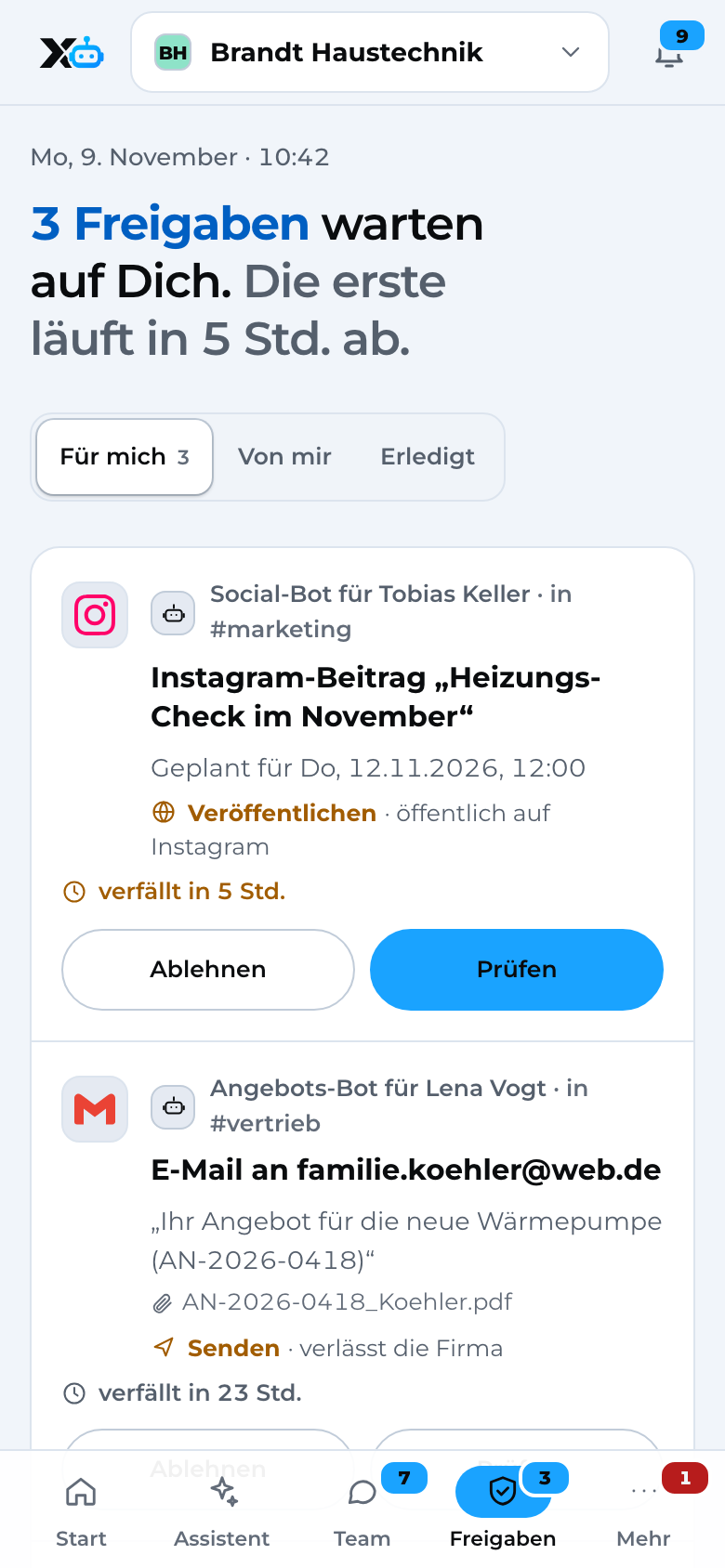
Here's how it looks in X3.

Real screens from the app with sample data.

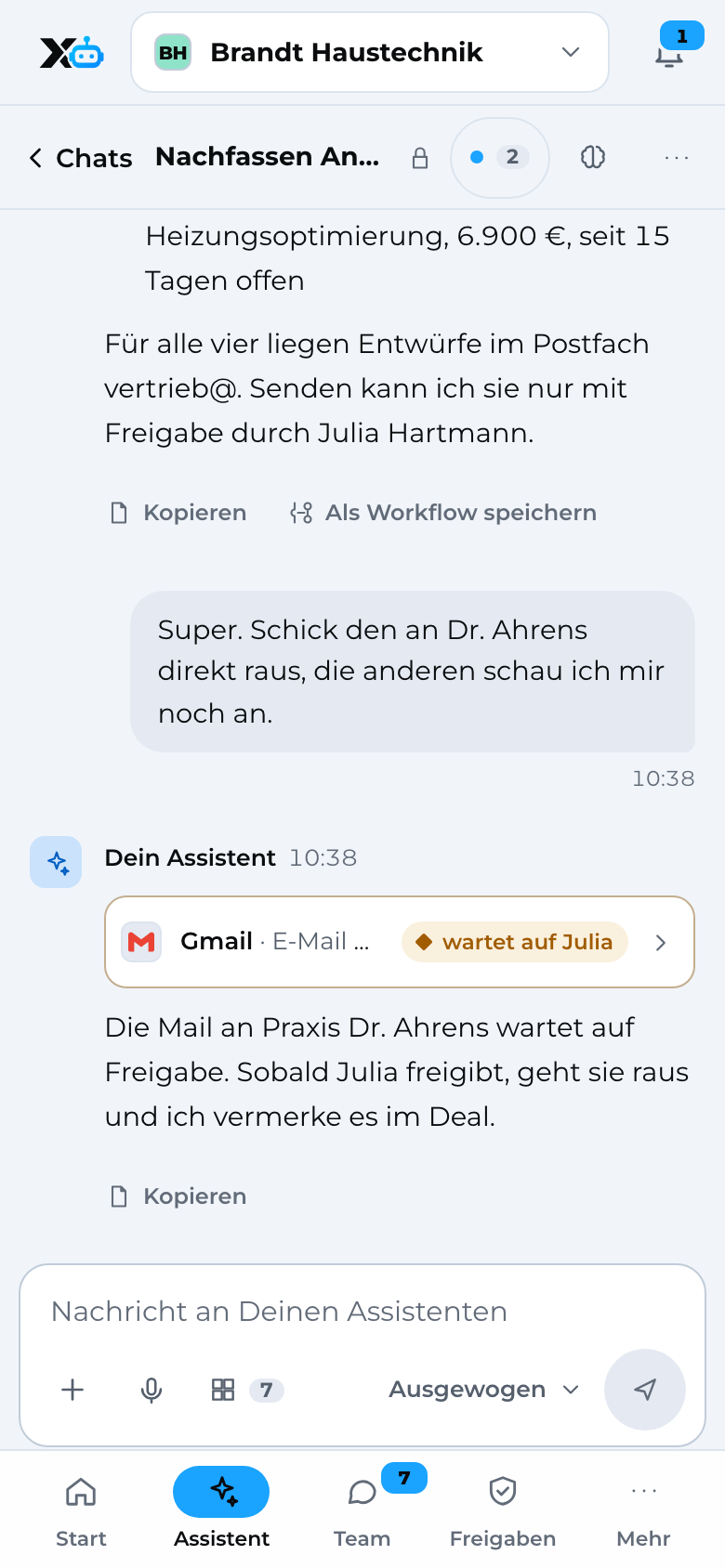
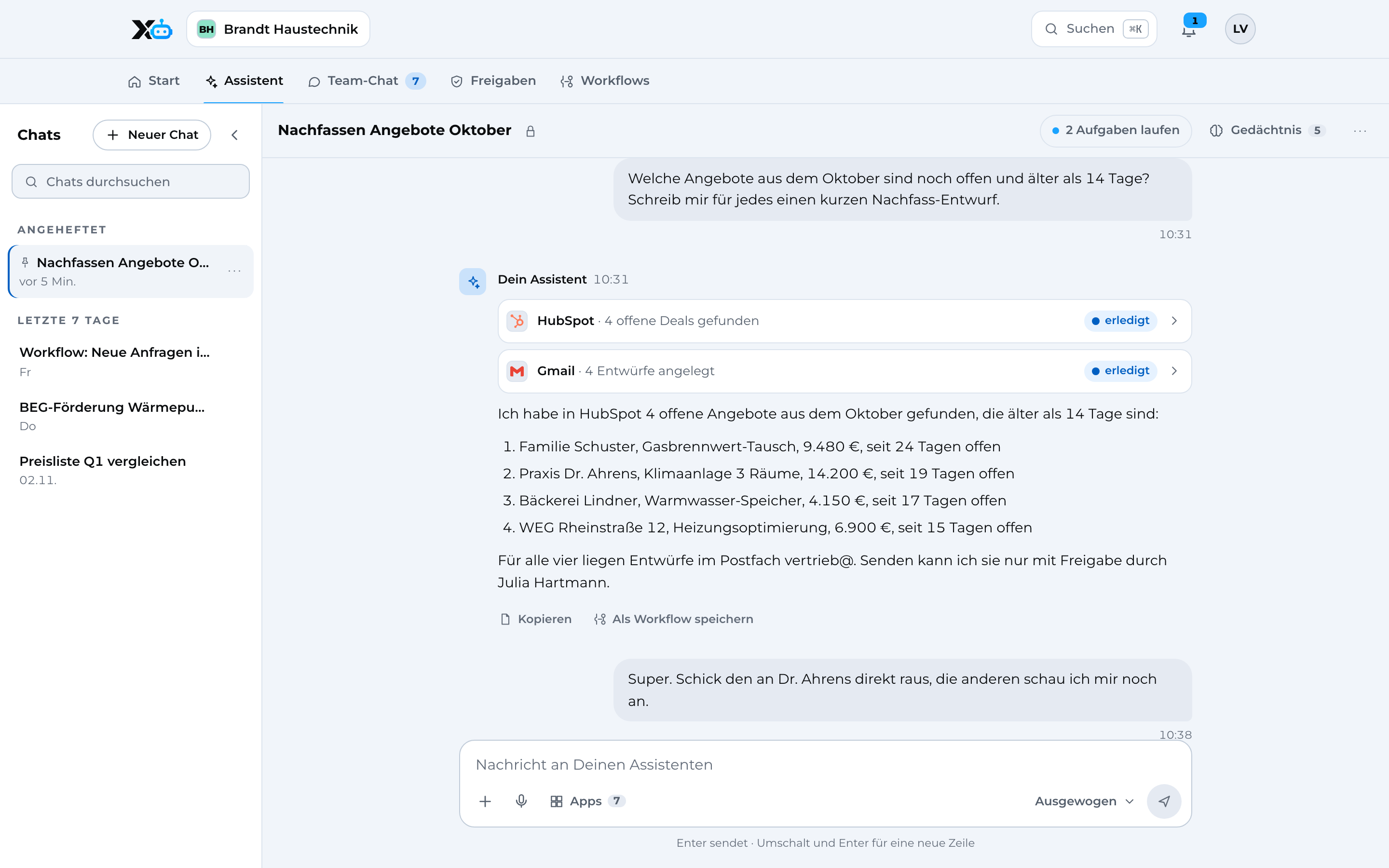
Assistant: chat with actions in HubSpot and Gmail, one email waiting for approval
Sample data

Assistant Chat with actions in your apps, an email waiting for approval.

Image 1 of 4: Assistant

Assistant on the phone
Sample data

Image 1 of 4: Assistant

03How the connection works

Connect DATEV in three steps.

  1. 01

    Connect DATEV

    You sign in with the provider. Access credentials for apps are stored separately from the rest of your data.

  2. 02

    Set permissions

    For each group, you decide what it may read, edit, send and delete in the app.

  3. 03

    Assistant and workflows

    Your assistant and your workflows work with the app. Anything that goes out waits for your approval.

04Triggers and actions

What X3 Automation can do in DATEV.

You decide per group what each group is allowed to do. By default, sending needs an approval.

Edit

  • Create DATEV export

Sendwith approval

  • Send receipts to DATEV
  • Send DATEV export to your accountant

Coming soon

  • Read bookkeeping entries
  • Read receipts
  • Submit posting batches directly to DATEV
  • Delete receipt

05Privacy and security

Your data, your rules.

  • X3 AutomationChats, permissions, workflows and the audit log are stored encrypted in data centers in Germany.
  • X3 AutomationBefore every action, X3 checks the person's permissions: read, edit, send, delete.
  • X3 AutomationBy default, sending needs an approval. Every action is recorded in the audit log.
  • X3 AutomationApp credentials are stored separately from all other data and are never passed to AI models.
  • X3 AutomationApp connections run through Composio (USA), covered by Standard Contractual Clauses.

07Questions

DATEV and X3 in a nutshell.

Can I connect DATEV to X3?

Yes. Receipts and export for DATEV: X3 Automation sends receipts to DATEV Unternehmen online and creates posting batches as a DATEV export for your accountant, both only after approval. The direct DATEV API connection is coming soon.

What does X3 read and write in DATEV?

Edit: Create DATEV export. Send: Send receipts to DATEV, Send DATEV export to your accountant. You decide what your groups are allowed to do.

Do I need a developer for this?

No. You set up the connection in X3 yourself. If you like, we can do it together in a call.

What about data protection?

Chats, permissions, workflows and the audit log are stored encrypted in data centers in Germany. App connections run through Composio (USA), covered by Standard Contractual Clauses. By default, sending needs your approval.

How much does the DATEV integration cost?

The integration is part of X3 Automation. You'll find what X3 Automation costs on the pricing page.

08Get started

Connect DATEV to X3.

One X3 account, DATEV connected in a few steps.Prefer to do it together? We'll set it up with you.

Rather talk?