X3 Automation
Process automation
- Send a payment link to a customer
- Read payments and summarize open items
- Issue a refund after approval
StripePayments
Coming soon
Coming soon to X3 Automation: read payments and customers in Stripe, create invoices and send payment links after approval.
01What you can do with it
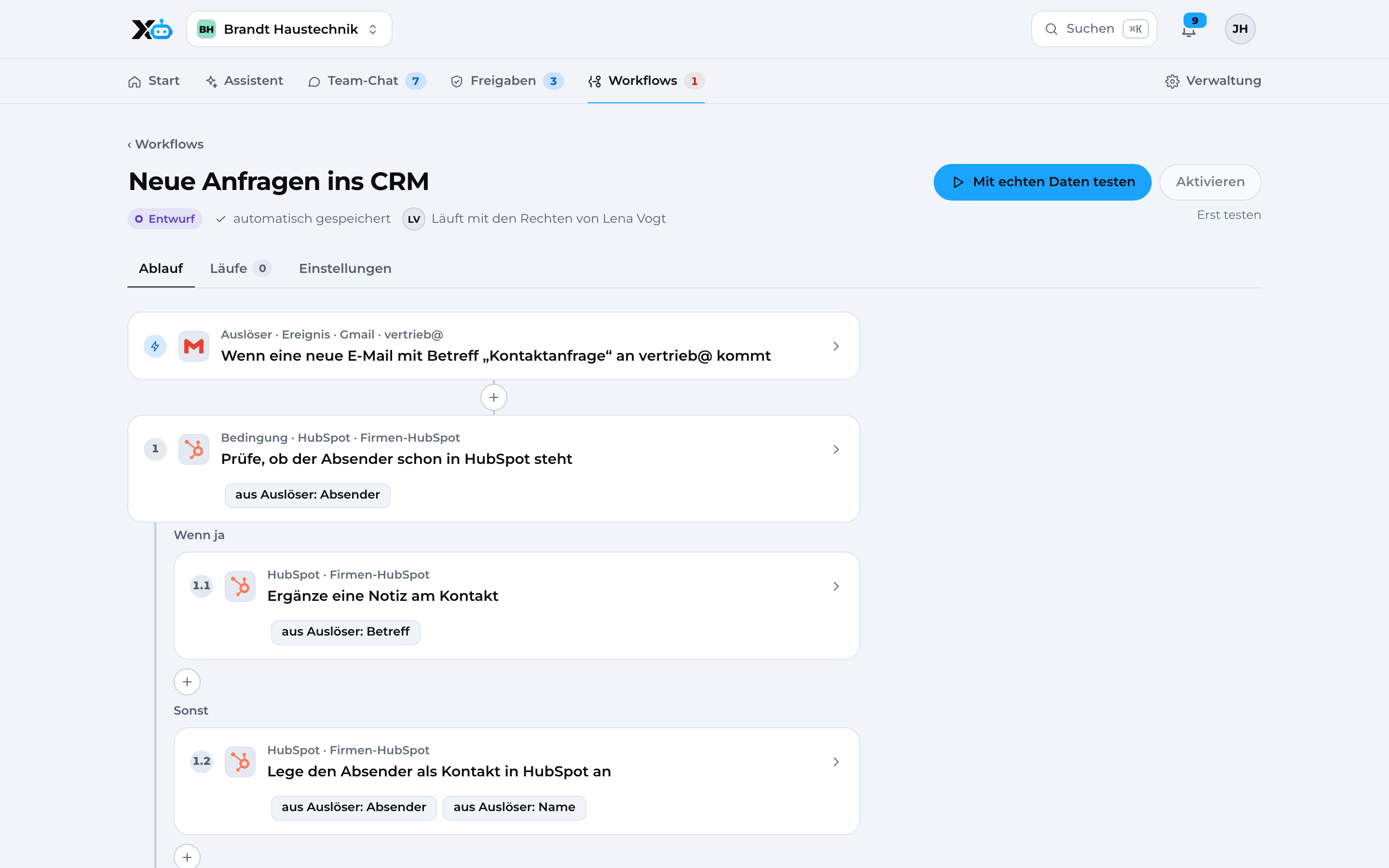
Process automation
02See it in action
Real screens with sample data. Data from this app will be added as soon as the integration is ready.
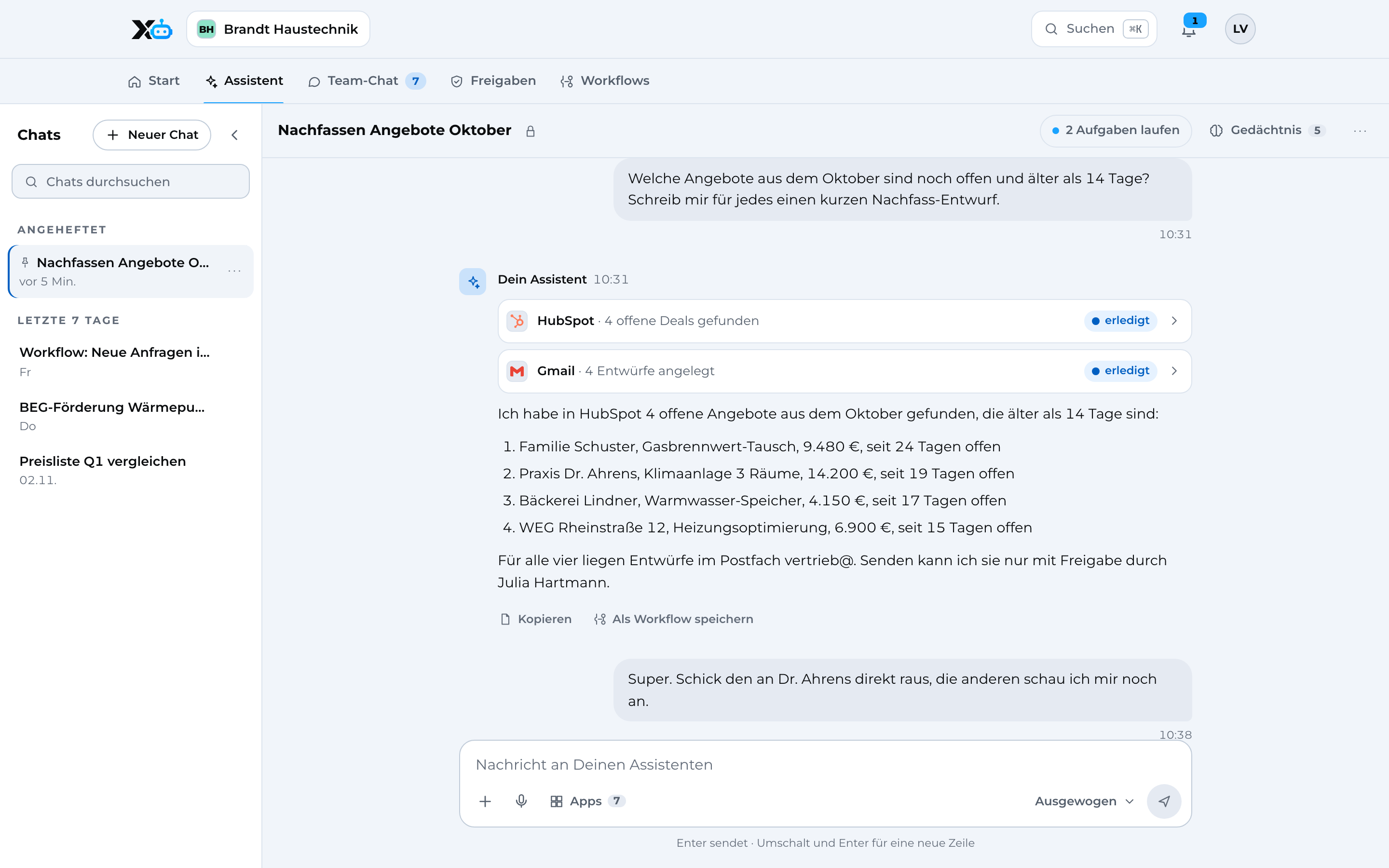
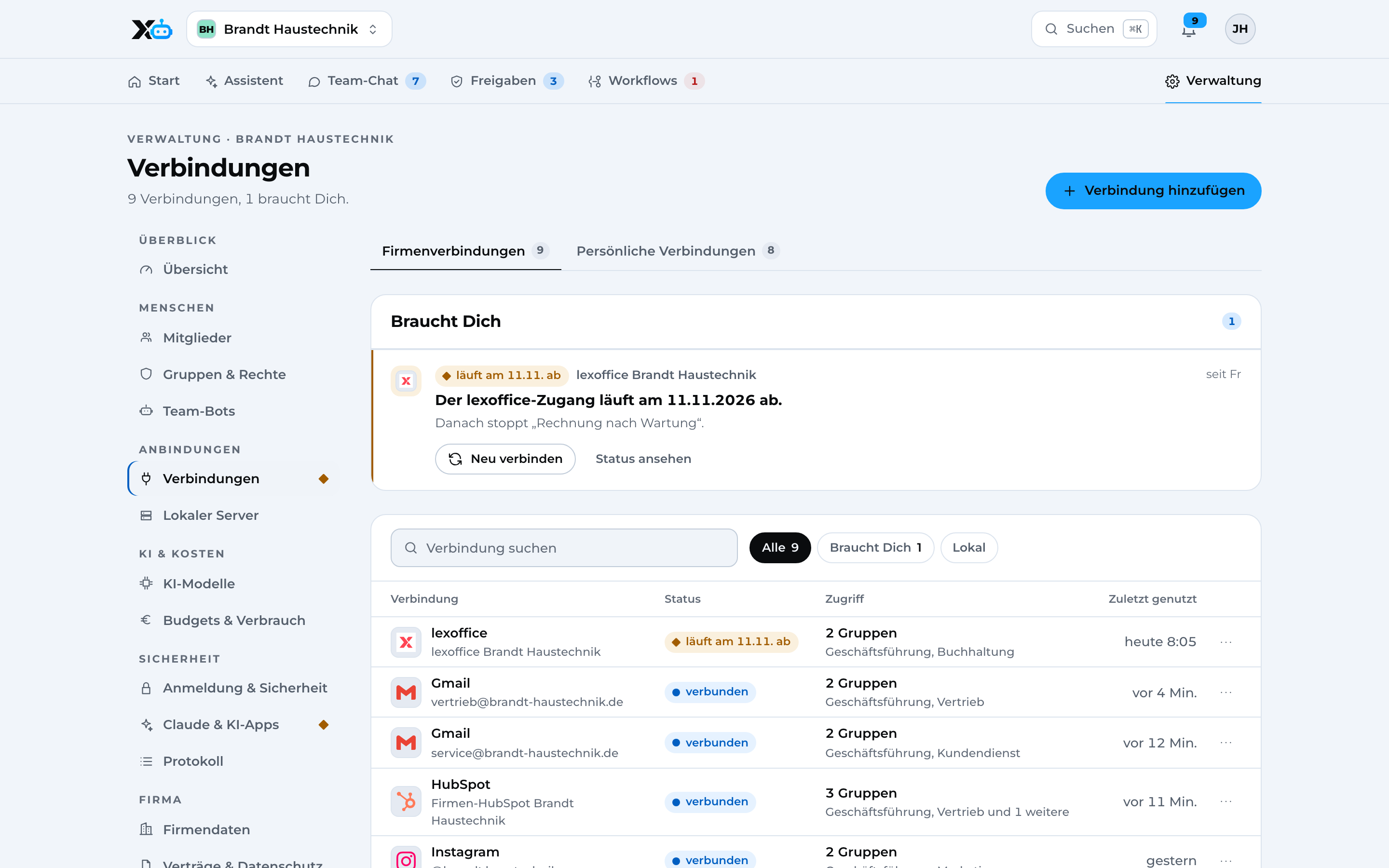
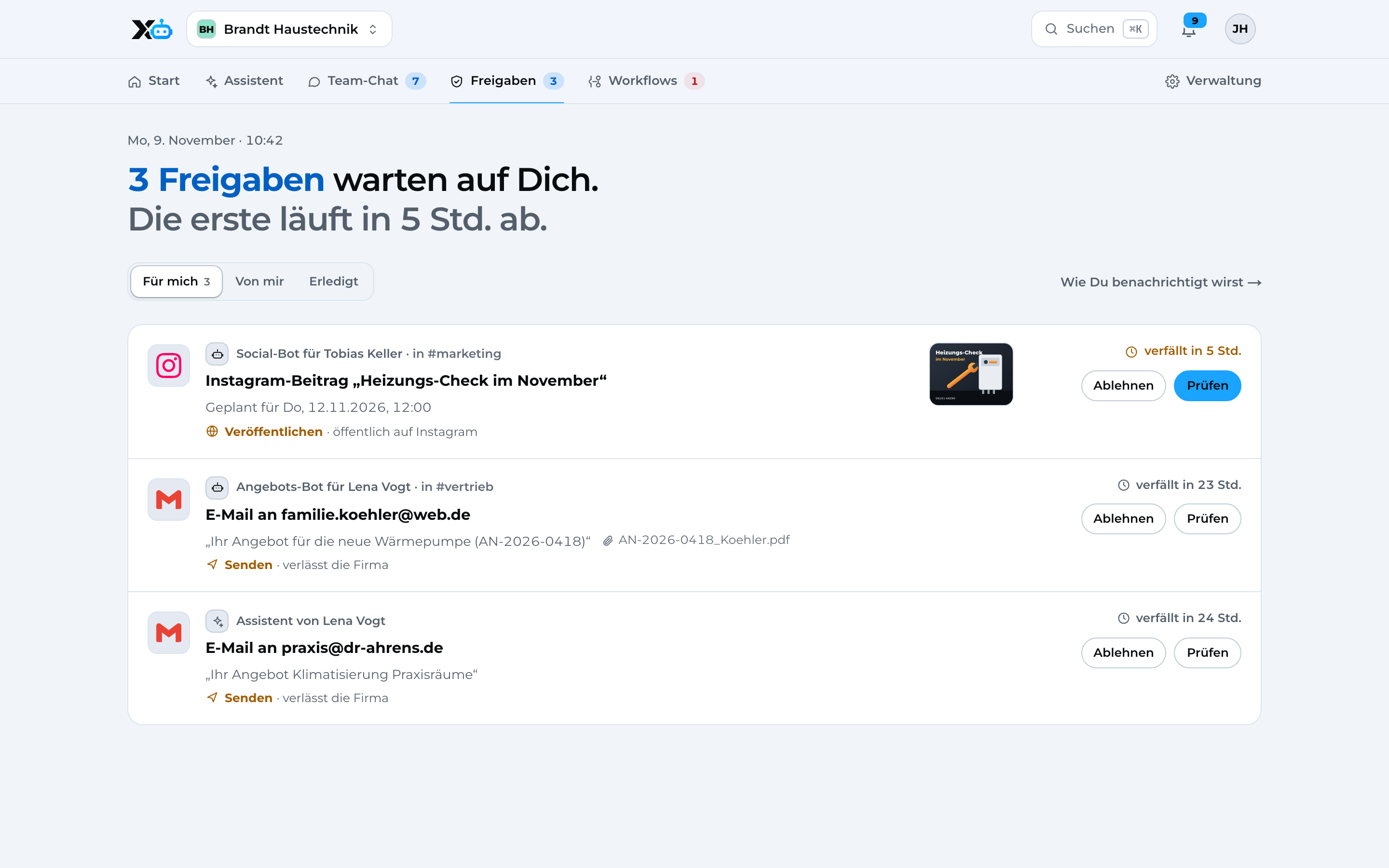
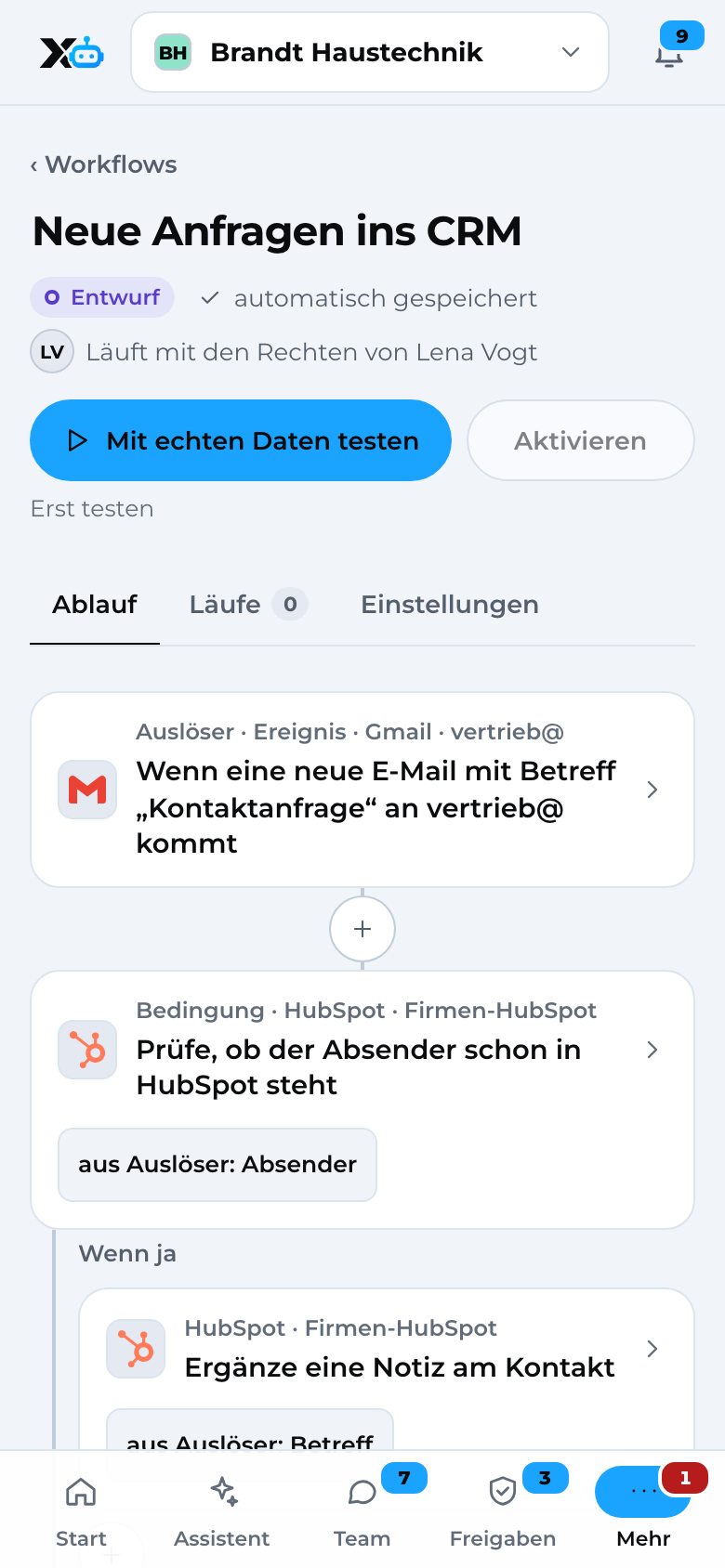
Assistant Chat with actions in your apps, an email waiting for approval.
Image 1 of 4: Assistant
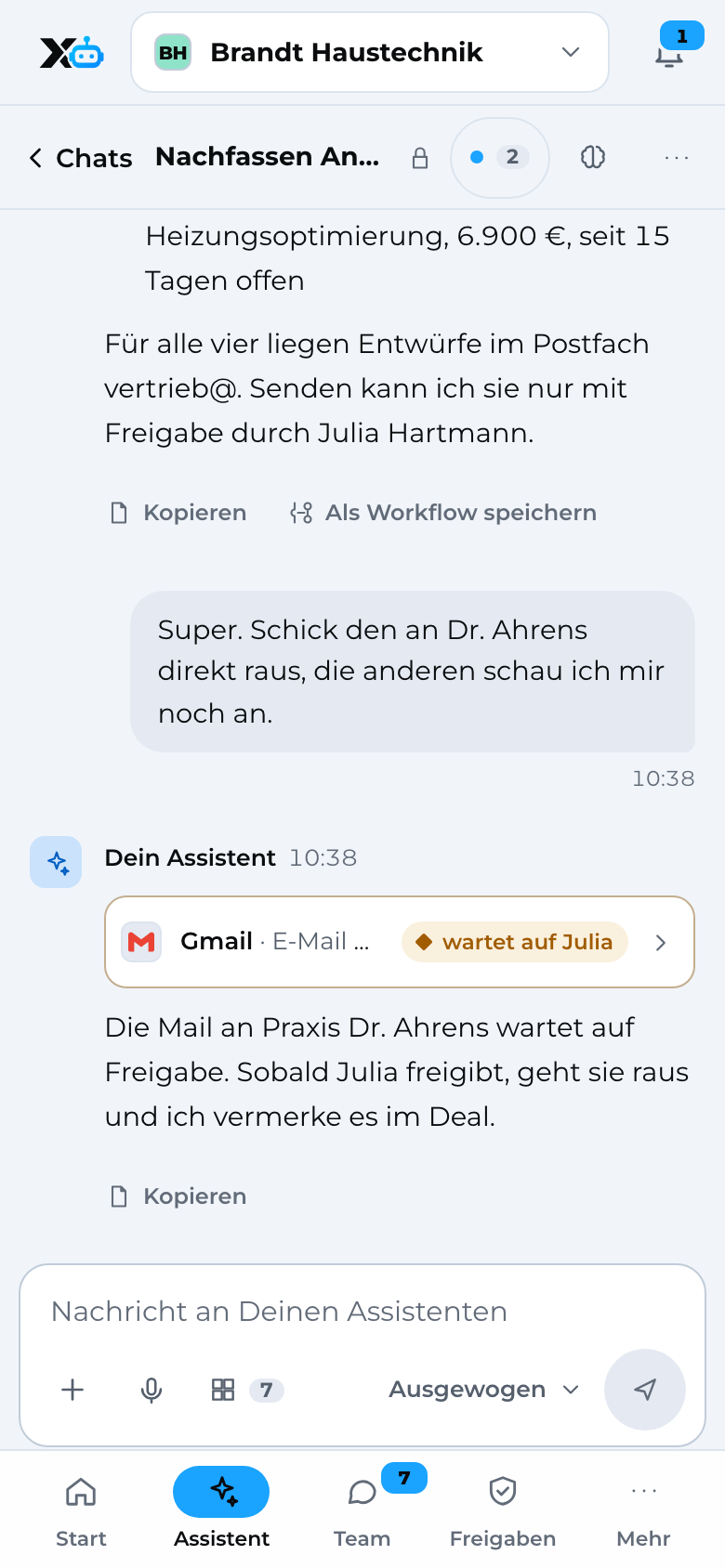
Image 1 of 4: Assistant
03How the connection will work
Once the connection is ready, you sign in to Stripe directly from X3 Automation. Until then, Stripe cannot be connected yet.
For each group, you will decide what it may read, edit, send and delete in Stripe.
Then your assistant and your workflows will work with Stripe. Anything that goes out waits for your approval.
04Privacy and security
Chats, permissions, workflows and the audit log are stored encrypted in data centers in Germany.Before every action, X3 checks the person's permissions: read, edit, send, delete.By default, sending needs an approval. Every action is recorded in the audit log.App credentials are stored separately from all other data and are never passed to AI models.App connections run through Composio (USA), covered by Standard Contractual Clauses.05Related apps
 DATEV integrationAccounting, works with X3 Automation
 LinkedIn integrationAd platform and social mediaX3 Automation coming soon, works with X3 Growth Intelligence
 HubSpot integrationCRM, works with X3 Growth Intelligence, X3 Automation
 Pipedrive integrationCRMX3 Automation coming soon, works with X3 Growth Intelligence
 Shopify integrationOnline storeX3 Automation coming soon, works with X3 Growth Intelligence
 Calendly integrationSchedulingX3 Automation coming soon, works with X3 Growth Intelligence
 lexoffice integrationAccountingComing soon
 sevDesk integrationAccountingComing soon
06Questions
07Get started
Let us know and you'll be among the first.Until then, connect 22 apps directly and 1,500+ more through X3 Automation.
Rather talk? Book a call with Denis (opens in a new tab)